Independent extender & router guidesHelping you find your connection.
The guide library

Same Wi-Fi name, wrong connection: why a phone can stay on the distant router

Explore the guide library · Roaming and client behavior

Sharing a network name does not guarantee that every client immediately moves to the nearest radio.
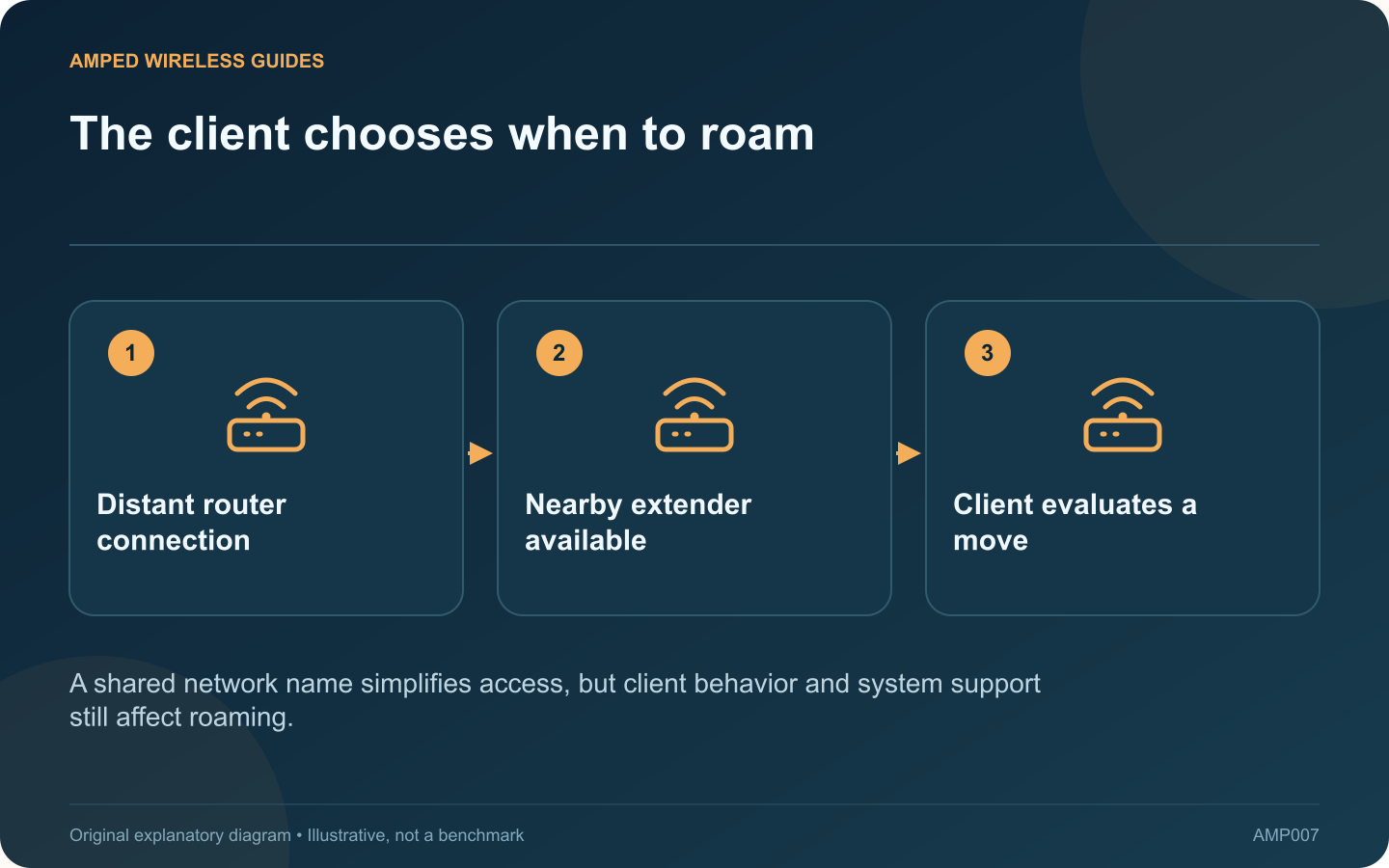
The client chooses when to roam: Distant router connection; Nearby extender available; Client evaluates a move
A shared network name simplifies access, but client behavior and system support still affect roaming.

A phone may remain connected to the main router after you walk beside an extender using the same Wi-Fi name. The client decides when to seek another access point, and matching network names alone do not create a coordinated mesh system.

Verify the current connection

Use the router or extender’s client list where available to identify which device is serving the phone. Update or refresh the view before drawing a conclusion. A remembered list entry can remain visible after the client has moved.

Understand what one name provides

Matching names and compatible security can allow a client to recognize the network, but they do not establish shared steering or fast-transition support. Apple documents roaming as a client decision influenced by signal and available candidates.

Test movement deliberately

Start near the router, begin a normal low-risk task and walk to the target room. Record where quality drops and whether the serving device changes. Repeat in the opposite direction. Different phones can make different decisions on the same network.

Check the installed system

  • Are the router and extender part of a supported mesh combination?
  • Is the relevant firmware installed on both?
  • Does the client support the advertised roaming assistance?
  • Is there useful overlap without placing the devices unnecessarily close?

Avoid aggressive guesses

Randomly lowering transmit power or forcing disconnections can create new coverage gaps. Change one supported setting only when the test indicates a reason and you have a way to undo it.

For a stationary device, reconnecting in the intended room can be a useful comparison, but it does not prove that roaming is solved. For a phone used while walking, repeat the movement test after any correction. Judge success by continuity of the actual task, not by the assumption that the closest visible box must always be the selected access point.

Sources and editorial notes

Sources checked 8–9 October 2026. Independent guidance and original illustrations; product comparisons use published specifications rather than hands-on benchmarks. Check the exact model, revision and regional documentation before changing settings.

Related guides

300 FAQs across our guide libraries

Quick answers

100 practical questions from Amped Wireless Guides.

Browse all 100 FAQs
Why does a phone stay connected to a distant router?

A phone may remain connected to the main router after you walk beside an extender using the same Wi-Fi name. The client decides when to seek another access point, and matching network names alone do not create a coordinated mesh system. Use the router or extender's client list where available to identify which device is serving the phone. Update or refresh the view before drawing a conclusion. A remembered list entry can remain visible after the client has moved.

Read the full guide and sources
Does choosing a Deco satellite’s source pin every client to it?

Supported Deco models can offer connection preferences for a satellite and for an individual client. These controls affect different links. Choosing the wrong one can leave the original problem unchanged. If a satellite repeatedly connects through a distant node, investigate its upstream source. If a television connects to an inconvenient Deco while the satellites themselves are healthy, investigate the client's serving-node preference.

Read the full guide and sources
Why can an older device struggle after Deco Fast Roaming is enabled?

If an older printer, camera or smart device stops connecting immediately after Fast Roaming is enabled, a compatibility test is reasonable. TP-Link documents that some clients cannot interpret the relevant 802.11r information and may fail to connect. Record whether the failure began with the Fast Roaming change or after several unrelated settings were modified. Check another ordinary client on the same network. A whole-network outage requires a broader investigation than one older device rejecting association.

Read the full guide and sources
What can a 2.5G switch improve when its uplink is only Gigabit?

A 2.5 Gigabit switch connected to a Gigabit router can still provide a useful local upgrade. The key is to distinguish traffic that stays between devices on the switch from traffic that must cross the router uplink. A capable workstation transferring to a capable storage server on the same switch may use their faster local connections. A download from the internet must also cross the router-facing link and the broadband service. Those are different paths with different constraints.

Read the full guide and sources
Independent. Practical. Clear.

Amped Wireless Guides is an independent information website. We are not affiliated with or endorsed by Amped Wireless. Product names belong to their respective owners.