Explore the guide library · Extender maintenance
LED controls and radio or power schedules can have very different effects on connected devices.
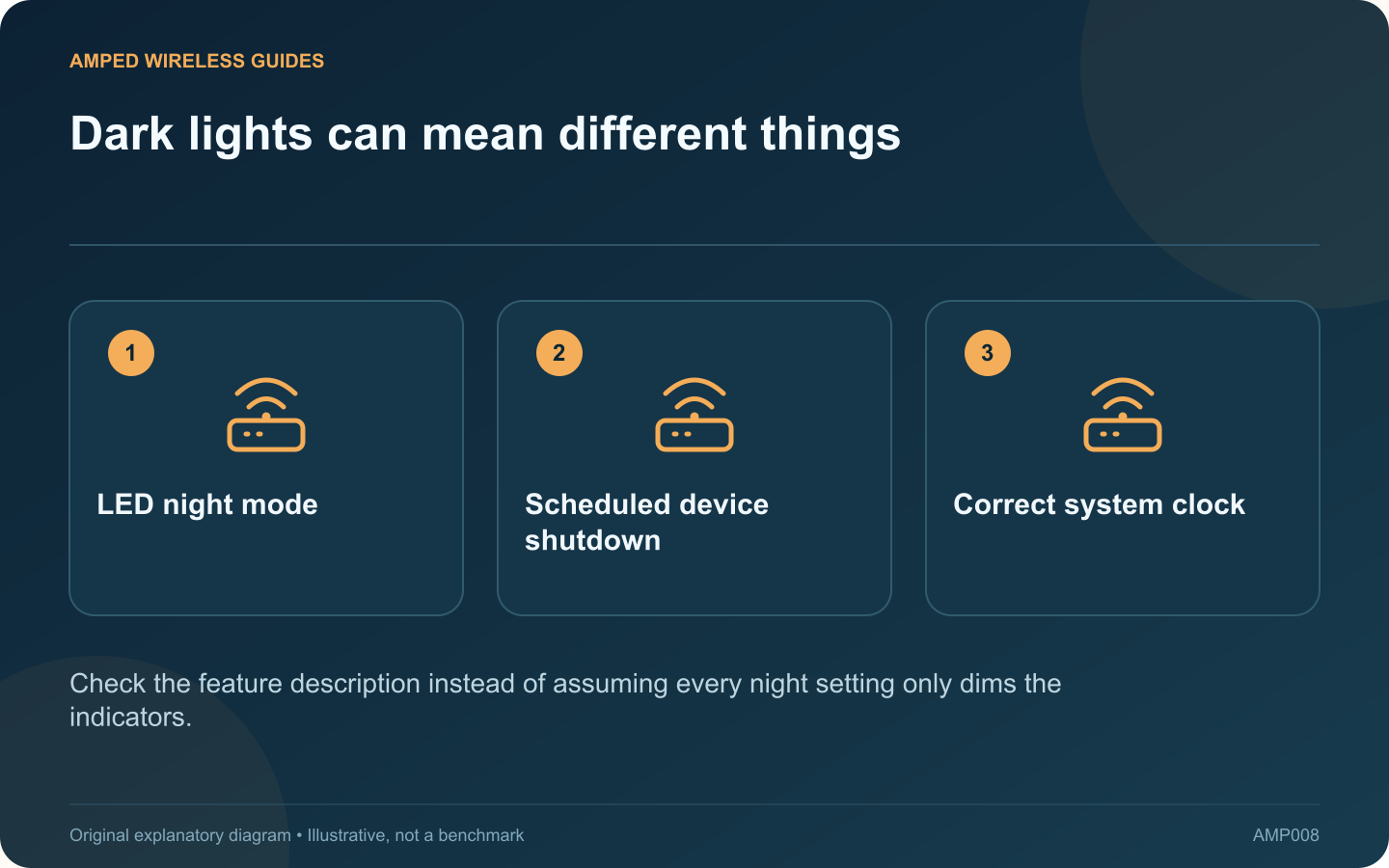
An extender that goes dark every evening may simply be hiding its indicator lights, or it may be scheduled to stop operating. The distinction matters if a camera, smart plug or overnight backup depends on that extender.
Read the feature name and description
TP-Link’s RE305 V4 manual separates LED control from Power Schedule. LED control changes the indicators, while the power schedule defines an off period. Other models may use different labels, so inspect the manual for the installed hardware.
Check connectivity while the lights are dark
Use a device that normally connects through the extender and test its expected service. If the device stays online, the dark indicators may be cosmetic. If several clients disappear together, inspect the operating schedule and upstream connection.
Verify time settings
A schedule follows the extender’s clock, time zone and any daylight-saving configuration. Compare its displayed time with local time. A correct-looking evening rule can run at the wrong hour if the device’s clock configuration is incorrect.
List overnight dependencies
- Security or doorbell devices using the extended network.
- Scheduled computer backups.
- Smart-home routines and remote controls.
- Devices that recover poorly after losing connectivity.
Ask the network owner before interrupting services that other people rely on. A quiet bedroom requirement can often be addressed through an LED setting without scheduling a network outage.
Test the intended behavior
After an authorized correction, verify the next schedule boundary. Confirm that the lights behave as intended and dependent devices remain available or recover according to the plan.
Keep a note of which feature was changed and why. If the extender still disconnects at unrelated times, investigate those events separately. A repeated evening outage may be explained by a schedule, but that explanation should be supported by matching times and status rather than assumed from the fact that the device is dark.
Sources and editorial notes
Sources checked 8–9 October 2026. Independent guidance and original illustrations; product comparisons use published specifications rather than hands-on benchmarks. Check the exact model, revision and regional documentation before changing settings.