Independent extender & router guidesHelping you find your connection.
The guide library

A 2.5G switch with a Gigabit uplink: what gets faster and what stays shared

Explore the guide library · Switch selection and setup

Local device-to-device transfers and traffic leaving the switch do not necessarily follow the same capacity limit.
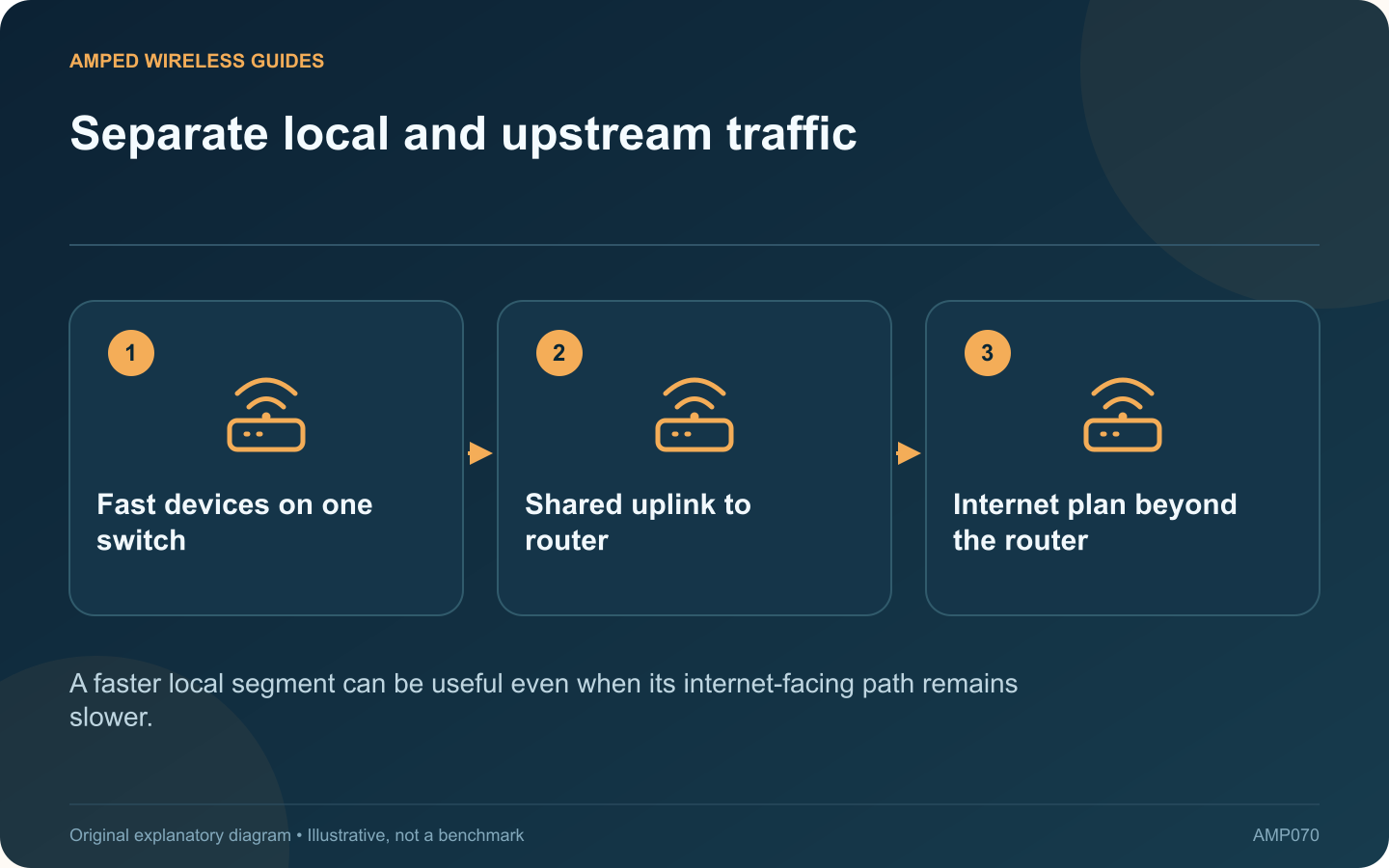
Separate local and upstream traffic: Fast devices on one switch; Shared uplink to router; Internet plan beyond the router
A faster local segment can be useful even when its internet-facing path remains slower.

A 2.5 Gigabit switch connected to a Gigabit router can still provide a useful local upgrade. The key is to distinguish traffic that stays between devices on the switch from traffic that must cross the router uplink.

Draw two example routes

A capable workstation transferring to a capable storage server on the same switch may use their faster local connections. A download from the internet must also cross the router-facing link and the broadband service. Those are different paths with different constraints.

Think about simultaneous use

Several clients sending traffic through one Gigabit uplink share that connection’s capacity. Each port’s advertised speed does not create a separate full-speed internet connection. Identify whether congestion occurs during concurrent activity rather than during one isolated transfer.

Check all negotiated rates

Products such as the cited TL-SG105-M2 family and MS105 support multi-rate ports, but each attached device negotiates according to the compatible interface and cable path. Inspect the actual rate instead of assuming every plugged-in client is operating at 2.5 Gigabit.

Use targeted measurements

Test What it helps isolate
Local transfer on the switch Client, storage and local switching path
Transfer across the uplink Shared upstream connection
Internet workload Router and provider path as well

Upgrade the actual bottleneck

If local transfers are the goal, the existing router may be adequate. If many clients saturate the upstream connection, evaluate a supported faster router or switch topology.

Do not add parallel uplink cables as an improvised fix; an unsupported arrangement can create a network loop. Plan any aggregation or redundancy only through documented features. A network diagram and a few controlled tests make clear whether the next purchase should be a faster uplink, a client adapter, better storage or nothing at all.

Sources and editorial notes

Sources checked 8–9 October 2026. Independent guidance and original illustrations; product comparisons use published specifications rather than hands-on benchmarks. Check the exact model, revision and regional documentation before changing settings.

Related guides

300 FAQs across our guide libraries

Quick answers

100 practical questions from Amped Wireless Guides.

Browse all 100 FAQs
What can a 2.5G switch improve when its uplink is only Gigabit?

A 2.5 Gigabit switch connected to a Gigabit router can still provide a useful local upgrade. The key is to distinguish traffic that stays between devices on the switch from traffic that must cross the router uplink. A capable workstation transferring to a capable storage server on the same switch may use their faster local connections. A download from the internet must also cross the router-facing link and the broadband service. Those are different paths with different constraints.

Read the full guide and sources
What should I compare on TL-SG105-M2 and NETGEAR MS105?

The TL-SG105-M2 and NETGEAR MS105 are candidates for a small unmanaged 2.5 Gigabit network segment. Their shared role means the comparison should focus on practical fit rather than inventing a performance winner from brand preference. A workstation and storage server with suitable interfaces may benefit from faster local transfers. An older Gigabit device remains limited by its own connection. Check the negotiated rate at each endpoint after installation.

Read the full guide and sources
Does adding a second switch uplink automatically increase speed?

Connecting a second ordinary cable between two switches does not automatically double their speed. Without an appropriate supported configuration, the additional path can create an Ethernet loop and disrupt the entire LAN. NETGEAR describes loops as a cause of broadcast storms, irregular connectivity and network failure. If problems began immediately after an extra cable was installed, document that change and review the physical topology before resetting routers or client devices.

Read the full guide and sources
Should a home network use a five-port or eight-port switch?

A five-port switch does not normally provide five additional device connections when one port is needed to reach the router. Count the uplink and every planned endpoint before deciding between a compact five-port model and an eight-port alternative. For a television cabinet, the list might include the router uplink, television, console, streaming box and access point. That already occupies five ports. A future receiver or second console would require another arrangement.

Read the full guide and sources
Independent. Practical. Clear.

Amped Wireless Guides is an independent information website. We are not affiliated with or endorsed by Amped Wireless. Product names belong to their respective owners.