Explore the guide library · Extender connection checks
A working 2.4 GHz connection does not establish support for every 5 GHz channel used by the router.
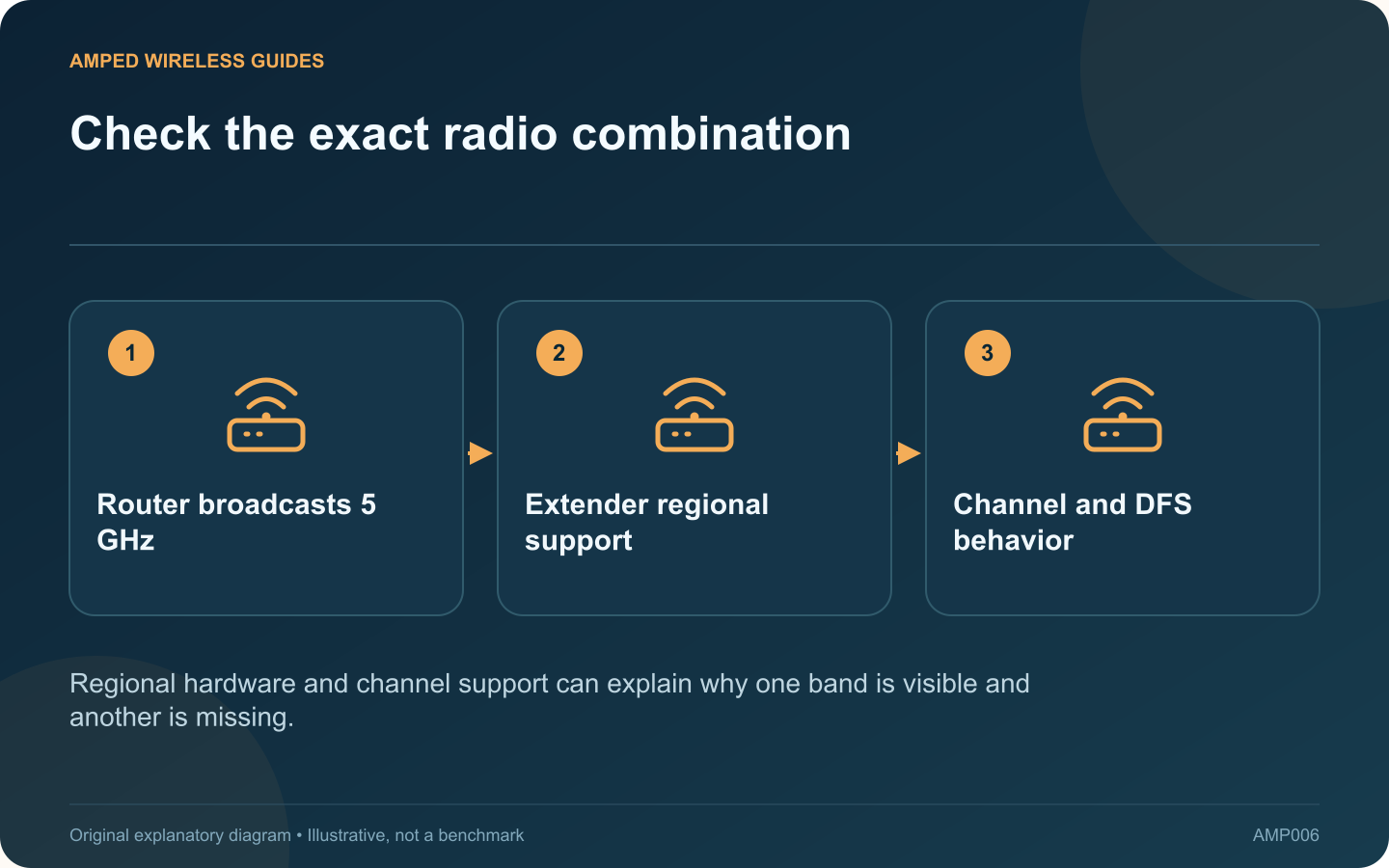
An extender finding the router’s 2.4 GHz network but missing its 5 GHz network has a narrower problem than a completely failed setup. Confirm the router’s 5 GHz radio and the extender’s supported channels before resetting the device.
Verify the router is broadcasting
Use another compatible client near the router to check its 5 GHz network. If that client cannot see it either, inspect the router first. When both bands share one name, use the router’s status information to verify which band the test client actually joined.
Read the regional model label
TP-Link documents differences in 5 GHz channel support between regional extender versions. A device purchased for another market may not match the router’s available channel set. Compare the exact label and official regional documentation rather than assuming all units with the same retail name are identical.
Consider DFS behavior
Some 5 GHz channels require radar-related checks or channel changes. A device’s support and timing can affect discovery. Do not copy a channel number from a guide for another country or alter the regulatory region to force access to unavailable channels.
Make a controlled compatibility test
- Move the extender near the router temporarily.
- Record the router’s current 5 GHz channel.
- If authorized, select a locally permitted channel supported by both devices.
- Rescan after the router completes the change.
Keep the original setting noted. Avoid changing security, network names and channel width simultaneously, because a successful connection would then be harder to explain.
Confirm operation after relocation
If the extender now discovers and joins the network, move it to the intended position and check the upstream status again. A compatibility fix does not guarantee adequate signal through walls.
If it still cannot detect a confirmed compatible broadcast, review supported firmware and contact the vendor with the regional model, channel and test results. That evidence is more useful than repeatedly entering a password for a network the extender never discovered.
Sources and editorial notes
Sources checked 8–9 October 2026. Independent guidance and original illustrations; product comparisons use published specifications rather than hands-on benchmarks. Check the exact model, revision and regional documentation before changing settings.