Explore the guide library · Mesh maintenance
Use the supported main-unit change workflow and verify operating-mode compatibility before moving the internet cable.
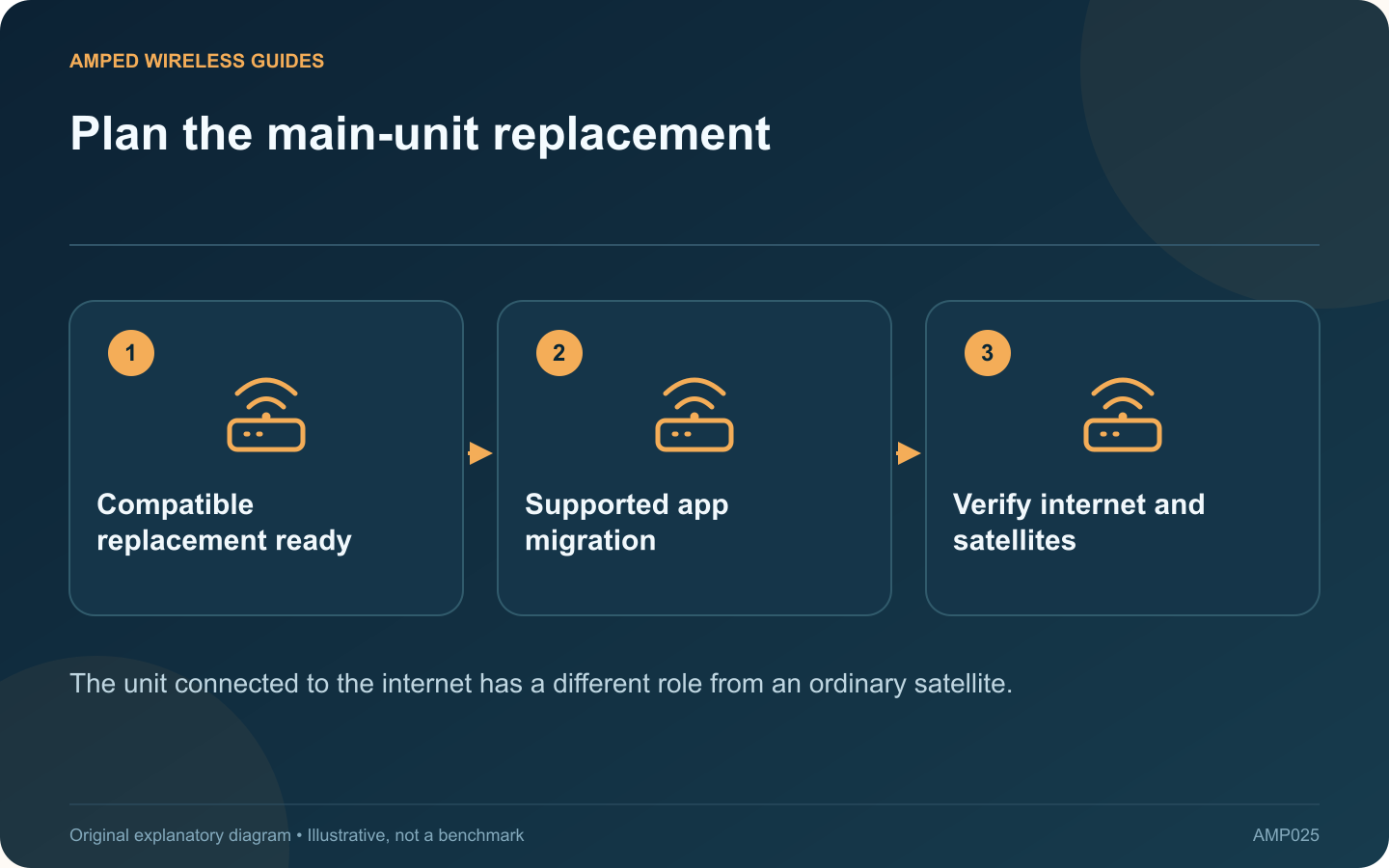
Upgrading the main Deco is a network-role change, not simply adding another satellite. TP-Link provides supported workflows for promoting an existing unit or replacing the main unit while preserving the intended network configuration.
Confirm the replacement fits the role
Check that it supports the current operating mode and required internet connection features. Consider its Ethernet port speeds and the physical ports needed for the gateway and LAN. A faster wireless specification does not compensate for an unsuitable port arrangement.
Prepare while the current network works
Record essential connection information and confirm access to the managing account. Use the vendor’s current replacement instructions. Some migration steps assume the existing main unit remains online, so a planned upgrade differs from recovery after complete hardware failure.
Choose the correct app action
TP-Link distinguishes setting an existing satellite as main from replacing the main unit with a new device. Select the workflow matching your situation and follow its cable and startup sequence. Avoid resetting the entire mesh as a shortcut.
Allow for an interruption
- Finish active calls and transfers first.
- Keep the old unit and cables identifiable.
- Move the internet connection only at the instructed step.
- Wait for the new main unit to establish service.
Validate the network afterward
Check internet access, satellite status and any wired backhaul. Test local resources and the household controls that matter. If the provider-side gateway does not recognize the replacement connection, follow its documented recovery process rather than inventing addressing settings.
Keep the old unit unchanged until the migration is confirmed successful. Then decide whether it will be reused as a supported satellite or retired through the normal reset and account-removal process.
Save the new topology and model details. A planned replacement is complete when the main unit, satellites and required services work together in the intended mode, not merely when the app displays the new hardware’s name.
Sources and editorial notes
Sources checked 8–9 October 2026. Independent guidance and original illustrations; product comparisons use published specifications rather than hands-on benchmarks. Check the exact model, revision and regional documentation before changing settings.