Explore the guide library · Coverage design choices
Read the configured role of the 6 GHz radio before assuming a missing client network means the hardware is faulty.
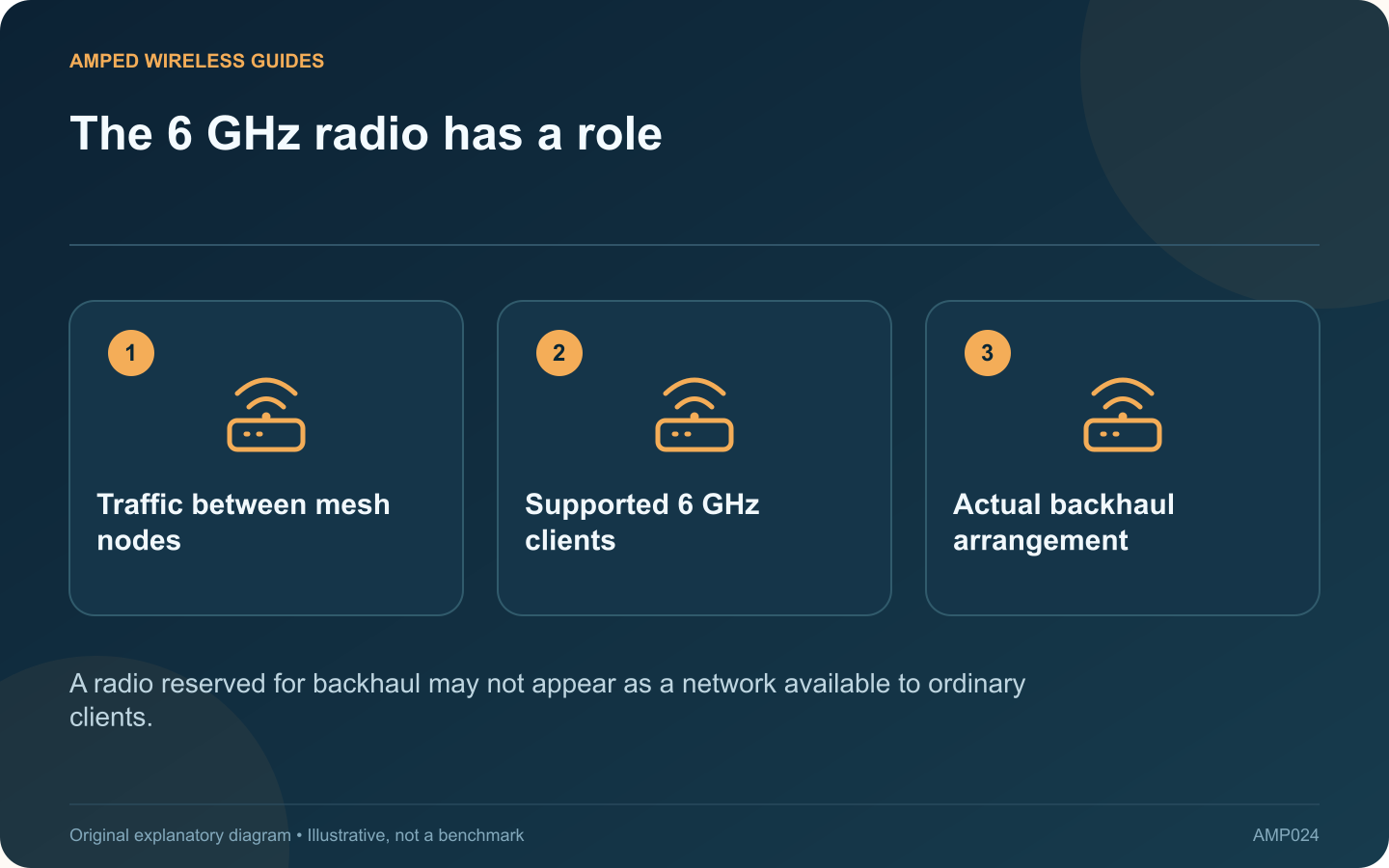
A compatible phone may not see a 6 GHz network on a Deco XE75 because that radio is configured for backhaul. The product’s revision-specific manual distinguishes a dedicated-backhaul role from a client Wi-Fi network role.
Read the installed configuration
Open the current Deco wireless settings and inspect the 6 GHz section. Confirm the exact hardware revision and firmware before following a menu path from an older manual. Do not infer the radio’s role solely from the tri-band label on the box.
Identify who needs the band
If the household mainly uses older clients, the 6 GHz radio may still be useful between compatible mesh nodes. If a laptop supports 6 GHz, client access may be relevant, but it must also meet operating-system and regional requirements.
Examine the backhaul plan
A wireless mesh and an Ethernet-wired mesh have different demands on radio capacity. Record how every satellite currently connects before changing the 6 GHz role. A client speed improvement in one room should not conceal a weaker upstream arrangement elsewhere.
Make a purposeful comparison
- Record the current band role and node connections.
- Test the target client’s normal workload.
- Apply a supported configuration suited to the network.
- Repeat the client test and check the satellites.
Keep the same location and task. Moving next to the main node while changing the band creates an unfair before-and-after comparison.
Check compatibility without weakening security
Use the prescribed security settings for the 6 GHz network and current supported client software. A device without the required radio cannot gain support by repeatedly forgetting and rejoining the network.
Choose the configuration that serves the whole installation. The meaningful question is how the radio contributes to client access and node connectivity in your home, not whether every advertised band must always appear as a separately selectable network on every device.
Sources and editorial notes
Sources checked 8–9 October 2026. Independent guidance and original illustrations; product comparisons use published specifications rather than hands-on benchmarks. Check the exact model, revision and regional documentation before changing settings.
- TP-Link: Deco XE75 revision 2 manual and 6 GHz roles
- Apple: Wi-Fi 6E and Wi-Fi 7 network compatibility