Independent extender & router guidesHelping you find your connection.
The guide library

Managed vs unmanaged switches for a home network: which controls will you use?

Explore the guide library · Switch selection and setup

Choose management for a defined requirement such as VLANs or port diagnostics, and plan who will maintain it.
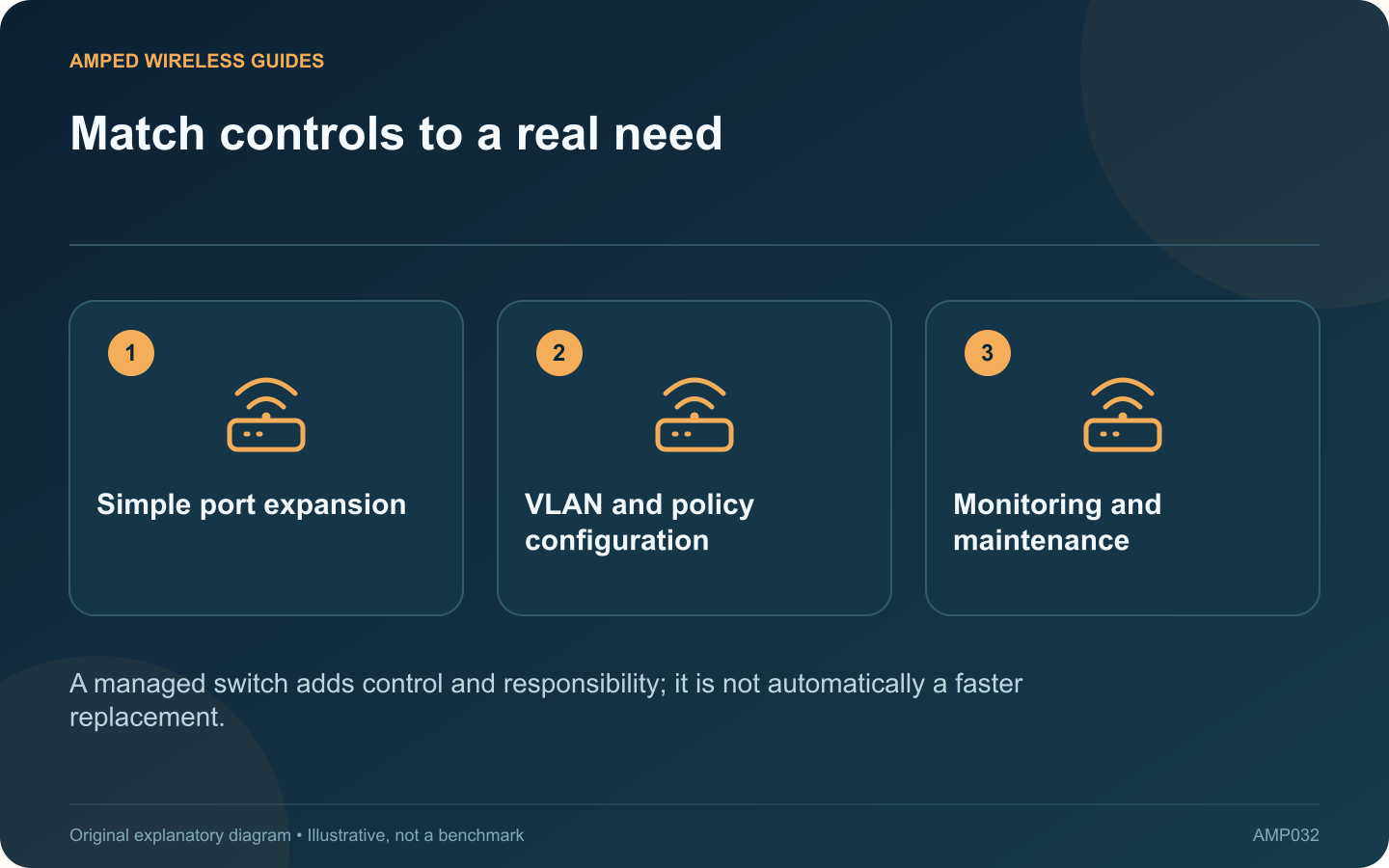
Match controls to a real need: Simple port expansion; VLAN and policy configuration; Monitoring and maintenance
A managed switch adds control and responsibility; it is not automatically a faster replacement.

An unmanaged switch can be sufficient when the task is simply adding wired connections to one ordinary LAN. A managed switch becomes useful when you need specific controls or diagnostics, but those capabilities also require deliberate configuration and maintenance.

Define the requirement

Examples include separating traffic with VLANs, inspecting port errors, managing supported aggregation or controlling PoE per port. Write down the actual feature needed. Buying a managed model solely because it sounds more professional can add complexity without solving a problem.

Read the exact feature list

NETGEAR distinguishes several switch-management categories. Labels such as smart, easy managed and fully managed are not interchangeable promises across manufacturers. Check the model’s manual for the required function and any controller or subscription dependency.

Compare the ordinary workload

Need Likely direction
More ports on one LAN A suitable unmanaged switch may suffice
Tagged networks to access points Explicit VLAN support and an end-to-end plan
Port-level diagnostics A managed interface exposing the required counters

Plan management access

Keep a record of how the switch receives its management address and who administers it. Use supported authentication and firmware maintenance. Do not expose its management interface to the public internet for convenience.

Test the final configuration

Verify each intended network path, including any separation rules. A client receiving internet access does not prove that a guest or IoT boundary is correctly enforced.

If no management feature is needed, a reliable correctly rated unmanaged switch can remain a sensible choice. If one is needed, buy for that specific capability and preserve a configuration backup through the vendor’s supported process. The right comparison is the control you will use and maintain, alongside port speed and power requirements, rather than a broad assumption that management itself improves throughput.

Sources and editorial notes

Sources checked 8–9 October 2026. Independent guidance and original illustrations; product comparisons use published specifications rather than hands-on benchmarks. Check the exact model, revision and regional documentation before changing settings.

Related guides

300 FAQs across our guide libraries

Quick answers

100 practical questions from Amped Wireless Guides.

Browse all 100 FAQs
When are managed-switch features useful at home?

An unmanaged switch can be sufficient when the task is simply adding wired connections to one ordinary LAN. A managed switch becomes useful when you need specific controls or diagnostics, but those capabilities also require deliberate configuration and maintenance. Examples include separating traffic with VLANs, inspecting port errors, managing supported aggregation or controlling PoE per port. Write down the actual feature needed. Buying a managed model solely because it sounds more professional can add complexity without solving a problem.

Read the full guide and sources
What should I compare on TL-SG105-M2 and NETGEAR MS105?

The TL-SG105-M2 and NETGEAR MS105 are candidates for a small unmanaged 2.5 Gigabit network segment. Their shared role means the comparison should focus on practical fit rather than inventing a performance winner from brand preference. A workstation and storage server with suitable interfaces may benefit from faster local transfers. An older Gigabit device remains limited by its own connection. Check the negotiated rate at each endpoint after installation.

Read the full guide and sources
Does adding a second switch uplink automatically increase speed?

Connecting a second ordinary cable between two switches does not automatically double their speed. Without an appropriate supported configuration, the additional path can create an Ethernet loop and disrupt the entire LAN. NETGEAR describes loops as a cause of broadcast storms, irregular connectivity and network failure. If problems began immediately after an extra cable was installed, document that change and review the physical topology before resetting routers or client devices.

Read the full guide and sources
Should a home network use a five-port or eight-port switch?

A five-port switch does not normally provide five additional device connections when one port is needed to reach the router. Count the uplink and every planned endpoint before deciding between a compact five-port model and an eight-port alternative. For a television cabinet, the list might include the router uplink, television, console, streaming box and access point. That already occupies five ports. A future receiver or second console would require another arrangement.

Read the full guide and sources
Independent. Practical. Clear.

Amped Wireless Guides is an independent information website. We are not affiliated with or endorsed by Amped Wireless. Product names belong to their respective owners.