Independent extender & router guidesHelping you find your connection.
The guide library

Convert a supported extender to a wired access point: a practical migration checklist

Explore the guide library · Wired backhaul planning

Use the model’s documented AP mode when Ethernet can reach the room that needs coverage.
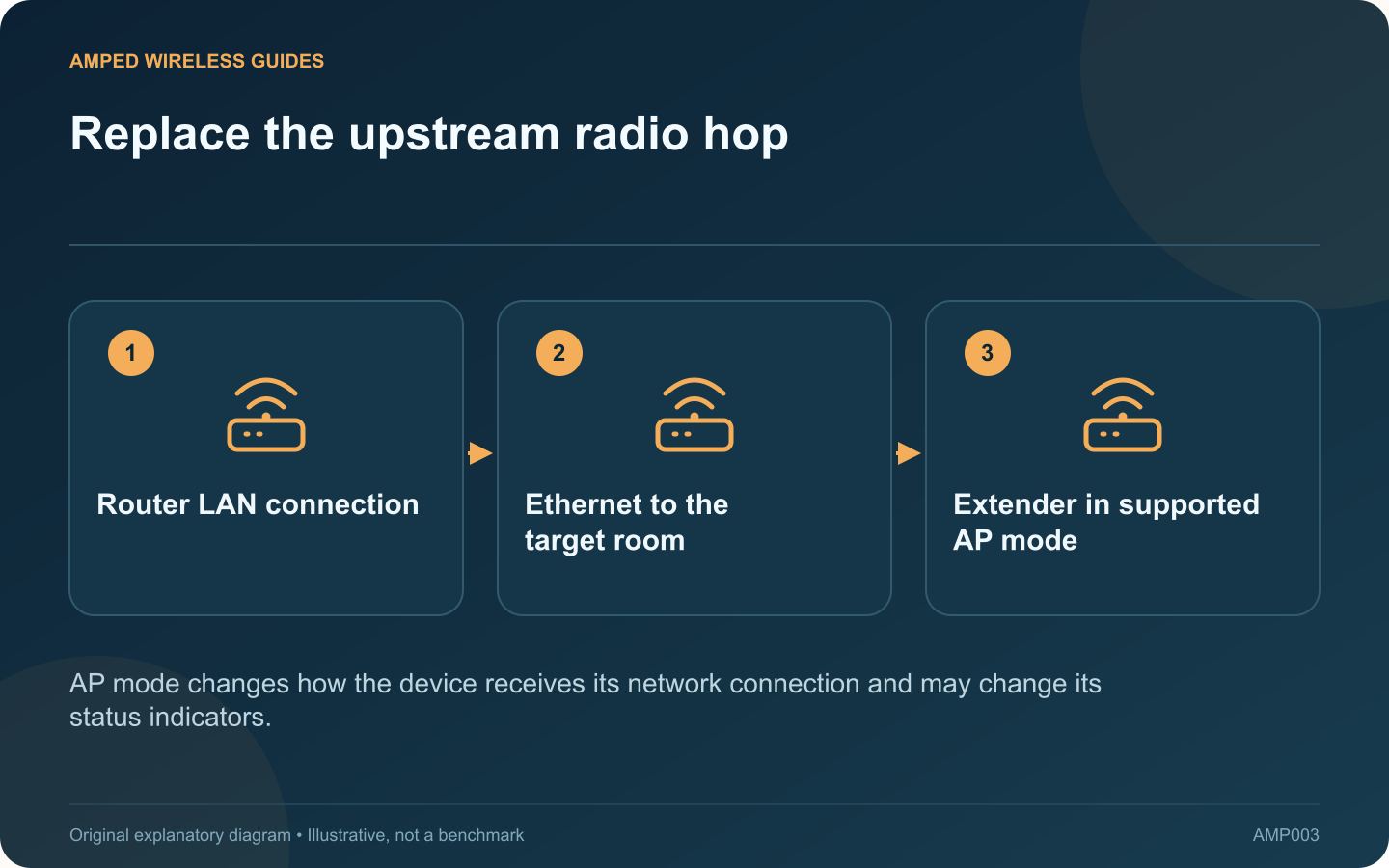
Replace the upstream radio hop: Router LAN connection; Ethernet to the target room; Extender in supported AP mode
AP mode changes how the device receives its network connection and may change its status indicators.

If an Ethernet run reaches a difficult room, a supported extender may be reusable as an access point. This changes the upstream path from Wi-Fi to cable and lets you place the radio near the clients that need coverage.

Verify support before moving cables

Check the exact model, hardware revision and manual for Access Point mode. An Ethernet socket alone does not prove that the feature is available. TP-Link’s documentation explicitly notes that some extender models lack AP mode.

Prepare the existing network

Confirm that the wall connection reaches a working LAN port on the intended router or switch. Test it with a computer if practical. Record the extender’s current settings and management method so you can recover if the mode change alters its address.

Apply the documented mode change

Choose Access Point mode through the supported app or web interface and allow the reboot to finish. Connect the Ethernet cable as the model’s instructions specify. Keep the upstream router responsible for addressing unless the documented network design says otherwise.

Review wireless settings

  • Set the intended network name and supported security.
  • Confirm both required bands are enabled.
  • Use current supported firmware.
  • Record how to find the device’s management address.

Interpret the indicators again

Status lights may change meaning in AP mode. TP-Link notes that a signal indicator can remain off because the device no longer uses a wireless connection to the router. Read the mode-specific manual before declaring that an unlit signal LED means failure.

Test browsing, a local resource and the demanding task in the target room. Check the wired link rate as well as wireless reception. A cable negotiating below its expected rate can become the new bottleneck.

Keep the previous configuration notes until the new arrangement survives normal use. The migration is complete when the room has reliable service through the intended wired path and you can still manage the access point without guessing its address.

Sources and editorial notes

Sources checked 8–9 October 2026. Independent guidance and original illustrations; product comparisons use published specifications rather than hands-on benchmarks. Check the exact model, revision and regional documentation before changing settings.

Related guides

300 FAQs across our guide libraries

Quick answers

100 practical questions from Amped Wireless Guides.

Browse all 100 FAQs
What should I check before converting an extender into a wired access point?

If an Ethernet run reaches a difficult room, a supported extender may be reusable as an access point. This changes the upstream path from Wi-Fi to cable and lets you place the radio near the clients that need coverage. Check the exact model, hardware revision and manual for Access Point mode. An Ethernet socket alone does not prove that the feature is available. TP-Link's documentation explicitly notes that some extender models lack AP mode.

Read the full guide and sources
How do AiMesh Ethernet Backhaul Mode and Ethernet-first priority differ?

ASUS AiMesh offers Ethernet Backhaul Mode and a per-node Backhaul Connection Priority on supported firmware. These controls serve different installation plans. Choosing the system-wide wired option while some nodes remain wireless can disconnect those nodes. List each node and whether an Ethernet cable reaches its supported upstream port. Verify the cable at both ends. A room socket that has never been connected at the cabinet does not count as an available wired backhaul.

Read the full guide and sources
How should I wire Deco behind an existing router in Access Point mode?

Access Point mode can suit a home where an existing router must continue handling the network. Deco then provides wireless access while the upstream router remains responsible for routing and address assignment. Plan the wiring around that division of roles. It may provide required provider functions, network controls or a configuration you already maintain. List those requirements before changing modes. Do not assume every Deco Router-mode feature remains available in Access Point mode.

Read the full guide and sources
Where should a switch connect when Deco runs in Router mode?

When Deco runs in Router mode, the main unit separates its upstream internet connection from the network it manages. A switch used for satellite backhaul belongs on the main unit's LAN side. Treating every available Ethernet socket as equivalent can create an incorrect topology. Write the order as internet gateway, main Deco, LAN switch and satellite Decos. TP-Link's wiring guidance places wired satellites behind the main Deco in Router mode. Avoid connecting them to a switch that bypasses the main unit on its upstream side.

Read the full guide and sources
Independent. Practical. Clear.

Amped Wireless Guides is an independent information website. We are not affiliated with or endorsed by Amped Wireless. Product names belong to their respective owners.