Independent extender & router guidesHelping you find your connection.
The guide library

An access point has power but a slow wired link: check the PoE data path

Explore the guide library · PoE troubleshooting

An injector can provide adequate power while another part of the Ethernet path limits throughput.
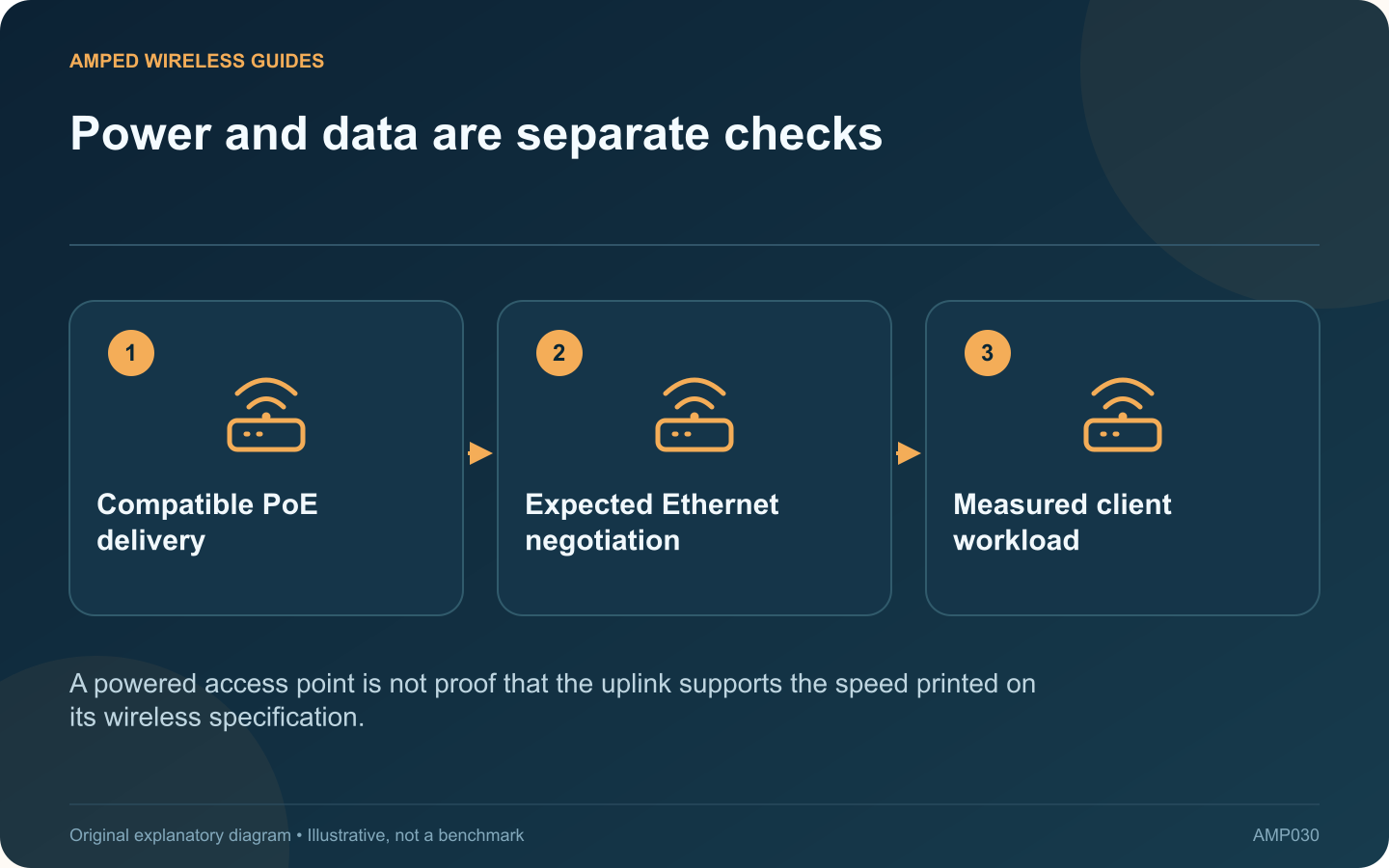
Power and data are separate checks: Compatible PoE delivery; Expected Ethernet negotiation; Measured client workload
A powered access point is not proof that the uplink supports the speed printed on its wireless specification.

An access point can start normally and broadcast Wi-Fi while its wired uplink runs below the expected speed. PoE delivery and Ethernet data performance are related parts of one cable path, but success in one does not prove success in the other.

Inventory every component

List the switch port, injector if present, patch leads, permanent cable and access-point port. Read the data-rate specification for the injector as well as its PoE standard. A power-compatible older accessory can still limit a newer multi-gigabit access point.

Check negotiated link information

Use the access point or switch interface to inspect the actual rate and any errors. Compare it with both ends’ capabilities. A 2.5G access point connected to a Gigabit switch is expected to use a mutually supported rate rather than its highest possible one.

Separate wireless from wired tests

Begin with the uplink evidence before changing radio channels. Where practical, use a capable local wired destination for a controlled transfer. An internet speed test may be capped by the service plan and conceal the uplink’s real behavior.

Replace one suspect segment

  • Try a known-good patch lead.
  • Check another correctly configured compatible port.
  • Verify the injector’s published data capability.
  • Inspect the permanent run if simpler substitutions do not help.

Do not bypass the required power source with an incompatible one merely to test speed. Preserve the access point’s documented electrical requirements throughout the comparison.

Verify after the repair

Confirm the intended link rate and repeat the original client workload. Watch for errors or renegotiation during sustained use, not only during the first few seconds after startup.

Keep power and data specifications together in the equipment inventory. That prevents a future replacement injector from being selected only by wattage while silently reducing the network path that feeds every wireless client on the access point.

Sources and editorial notes

Sources checked 8–9 October 2026. Independent guidance and original illustrations; product comparisons use published specifications rather than hands-on benchmarks. Check the exact model, revision and regional documentation before changing settings.

Related guides

300 FAQs across our guide libraries

Quick answers

100 practical questions from Amped Wireless Guides.

Browse all 100 FAQs
Why can a powered access point still have a slow Ethernet link?

An access point can start normally and broadcast Wi-Fi while its wired uplink runs below the expected speed. PoE delivery and Ethernet data performance are related parts of one cable path, but success in one does not prove success in the other. List the switch port, injector if present, patch leads, permanent cable and access-point port. Read the data-rate specification for the injector as well as its PoE standard. A power-compatible older accessory can still limit a newer multi-gigabit access point.

Read the full guide and sources
Why might a PoE camera restart after dark?

A wired PoE camera that restarts after dark can have a power-delivery problem even when daytime video is stable. Infrared illumination, heating or other model-specific functions can change demand. Correlate the event before deciding that the network connection is at fault. Check the camera's uptime or event log where available. A device reboot is different from a viewing application briefly losing video. Record the exact time and whether other cameras fail simultaneously.

Read the full guide and sources
What should I compare on PGW2440 and TL-WPA8631P?

A Wi-Fi powerline kit combines a wired-over-mains link with a wireless access point. Comparing the PGW2440 kit with the TL-WPA8631P therefore requires two separate questions: which powerline family fits the installation, and which wireless capabilities are useful in the destination room? TP-Link presents PGW2440 as a G.hn and AX1800 Wi-Fi 6 kit. The cited UK revision 3.0 datasheet for TL-WPA8631P describes an AV1300 powerline AC Wi-Fi kit. Verify the actual regional revision before buying because listings and support pages can span multiple versions.

Read the full guide and sources
What should I check before converting an extender into a wired access point?

If an Ethernet run reaches a difficult room, a supported extender may be reusable as an access point. This changes the upstream path from Wi-Fi to cable and lets you place the radio near the clients that need coverage. Check the exact model, hardware revision and manual for Access Point mode. An Ethernet socket alone does not prove that the feature is available. TP-Link's documentation explicitly notes that some extender models lack AP mode.

Read the full guide and sources
Independent. Practical. Clear.

Amped Wireless Guides is an independent information website. We are not affiliated with or endorsed by Amped Wireless. Product names belong to their respective owners.