Explore the guide library · Switch selection and setup
The connection back to the router normally consumes one of the switch’s advertised ports.
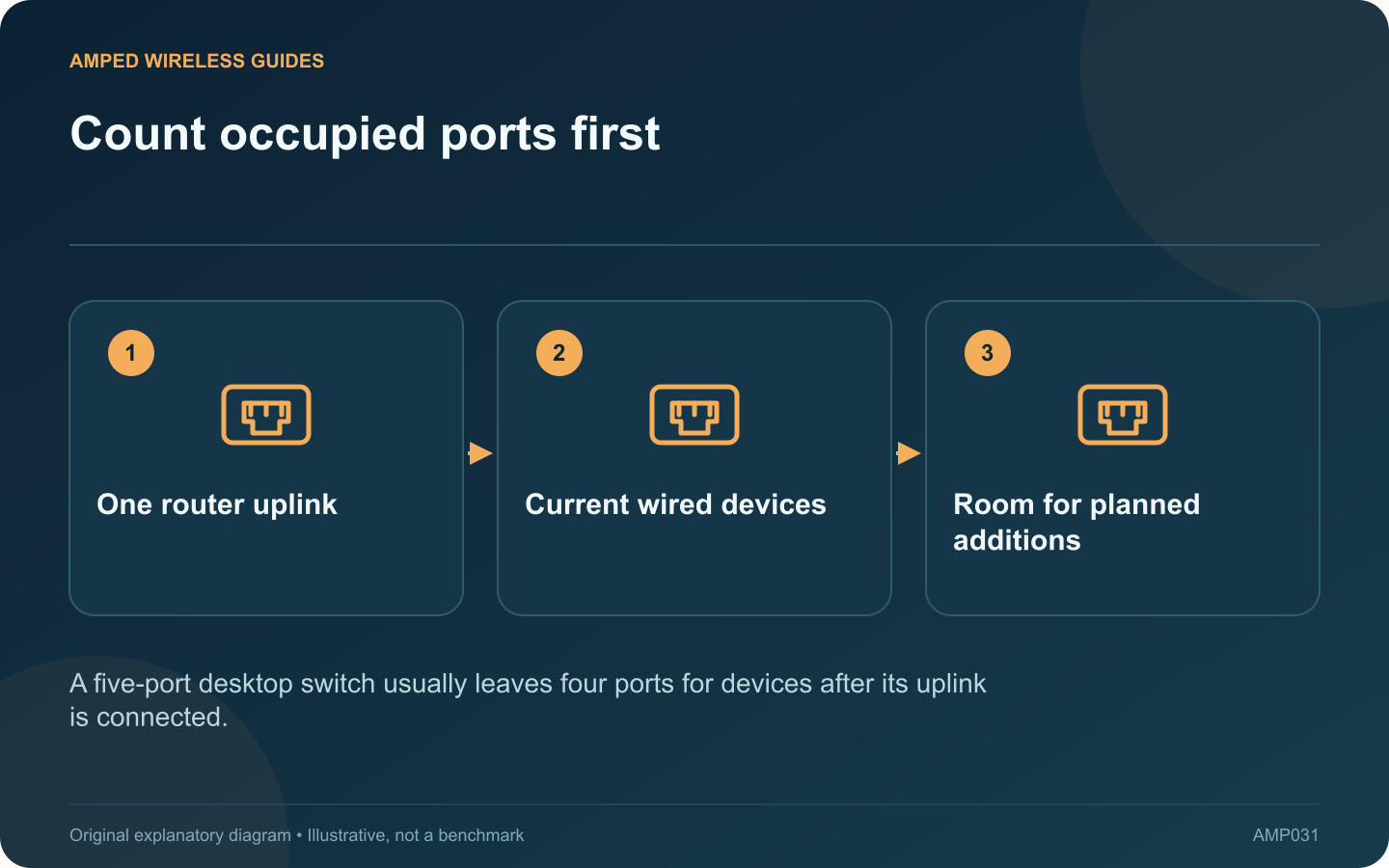
A five-port switch does not normally provide five additional device connections when one port is needed to reach the router. Count the uplink and every planned endpoint before deciding between a compact five-port model and an eight-port alternative.
Make a port list
For a television cabinet, the list might include the router uplink, television, console, streaming box and access point. That already occupies five ports. A future receiver or second console would require another arrangement.
Compare a concrete example
TP-Link’s TL-SG105 and TL-SG108 families provide five and eight Gigabit ports respectively in the cited revision datasheet. The extra ports increase connection capacity; they do not make a single Gigabit device operate at a higher link rate.
Leave sensible headroom
List likely additions over the next year, but avoid buying a much larger unit without a reason. Space, power-adapter placement, ventilation and cable bend clearance matter in a small cabinet as well as the port count.
Check features separately
- PoE is not implied by an ordinary Ethernet port.
- Management and VLAN controls depend on the model.
- Multi-gigabit support requires explicitly rated ports.
- Fan behavior and mounting options vary by product.
Plan the uplink’s shared use
Several devices can communicate through the switch, but traffic leaving toward the router shares the uplink’s capacity. That may be perfectly adequate for ordinary streaming devices. Evaluate it against the expected simultaneous workload rather than adding every port’s advertised rate and assuming the router receives that total.
After installation, label the uplink and check each endpoint’s connection. Keep one spare port only if it is useful for growth or troubleshooting; unused capacity is a planning choice, not a performance feature. A small port inventory turns the purchase into a straightforward fit decision and avoids adding another switch immediately after the first one arrives.
Sources and editorial notes
Sources checked 8–9 October 2026. Independent guidance and original illustrations; product comparisons use published specifications rather than hands-on benchmarks. Check the exact model, revision and regional documentation before changing settings.