Independent extender & router guidesHelping you find your connection.
The guide library

A PoE camera restarts at night: inspect peak power before blaming Wi-Fi

Explore the guide library · PoE troubleshooting

Night illumination or heating can change demand, so compare the restart time with power and link events.
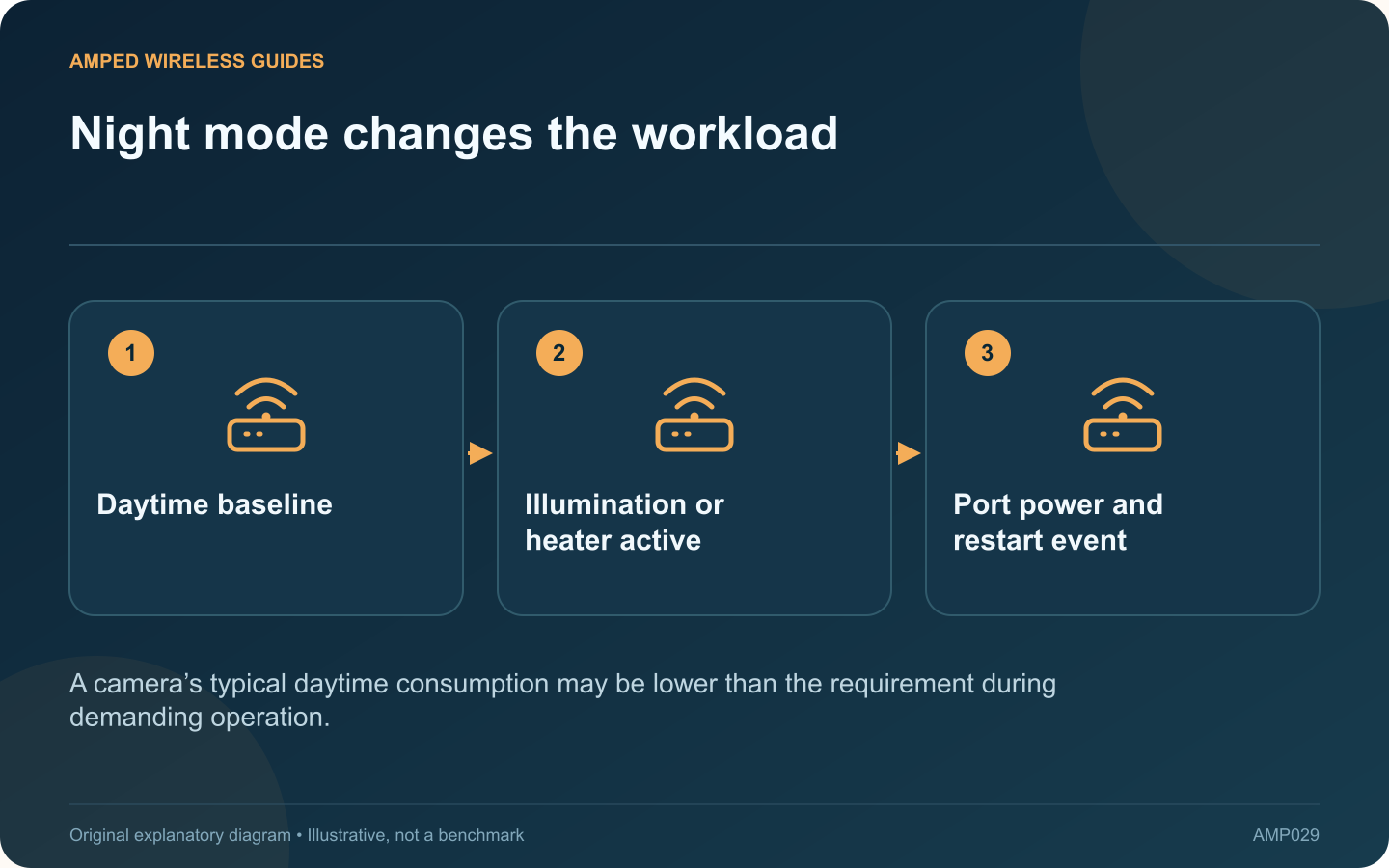
Night mode changes the workload: Daytime baseline; Illumination or heater active; Port power and restart event
A camera’s typical daytime consumption may be lower than the requirement during demanding operation.

A wired PoE camera that restarts after dark can have a power-delivery problem even when daytime video is stable. Infrared illumination, heating or other model-specific functions can change demand. Correlate the event before deciding that the network connection is at fault.

Distinguish a restart from a stream interruption

Check the camera’s uptime or event log where available. A device reboot is different from a viewing application briefly losing video. Record the exact time and whether other cameras fail simultaneously.

Read maximum as well as typical power

Axis explains that typical camera power figures can describe operation with heating or infrared illumination off. Use the exact camera’s documented maximum and PoE requirement when evaluating the source, not only the low figure observed during daylight.

Inspect the switch at the same time

Look for power-budget warnings, port power cycling or link changes. Compare the total demand from all connected devices. Several cameras entering night mode together can expose a shared budget limitation.

Check the cable path

  • Known cable length and installation condition.
  • Secure connectors and suitable terminations.
  • Correct PoE standard at the source.
  • No undocumented passive adapters or splitters.

If a temporary known-good local cable is practical, it can help distinguish the permanent run from the camera and power source. Perform the comparison during an agreed maintenance period so surveillance expectations remain clear.

Validate under the demanding condition

After a supported correction, observe the camera through the period that previously triggered the failure. A successful midday reboot test does not establish reliable night operation.

Do not disable needed illumination or heating permanently just to fit an undersized power supply. Choose a compatible source and cabling arrangement that supports the intended features. Keep the event and power observations together so future troubleshooting can distinguish a supply problem, a camera fault and an unrelated viewing-service interruption.

Sources and editorial notes

Sources checked 8–9 October 2026. Independent guidance and original illustrations; product comparisons use published specifications rather than hands-on benchmarks. Check the exact model, revision and regional documentation before changing settings.

Related guides

300 FAQs across our guide libraries

Quick answers

100 practical questions from Amped Wireless Guides.

Browse all 100 FAQs
Why might a PoE camera restart after dark?

A wired PoE camera that restarts after dark can have a power-delivery problem even when daytime video is stable. Infrared illumination, heating or other model-specific functions can change demand. Correlate the event before deciding that the network connection is at fault. Check the camera's uptime or event log where available. A device reboot is different from a viewing application briefly losing video. Record the exact time and whether other cameras fail simultaneously.

Read the full guide and sources
Why can a powered access point still have a slow Ethernet link?

An access point can start normally and broadcast Wi-Fi while its wired uplink runs below the expected speed. PoE delivery and Ethernet data performance are related parts of one cable path, but success in one does not prove success in the other. List the switch port, injector if present, patch leads, permanent cable and access-point port. Read the data-rate specification for the injector as well as its PoE standard. A power-compatible older accessory can still limit a newer multi-gigabit access point.

Read the full guide and sources
How does extender night mode differ from a power schedule?

An extender that goes dark every evening may simply be hiding its indicator lights, or it may be scheduled to stop operating. The distinction matters if a camera, smart plug or overnight backup depends on that extender. TP-Link's RE305 V4 manual separates LED control from Power Schedule. LED control changes the indicators, while the power schedule defines an off period. Other models may use different labels, so inspect the manual for the installed hardware.

Read the full guide and sources
Should I power one access point with an injector or a PoE switch?

A standalone PoE injector can add power to one Ethernet path without replacing a working non-PoE switch. A PoE switch combines multiple data and power connections. Choose between them based on the installation you expect to maintain. For one access point, an injector may be a simple addition. For several access points and cameras, separate injectors create more power adapters and cables to organize. Include likely near-term additions rather than counting only today's first device.

Read the full guide and sources
Independent. Practical. Clear.

Amped Wireless Guides is an independent information website. We are not affiliated with or endorsed by Amped Wireless. Product names belong to their respective owners.