Independent extender & router guidesHelping you find your connection.
The guide library

PGW2440 vs TL-WPA8631P: compare both the wireless and powerline halves

Explore the guide library · Powerline networking

A newer Wi-Fi radio does not remove the need for matching powerline endpoints and suitable electrical wiring.
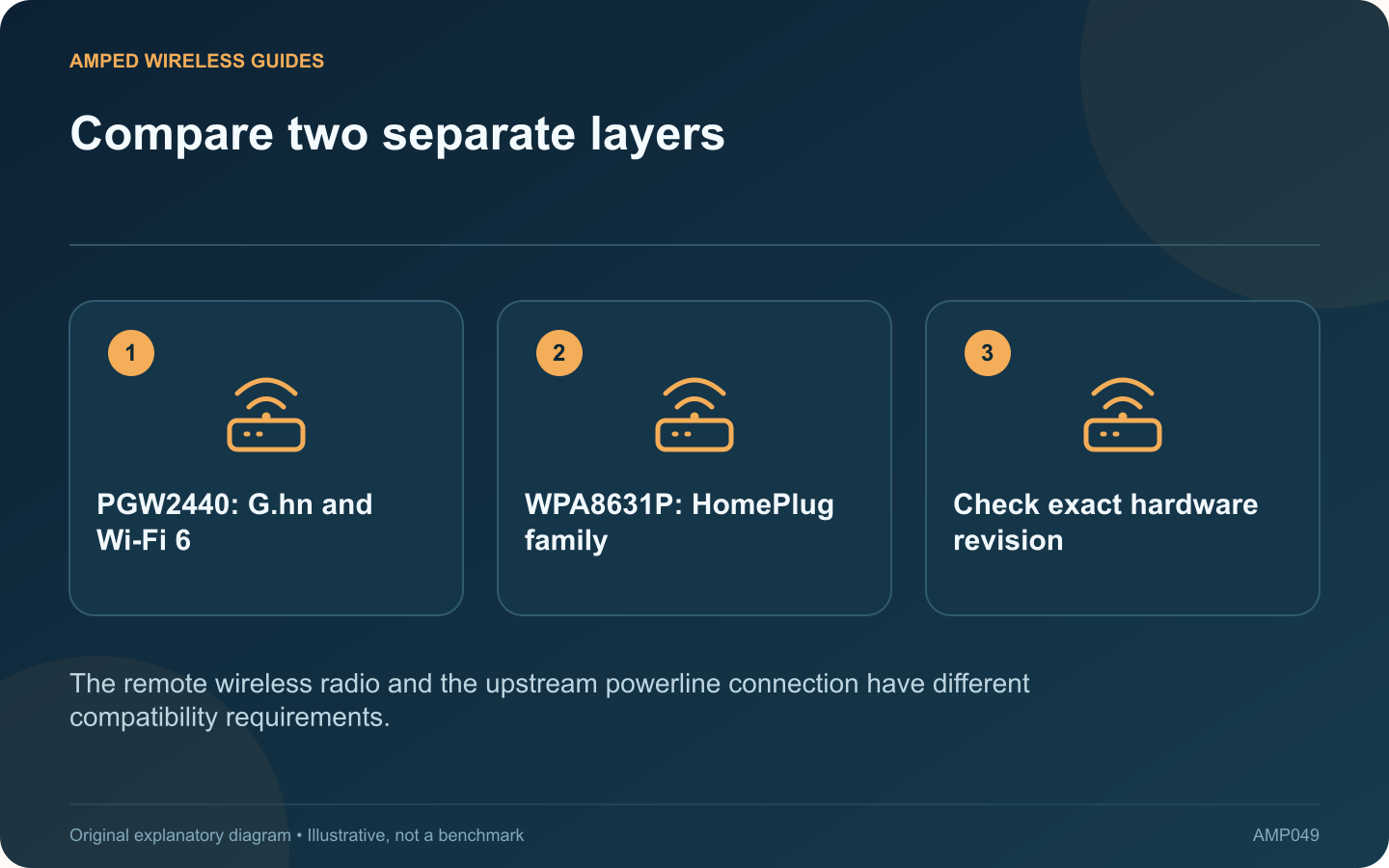
Compare two separate layers: PGW2440: G.hn and Wi-Fi 6; WPA8631P: HomePlug family; Check exact hardware revision
The remote wireless radio and the upstream powerline connection have different compatibility requirements.

A Wi-Fi powerline kit combines a wired-over-mains link with a wireless access point. Comparing the PGW2440 kit with the TL-WPA8631P therefore requires two separate questions: which powerline family fits the installation, and which wireless capabilities are useful in the destination room?

Establish the product versions

TP-Link presents PGW2440 as a G.hn and AX1800 Wi-Fi 6 kit. The cited UK revision 3.0 datasheet for TL-WPA8631P describes an AV1300 powerline AC Wi-Fi kit. Verify the actual regional revision before buying because listings and support pages can span multiple versions.

Account for existing adapters

If other rooms already depend on HomePlug equipment, a G.hn unit cannot simply replace one endpoint in that network. Budget for a compatible complete path. Do not assume integrated Deco powerline units will join either standalone kit without checking the documented restrictions.

Count local connections

List the wired devices and wireless clients required near the remote unit. Check the exact port count, socket arrangement and available space. A larger radio speed class does not compensate for too few physical connections or an obstructed outlet.

Evaluate the client benefit

A Wi-Fi 6-capable client may use features unavailable to an older device, but its traffic still crosses the powerline backhaul. If that segment is unstable, changing the local radio alone will not provide reliable internet access.

Test the two halves separately

  1. Confirm powerline pairing on suitable wall outlets.
  2. Use a wired remote client to check the upstream path.
  3. Test wireless performance in the intended room.
  4. Verify any claimed mesh integration with the exact router and firmware.

Choose the kit that delivers the required room service with documented compatibility. Treat advertised rates as specifications to interpret, not independent benchmark results. A successful local trial is particularly valuable for powerline products because the electrical environment is part of the networking system.

Sources and editorial notes

Sources checked 8–9 October 2026. Independent guidance and original illustrations; product comparisons use published specifications rather than hands-on benchmarks. Check the exact model, revision and regional documentation before changing settings.

Related guides

300 FAQs across our guide libraries

Quick answers

100 practical questions from Amped Wireless Guides.

Browse all 100 FAQs
What should I compare on PGW2440 and TL-WPA8631P?

A Wi-Fi powerline kit combines a wired-over-mains link with a wireless access point. Comparing the PGW2440 kit with the TL-WPA8631P therefore requires two separate questions: which powerline family fits the installation, and which wireless capabilities are useful in the destination room? TP-Link presents PGW2440 as a G.hn and AX1800 Wi-Fi 6 kit. The cited UK revision 3.0 datasheet for TL-WPA8631P describes an AV1300 powerline AC Wi-Fi kit. Verify the actual regional revision before buying because listings and support pages can span multiple versions.

Read the full guide and sources
Why should a powerline adapter use a suitable wall outlet?

A powerline kit can perform poorly when connected through a power strip even though its power light appears normal. Supplying electricity and carrying the adapter's data signal are different requirements. TP-Link recommends direct wall-outlet placement when investigating this problem. Use the same two adapters, Ethernet cables and client devices. Move the affected adapter from the strip to a suitable nearby wall outlet, following its manual. Compare a local transfer and the intended application, rather than changing wireless settings at the same time.

Read the full guide and sources
Can electrical appliances affect a powerline connection?

A powerline connection may vary when nearby electrical equipment changes operating state. If a call breaks up whenever a particular appliance runs, record that relationship before changing the router or blaming the broadband service. Compare a transfer between devices on your own network with an internet test. If only traffic through the powerline segment deteriorates, the evidence points closer to that segment. If a directly connected router client also fails, broaden the investigation.

Read the full guide and sources
When does Deco PX50’s integrated powerline backhaul help?

Deco PX50 is worth investigating when thick walls make wireless backhaul difficult and Ethernet cannot conveniently reach the next node. Its integrated powerline capability is the main distinction to evaluate against an ordinary X50 deployment, rather than assuming a similar model name means identical connection options. TP-Link's current PLC FAQ says the main Deco must support powerline backhaul. It also specifies compatible powerline families. Plan the main unit and satellites together; adding a single PX50 to an arbitrary existing layout is not sufficient proof that PLC backhaul will operate.

Read the full guide and sources
Independent. Practical. Clear.

Amped Wireless Guides is an independent information website. We are not affiliated with or endorsed by Amped Wireless. Product names belong to their respective owners.