Explore the guide library · Switch selection and setup
Parallel Ethernet cables require a supported topology; otherwise they can create a loop and disrupt the LAN.
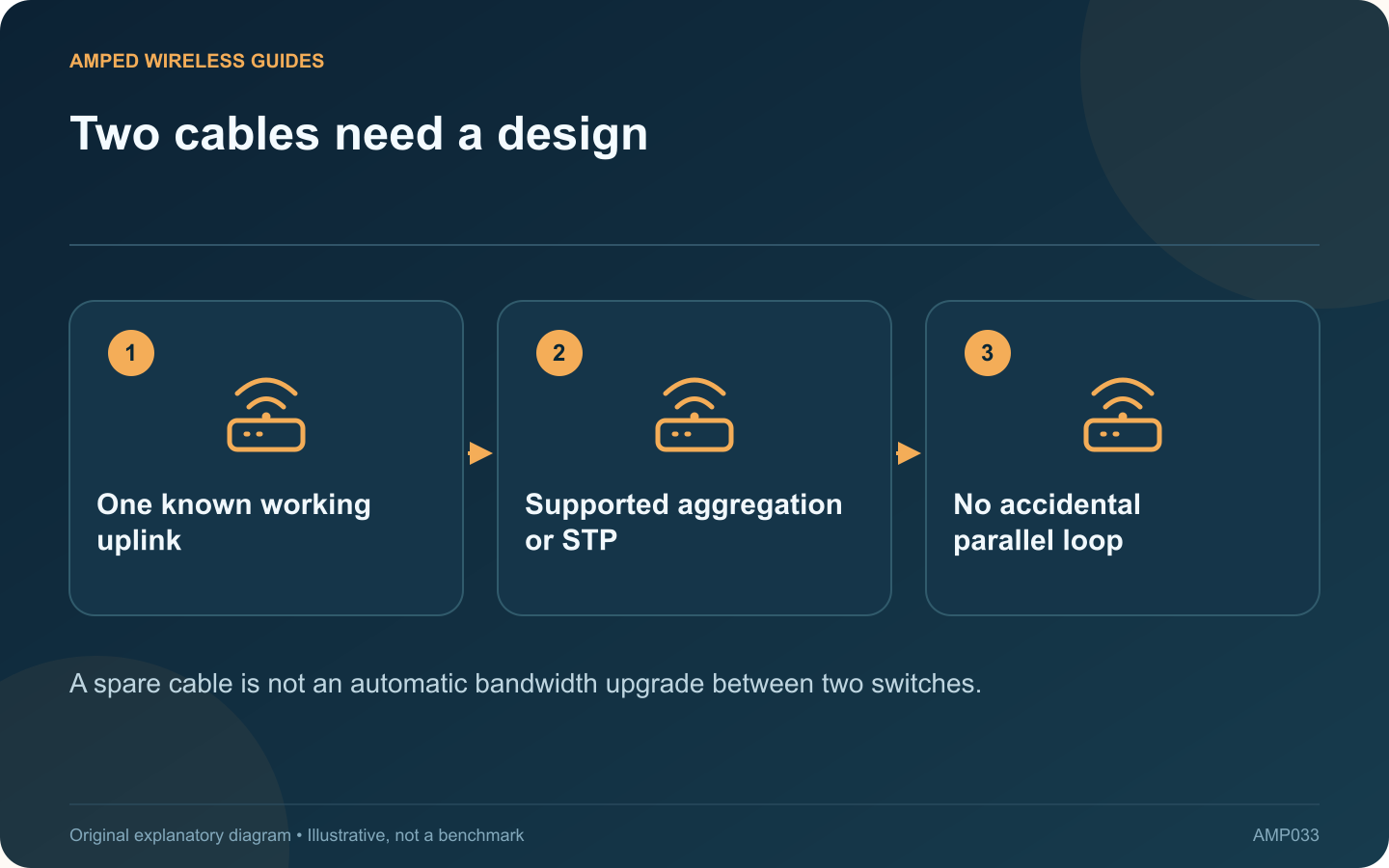
Connecting a second ordinary cable between two switches does not automatically double their speed. Without an appropriate supported configuration, the additional path can create an Ethernet loop and disrupt the entire LAN.
Understand the symptom
NETGEAR describes loops as a cause of broadcast storms, irregular connectivity and network failure. If problems began immediately after an extra cable was installed, document that change and review the physical topology before resetting routers or client devices.
Keep one known path
For a simple unmanaged installation, use the intended single uplink unless the manufacturer explicitly documents another arrangement. If you identify an accidental redundant cable, remove the unintended connection during an appropriate maintenance moment and verify recovery.
Distinguish supported features
Link aggregation and spanning-tree behavior serve different purposes and require compatible equipment and configuration. Do not assume every managed switch supports the same modes, or that two ports form a group merely because cables connect the same boxes.
Define the desired improvement
- More aggregate capacity for several clients.
- Resilience if one physical link fails.
- A faster single client transfer.
These goals are not identical. Even a correctly configured aggregation group does not guarantee that one ordinary transfer receives the sum of all member-link rates.
Use the vendor’s complete procedure
If aggregation or redundancy is justified, configure both ends according to their current manuals and preserve management access. Keep protective features in place rather than disabling them to make an unexplained topology appear to work.
Afterward, verify the active group or spanning-tree status and test the intended workload. Label the relevant cables so future maintenance does not treat them as interchangeable spare connections. A reliable network has a deliberate forwarding path; extra wires help only when the equipment and configuration know how to use them.
Sources and editorial notes
Sources checked 8–9 October 2026. Independent guidance and original illustrations; product comparisons use published specifications rather than hands-on benchmarks. Check the exact model, revision and regional documentation before changing settings.