Independent extender & router guidesHelping you find your connection.
The guide library

Switch port isolation vs VLANs: understand what each boundary controls

Explore the guide library · Switch selection and setup

Port-to-port forwarding restrictions and logical network membership are different controls that require their own tests.
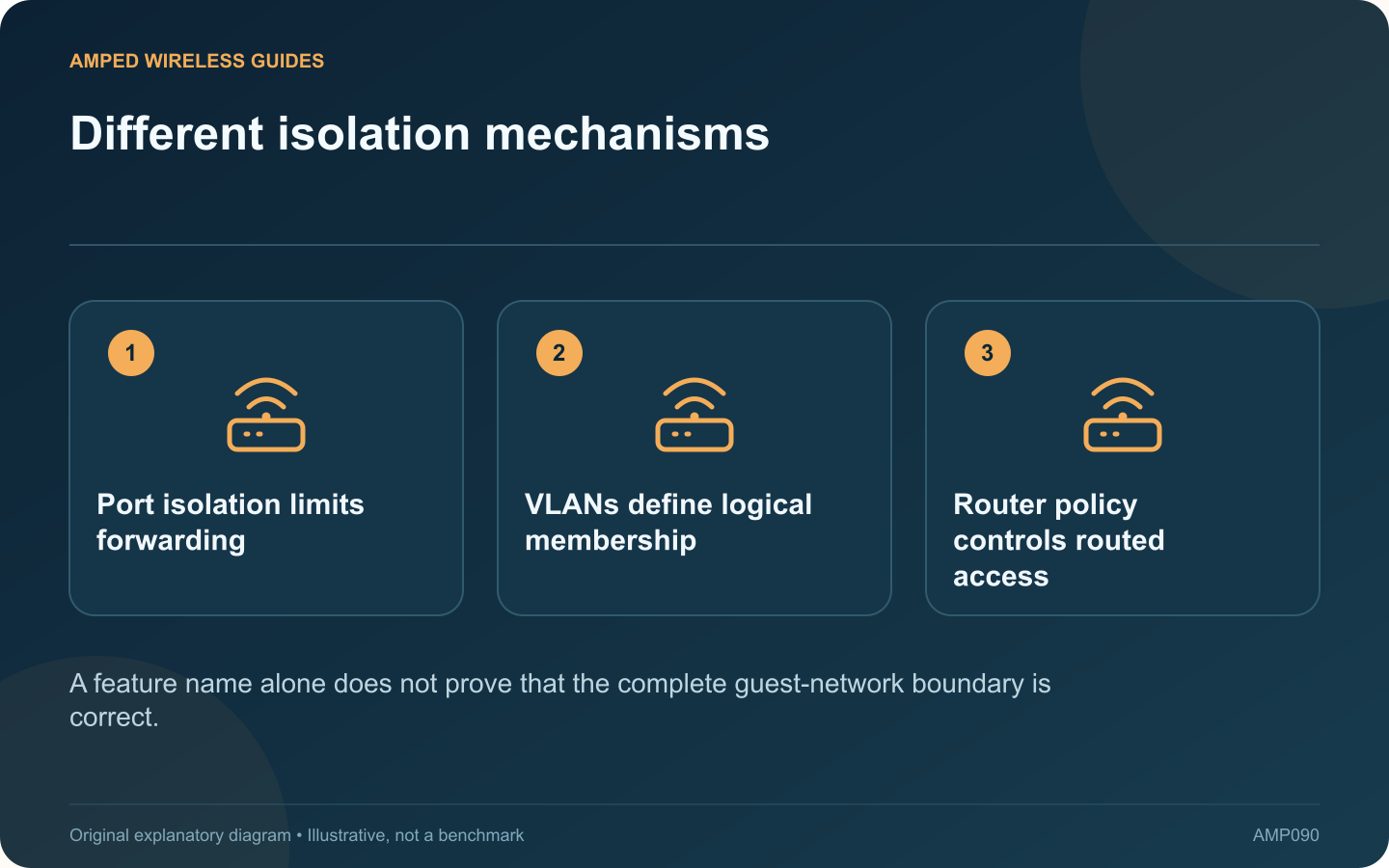
Different isolation mechanisms: Port isolation limits forwarding; VLANs define logical membership; Router policy controls routed access
A feature name alone does not prove that the complete guest-network boundary is correct.

Port isolation and VLANs can both appear in discussions about separating devices, but they do not mean the same thing. Understanding the difference helps avoid a configuration that blocks one path while leaving another unintended route available.

Read the port-isolation behavior

TP-Link’s switch configuration guide describes forwarding lists for isolated ports. The exact behavior depends on the switch and firmware. Determine which ports can exchange traffic and which uplink remains reachable in the proposed arrangement.

Understand VLAN membership separately

A VLAN places traffic into a logical network according to the configured membership and tagging rules. Communication between routed networks then depends on the router or firewall policy. The access point’s SSID mapping is another part of that path.

Write the actual requirement

For example, guest devices may need internet access while being unable to reach private computers or switch administration. State the permitted and prohibited relationships before choosing a feature. “Enable isolation” is not a complete design specification.

Test all relevant paths

  • Between clients on separate switch ports.
  • Between clients behind the same access point.
  • From guests to private routed networks.
  • From guests to device-management interfaces.

Use harmless resources you control and test from the actual client locations. A switch control may not govern traffic that never traverses the relevant switch ports.

Preserve administration access

Keep a supported management path and configuration backup while changing forwarding rules. On a shared installation, have the responsible administrator review the design and maintenance window.

After the change, record the expected outcomes and repeat them when adding switches or access points. Port isolation can be useful for a defined local forwarding requirement, while VLANs and routing policy serve broader segmentation roles. Choose and verify each control according to the path it actually governs rather than treating their names as interchangeable guarantees.

Sources and editorial notes

Sources checked 8–9 October 2026. Independent guidance and original illustrations; product comparisons use published specifications rather than hands-on benchmarks. Check the exact model, revision and regional documentation before changing settings.

Related guides

300 FAQs across our guide libraries

Quick answers

100 practical questions from Amped Wireless Guides.

Browse all 100 FAQs
How does switch port isolation differ from VLAN separation?

Port isolation and VLANs can both appear in discussions about separating devices, but they do not mean the same thing. Understanding the difference helps avoid a configuration that blocks one path while leaving another unintended route available. TP-Link's switch configuration guide describes forwarding lists for isolated ports. The exact behavior depends on the switch and firmware. Determine which ports can exchange traffic and which uplink remains reachable in the proposed arrangement.

Read the full guide and sources
When are managed-switch features useful at home?

An unmanaged switch can be sufficient when the task is simply adding wired connections to one ordinary LAN. A managed switch becomes useful when you need specific controls or diagnostics, but those capabilities also require deliberate configuration and maintenance. Examples include separating traffic with VLANs, inspecting port errors, managing supported aggregation or controlling PoE per port. Write down the actual feature needed. Buying a managed model solely because it sounds more professional can add complexity without solving a problem.

Read the full guide and sources
Should a home network use a five-port or eight-port switch?

A five-port switch does not normally provide five additional device connections when one port is needed to reach the router. Count the uplink and every planned endpoint before deciding between a compact five-port model and an eight-port alternative. For a television cabinet, the list might include the router uplink, television, console, streaming box and access point. That already occupies five ports. A future receiver or second console would require another arrangement.

Read the full guide and sources
Does adding a second switch uplink automatically increase speed?

Connecting a second ordinary cable between two switches does not automatically double their speed. Without an appropriate supported configuration, the additional path can create an Ethernet loop and disrupt the entire LAN. NETGEAR describes loops as a cause of broadcast storms, irregular connectivity and network failure. If problems began immediately after an extra cable was installed, document that change and review the physical topology before resetting routers or client devices.

Read the full guide and sources
Independent. Practical. Clear.

Amped Wireless Guides is an independent information website. We are not affiliated with or endorsed by Amped Wireless. Product names belong to their respective owners.