Independent extender & router guidesHelping you find your connection.
The guide library

Moving from devolo dLAN to Magic: replace a working link as a pair

Explore the guide library · Powerline networking

Plan the migration room by room because dLAN and Magic cannot form one shared powerline network.
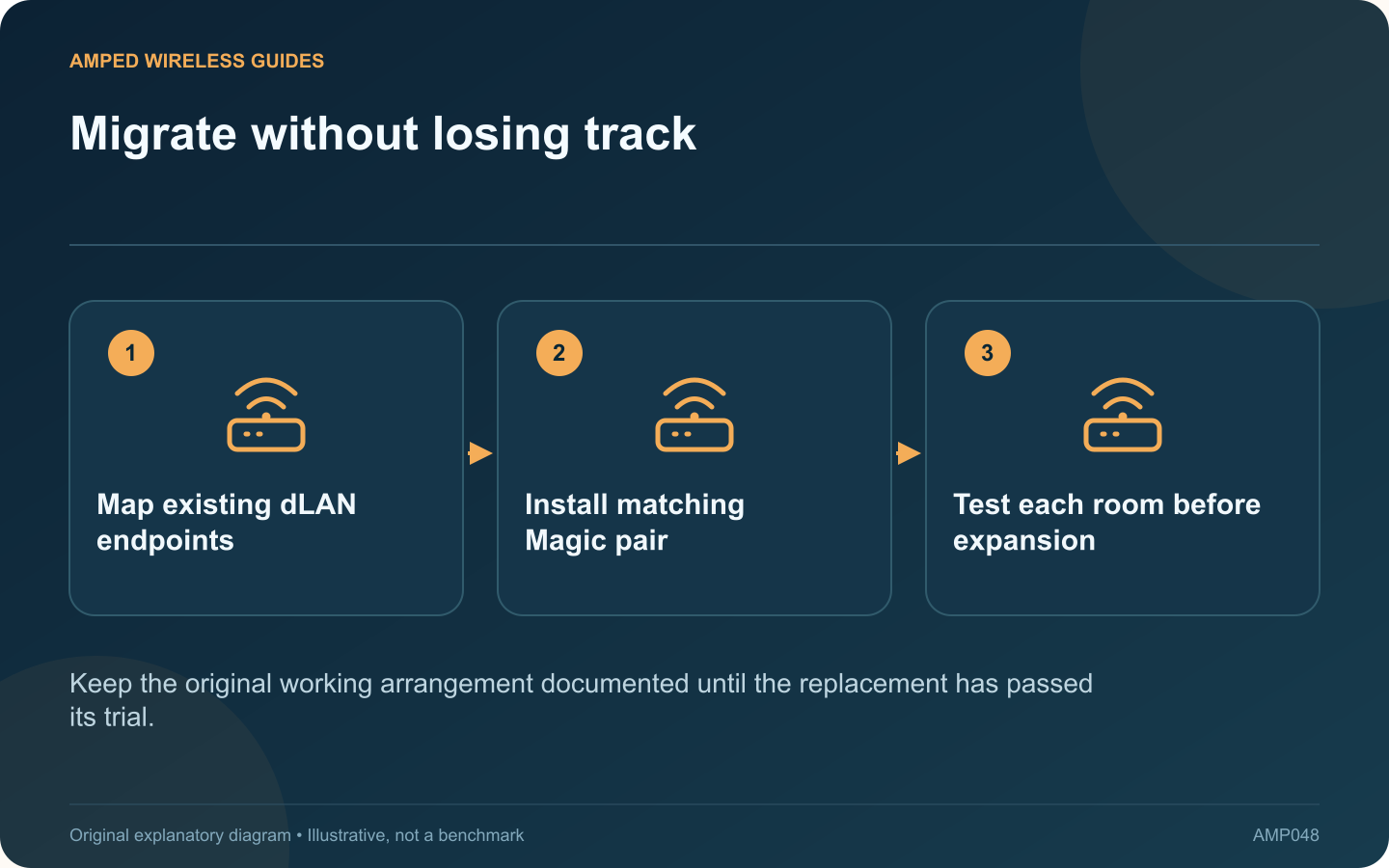
Migrate without losing track: Map existing dLAN endpoints; Install matching Magic pair; Test each room before expansion
Keep the original working arrangement documented until the replacement has passed its trial.

Replacing an older devolo dLAN installation with Magic is a network migration, not simply swapping one adapter for a newer-looking box. devolo states that the two ranges use different powerline standards and cannot join the same powerline network.

Map what the old system serves

Record every room, attached device and required function. A television connection may be easy to test, while a camera or work computer may need a longer observation period. Identify any Wi-Fi settings supplied by the old adapters.

Start with a complete new link

Use compatible Magic endpoints for the router side and one destination. Check whether the package provides wired networking only or includes the wireless capability required in that room. A LAN product does not automatically replace an old Wi-Fi adapter’s radio service.

Avoid an ambiguous parallel test

devolo cautions that operating dLAN and Magic concurrently can affect performance. Plan a controlled trial window and record which system is active. Keep a way to restore the previous arrangement if the new link is unsuitable.

Compare useful outcomes

Room requirement Acceptance check
Work calls Stable extended meeting
Television Normal playback during busy use
Local storage access Repeatable sustained transfer

Expand only after the first route works

Add the remaining compatible units according to the vendor’s procedure. Retest each destination because electrical routes differ. Success at one socket is not evidence that every room will perform the same way.

Keep a private record of pairing and wireless configuration without displaying credentials in shared notes. Once the replacement meets the household’s needs, retire the old units through an appropriate reuse or recycling route after following their reset instructions. The goal is a verified complete service replacement, not a collection of incompatible adapters left plugged in around the house.

Sources and editorial notes

Sources checked 8–9 October 2026. Independent guidance and original illustrations; product comparisons use published specifications rather than hands-on benchmarks. Check the exact model, revision and regional documentation before changing settings.

Related guides

300 FAQs across our guide libraries

Quick answers

100 practical questions from Amped Wireless Guides.

Browse all 100 FAQs
Can I replace just one devolo dLAN endpoint with Magic?

Replacing an older devolo dLAN installation with Magic is a network migration, not simply swapping one adapter for a newer-looking box. devolo states that the two ranges use different powerline standards and cannot join the same powerline network. Record every room, attached device and required function. A television connection may be easy to test, while a camera or work computer may need a longer observation period. Identify any Wi-Fi settings supplied by the old adapters.

Read the full guide and sources
What compatibility difference matters between PG2400P and TL-PA9020P?

The PG2400P and TL-PA9020P are both intended to extend wired networking through suitable mains wiring, but they belong to different powerline families. TP-Link identifies the former as G.hn and the latter as HomePlug AV2. That difference should lead the purchase decision. List the adapters already serving other rooms. A matching supported family may simplify expansion. Replacing just one endpoint with a different standard will not create a faster mixed pair; it can leave that endpoint unable to communicate at all.

Read the full guide and sources
Does Wi-Fi Clone establish a powerline link?

A Wi-Fi powerline extender performs two jobs: it reaches the router through a supported powerline connection and provides a wireless connection for nearby devices. Copying the router's wireless settings addresses the second job, not the first. Follow the kit's pairing procedure and check its powerline status. If the remote unit has an Ethernet port, a wired client can help test this path without adding wireless behavior to the investigation. Use a device you control and restore its normal connection afterward.

Read the full guide and sources
Are G.hn and HomePlug AV2 powerline adapters compatible?

Before adding an adapter to an existing powerline network, read the standard on both products. G.hn and HomePlug AV or AV2 are different technologies. An adapter using one cannot simply pair into a network using the other. Write down each adapter's full model, hardware revision and standard. Product names containing a large speed number do not reliably identify the protocol. Keep a photograph of the label for your own records, without posting device credentials publicly.

Read the full guide and sources
Independent. Practical. Clear.

Amped Wireless Guides is an independent information website. We are not affiliated with or endorsed by Amped Wireless. Product names belong to their respective owners.