Independent extender & router guidesHelping you find your connection.
The guide library

TP-Link PG2400P vs TL-PA9020P: choose the powerline family first

Explore the guide library · Powerline networking

These wired kits use different powerline standards; compare expansion plans and actual outlet performance.
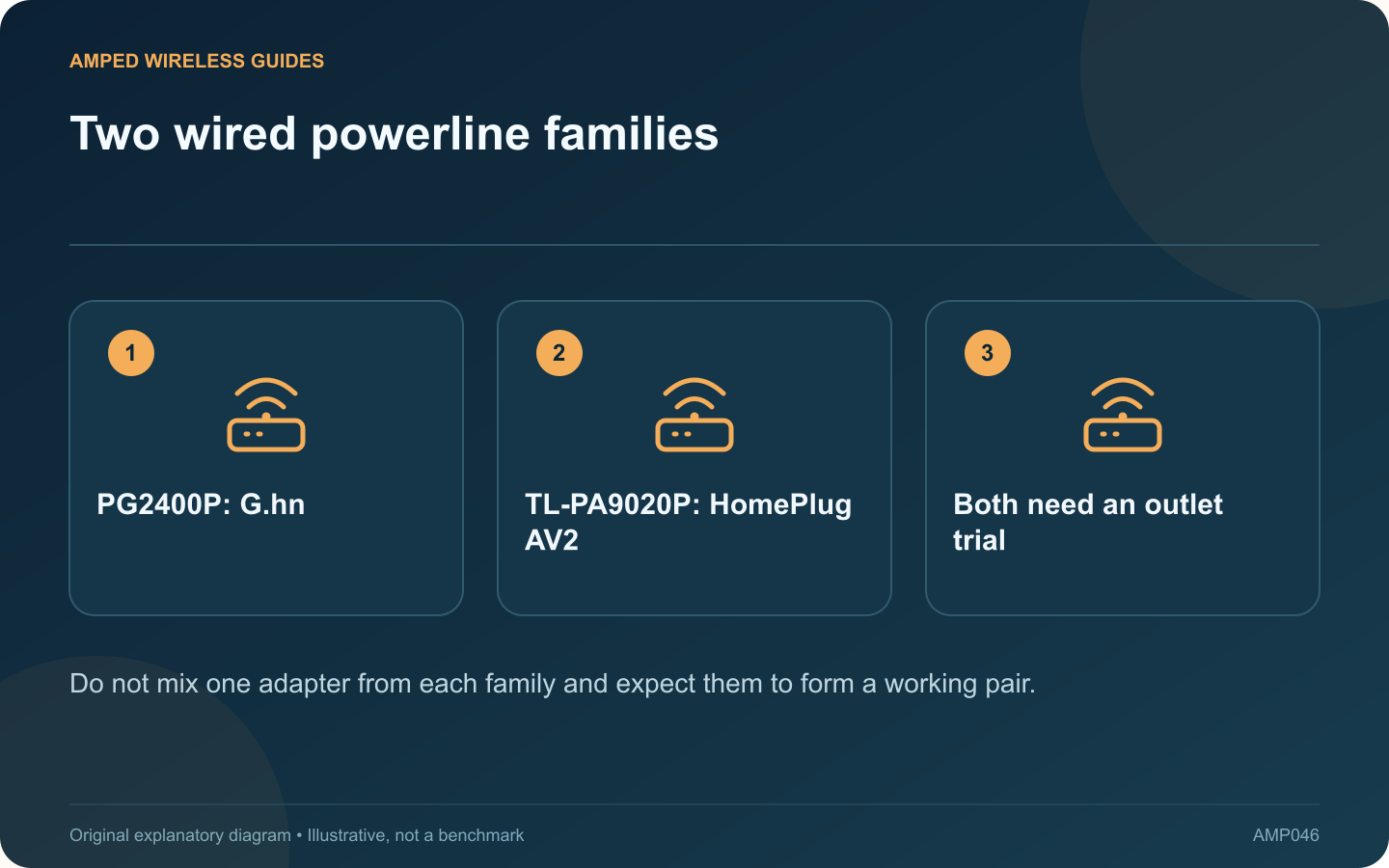
Two wired powerline families: PG2400P: G.hn; TL-PA9020P: HomePlug AV2; Both need an outlet trial
Do not mix one adapter from each family and expect them to form a working pair.

The PG2400P and TL-PA9020P are both intended to extend wired networking through suitable mains wiring, but they belong to different powerline families. TP-Link identifies the former as G.hn and the latter as HomePlug AV2. That difference should lead the purchase decision.

For an existing installation

List the adapters already serving other rooms. A matching supported family may simplify expansion. Replacing just one endpoint with a different standard will not create a faster mixed pair; it can leave that endpoint unable to communicate at all.

For a new installation

Compare complete kits, regional plug types, current support and the number of Ethernet connections needed in each room. The cited comparison lists Gigabit Ethernet interfaces and pass-through sockets. Check the exact revision and local socket ratings on the product being sold.

Ignore simple number arithmetic

The powerline speed class is not a guaranteed file-transfer result, nor does it change a Gigabit Ethernet interface into a faster port. Electrical wiring, noise and shared use influence usable performance. This is a specification-based selection guide rather than a measured speed contest.

Make the return-window test meaningful

  • Use the intended pair of wall outlets.
  • Test with the household’s normal appliances operating.
  • Check a sustained local transfer.
  • Try the actual call, television or console workload.

Consider future room additions

Confirm that suitable extra adapters are available in the chosen family before committing to a larger rollout. Include the cost of all required units, not just the initial pair.

If both kits are new options, choose according to documented compatibility, local availability and a successful trial. If neither provides stable service on the available wiring, a different transmission medium may be a better investment than another speed-class upgrade. Preserve electrical safety requirements throughout testing and leave wiring modifications to a qualified professional.

Sources and editorial notes

Sources checked 8–9 October 2026. Independent guidance and original illustrations; product comparisons use published specifications rather than hands-on benchmarks. Check the exact model, revision and regional documentation before changing settings.

Related guides

300 FAQs across our guide libraries

Quick answers

100 practical questions from Amped Wireless Guides.

Browse all 100 FAQs
What compatibility difference matters between PG2400P and TL-PA9020P?

The PG2400P and TL-PA9020P are both intended to extend wired networking through suitable mains wiring, but they belong to different powerline families. TP-Link identifies the former as G.hn and the latter as HomePlug AV2. That difference should lead the purchase decision. List the adapters already serving other rooms. A matching supported family may simplify expansion. Replacing just one endpoint with a different standard will not create a faster mixed pair; it can leave that endpoint unable to communicate at all.

Read the full guide and sources
What should I compare on PGW2440 and TL-WPA8631P?

A Wi-Fi powerline kit combines a wired-over-mains link with a wireless access point. Comparing the PGW2440 kit with the TL-WPA8631P therefore requires two separate questions: which powerline family fits the installation, and which wireless capabilities are useful in the destination room? TP-Link presents PGW2440 as a G.hn and AX1800 Wi-Fi 6 kit. The cited UK revision 3.0 datasheet for TL-WPA8631P describes an AV1300 powerline AC Wi-Fi kit. Verify the actual regional revision before buying because listings and support pages can span multiple versions.

Read the full guide and sources
Does Wi-Fi Clone establish a powerline link?

A Wi-Fi powerline extender performs two jobs: it reaches the router through a supported powerline connection and provides a wireless connection for nearby devices. Copying the router's wireless settings addresses the second job, not the first. Follow the kit's pairing procedure and check its powerline status. If the remote unit has an Ethernet port, a wired client can help test this path without adding wireless behavior to the investigation. Use a device you control and restore its normal connection afterward.

Read the full guide and sources
Why might a powerline adapter blink after a computer sleeps?

A change in a powerline adapter's lights after the attached computer sleeps does not necessarily mean the network has failed. Some models enter a power-saving state when their Ethernet client is inactive. The important test is what happens when normal activity resumes. For example, TP-Link describes power-saving behavior for the TL-PA8010P revision covered by its guide, including an idle period and a slowly blinking indicator. Other products may use different timing and light patterns. Identify the hardware revision before interpreting them.

Read the full guide and sources
Independent. Practical. Clear.

Amped Wireless Guides is an independent information website. We are not affiliated with or endorsed by Amped Wireless. Product names belong to their respective owners.