Independent extender & router guidesHelping you find your connection.
The guide library

Why a powerline adapter belongs in a suitable wall outlet

Explore the guide library · Powerline networking

Surge strips and extension arrangements can change the signal path; test direct placement before judging the kit.
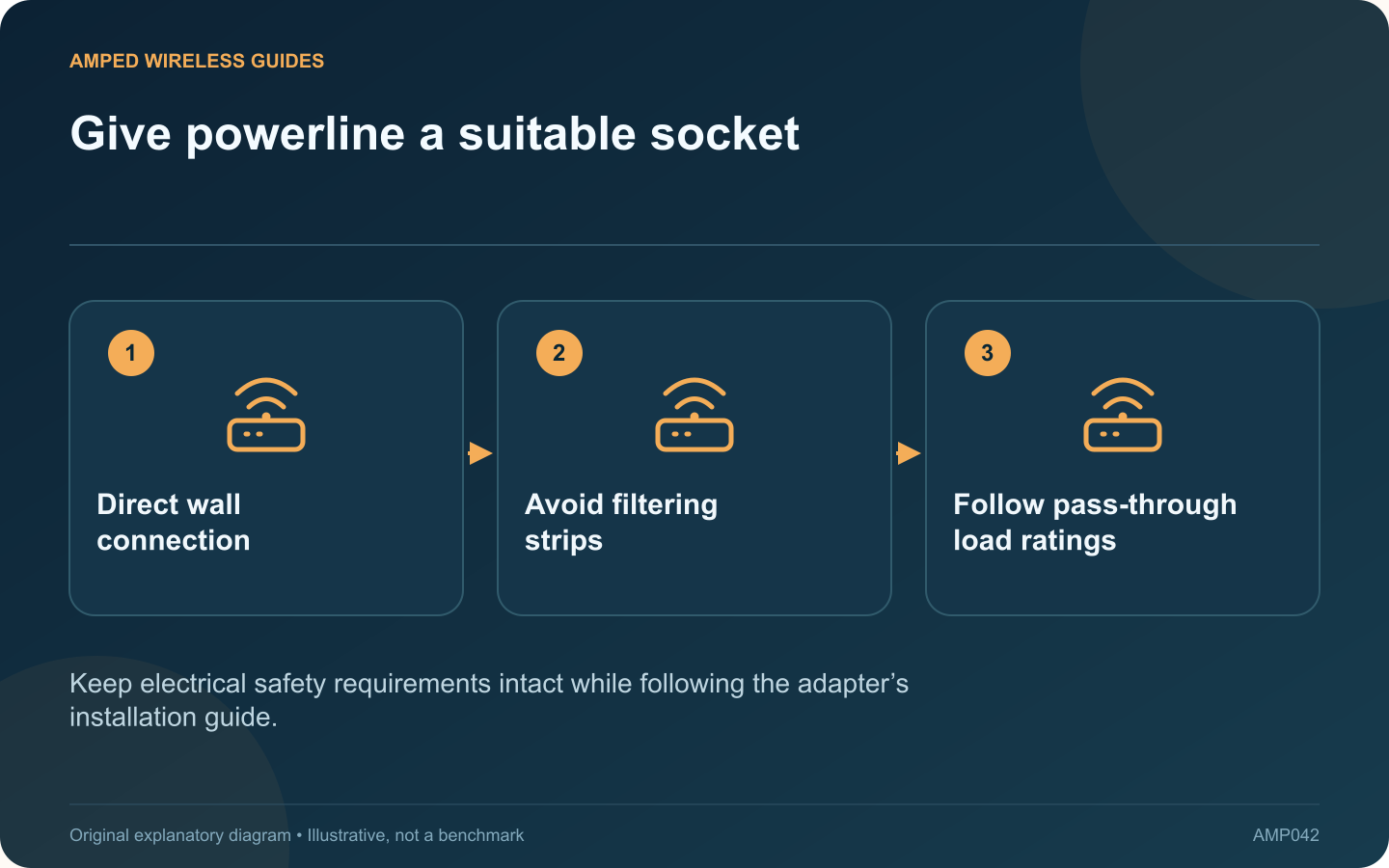
Give powerline a suitable socket: Direct wall connection; Avoid filtering strips; Follow pass-through load ratings
Keep electrical safety requirements intact while following the adapter’s installation guide.

A powerline kit can perform poorly when connected through a power strip even though its power light appears normal. Supplying electricity and carrying the adapter’s data signal are different requirements. TP-Link recommends direct wall-outlet placement when investigating this problem.

Make a controlled placement comparison

Use the same two adapters, Ethernet cables and client devices. Move the affected adapter from the strip to a suitable nearby wall outlet, following its manual. Compare a local transfer and the intended application, rather than changing wireless settings at the same time.

Understand the role of filtering

Surge protection and other components in a strip may attenuate powerline signals. A strip that works well for ordinary electronics is therefore not automatically suitable for the network adapter. Do not dismantle it or bypass its protective components.

Consider a supported pass-through model

Some adapters include a mains socket with a documented load rating and filtering arrangement. The TL-PA8010P is one example. Follow the exact regional model’s instructions about what may connect to that socket and avoid exceeding its ratings.

Check the physical fit

  • The adapter should seat securely without strain.
  • Adjacent plugs must not force it sideways.
  • Ventilation must remain unobstructed.
  • Damaged or loose wall outlets need professional attention.

Evaluate the distant room again

A better socket arrangement may improve the link, but wiring length and electrical noise still matter. Repeat the test when the household’s usual equipment is running. Note whether performance remains consistent during the period you actually need connectivity.

If direct placement makes no meaningful difference, record that result and investigate the wider route or another networking method. Avoid repeatedly buying higher-rated powerline kits without establishing whether the available outlets provide a usable signal path. Correct installation is a prerequisite for a fair evaluation, not a guarantee of a particular throughput figure.

Sources and editorial notes

Sources checked 8–9 October 2026. Independent guidance and original illustrations; product comparisons use published specifications rather than hands-on benchmarks. Check the exact model, revision and regional documentation before changing settings.

Related guides

300 FAQs across our guide libraries

Quick answers

100 practical questions from Amped Wireless Guides.

Browse all 100 FAQs
Why should a powerline adapter use a suitable wall outlet?

A powerline kit can perform poorly when connected through a power strip even though its power light appears normal. Supplying electricity and carrying the adapter's data signal are different requirements. TP-Link recommends direct wall-outlet placement when investigating this problem. Use the same two adapters, Ethernet cables and client devices. Move the affected adapter from the strip to a suitable nearby wall outlet, following its manual. Compare a local transfer and the intended application, rather than changing wireless settings at the same time.

Read the full guide and sources
What compatibility difference matters between PG2400P and TL-PA9020P?

The PG2400P and TL-PA9020P are both intended to extend wired networking through suitable mains wiring, but they belong to different powerline families. TP-Link identifies the former as G.hn and the latter as HomePlug AV2. That difference should lead the purchase decision. List the adapters already serving other rooms. A matching supported family may simplify expansion. Replacing just one endpoint with a different standard will not create a faster mixed pair; it can leave that endpoint unable to communicate at all.

Read the full guide and sources
How should I choose Ethernet, MoCA or powerline for backhaul?

Choosing a backhaul connection starts with the building's usable routes. Ethernet, MoCA and powerline solve different installation constraints, so a universal ranking based only on advertised speed can lead to an expensive mismatch. Look for existing data outlets or an acceptable new cable route. Include installation, termination and testing in the estimate. A temporary cable laid safely for a short test can establish whether a wired connection solves the original coverage problem before permanent work is commissioned.

Read the full guide and sources
Are G.hn and HomePlug AV2 powerline adapters compatible?

Before adding an adapter to an existing powerline network, read the standard on both products. G.hn and HomePlug AV or AV2 are different technologies. An adapter using one cannot simply pair into a network using the other. Write down each adapter's full model, hardware revision and standard. Product names containing a large speed number do not reliably identify the protocol. Keep a photograph of the label for your own records, without posting device credentials publicly.

Read the full guide and sources
Independent. Practical. Clear.

Amped Wireless Guides is an independent information website. We are not affiliated with or endorsed by Amped Wireless. Product names belong to their respective owners.