Explore the guide library · Powerline networking
Use timing and safe outlet comparisons to distinguish electrical interference from an internet-provider slowdown.
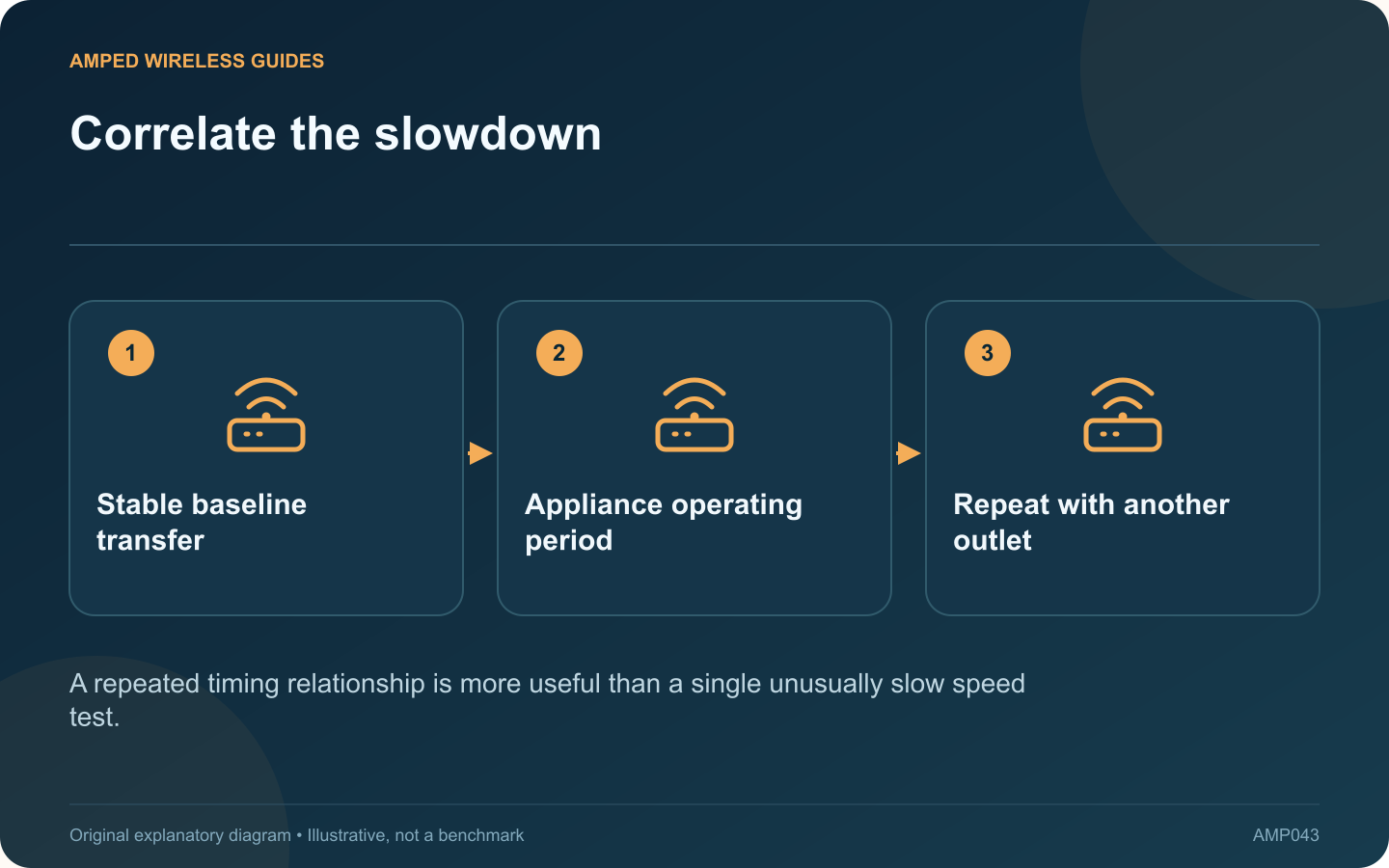
A powerline connection may vary when nearby electrical equipment changes operating state. If a call breaks up whenever a particular appliance runs, record that relationship before changing the router or blaming the broadband service.
Separate the local link from the internet
Compare a transfer between devices on your own network with an internet test. If only traffic through the powerline segment deteriorates, the evidence points closer to that segment. If a directly connected router client also fails, broaden the investigation.
Build a short observation log
Note the time, outlet pair, application symptom and appliance state. Repeat under ordinary safe use. Avoid deliberately cycling refrigeration, heating or other equipment in ways that conflict with its instructions.
Try an alternative suitable outlet
TP-Link identifies electrical noise and outlet placement as factors in powerline performance. Test another accessible wall outlet with the same networking equipment. A socket physically closer to the router is not necessarily connected by a shorter or quieter electrical route.
Keep the test controlled
- Use the same client and Ethernet cable.
- Avoid simultaneous large downloads.
- Measure for long enough to capture the failure.
- Record successful periods as well as failures.
Choose a remedy supported by the evidence
A different adapter location may provide a more stable path. Where the appliance must remain and every practical outlet performs poorly, Ethernet, suitable MoCA or a better wireless arrangement may be more predictable.
Do not open distribution panels, alter protective devices or modify an appliance to improve networking. An electrician should investigate any actual electrical fault, unusual heat or damaged outlet separately.
The useful conclusion is whether the networking problem follows a repeatable local condition. That evidence helps you avoid replacing a healthy router and provides a clear explanation when asking the adapter vendor for advice about the exact kit and outlet arrangement.
Sources and editorial notes
Sources checked 8–9 October 2026. Independent guidance and original illustrations; product comparisons use published specifications rather than hands-on benchmarks. Check the exact model, revision and regional documentation before changing settings.
- TP-Link: powerline speed and electrical interference
- TP-Link: powerline installation and standard compatibility