Independent extender & router guidesHelping you find your connection.
The guide library

Deco PX50 vs X50: when integrated powerline backhaul matters

Explore the guide library · Powerline networking

PX50 adds a powerline path, but compatibility and the main Deco model must fit the documented design.
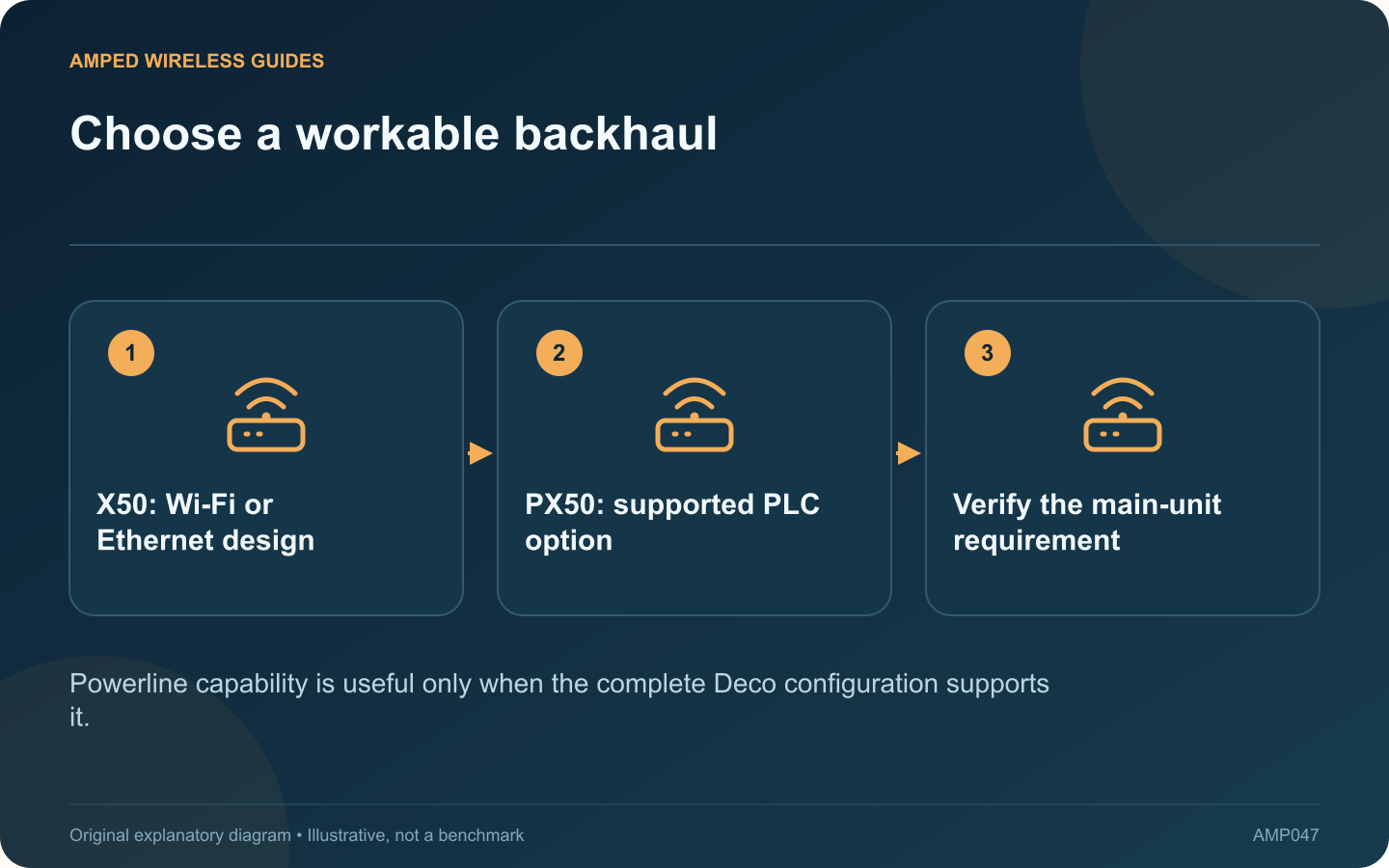
Choose a workable backhaul: X50: Wi-Fi or Ethernet design; PX50: supported PLC option; Verify the main-unit requirement
Powerline capability is useful only when the complete Deco configuration supports it.

Deco PX50 is worth investigating when thick walls make wireless backhaul difficult and Ethernet cannot conveniently reach the next node. Its integrated powerline capability is the main distinction to evaluate against an ordinary X50 deployment, rather than assuming a similar model name means identical connection options.

Confirm the complete configuration

TP-Link’s current PLC FAQ says the main Deco must support powerline backhaul. It also specifies compatible powerline families. Plan the main unit and satellites together; adding a single PX50 to an arbitrary existing layout is not sufficient proof that PLC backhaul will operate.

Keep ecosystem boundaries clear

The same FAQ states that Deco powerline backhaul does not join standalone powerline adapters, even when the underlying protocol matches. Existing adapters should therefore not be counted as extra PX50 backhaul endpoints.

Evaluate the available wiring

Powerline performance depends on the electrical route and operating conditions. A thick wall that obstructs radio signals does not prove that the corresponding mains path will work well. Test the intended sockets and representative household activity.

Prefer a simple wired plan where practical

If suitable Ethernet already reaches the node locations, compare both models’ wired-backhaul capabilities, ports and total cost. An additional powerline feature may provide little value in a deployment that will consistently use Ethernet.

Check status after setup

  • Inspect the satellite’s connection information in the Deco app.
  • Confirm that the intended backhaul is actually established.
  • Test a sustained workload in the distant room.
  • Repeat after normal restarts and busy household periods.

TP-Link documents the interaction between Ethernet, wireless and PLC backhaul, so avoid assuming every path remains active in every mode. Choose PX50 for a supported powerline use case that passes a local trial. Choose the simpler suitable arrangement when wireless placement or Ethernet already solves the coverage problem without adding another dependency.

Sources and editorial notes

Sources checked 8–9 October 2026. Independent guidance and original illustrations; product comparisons use published specifications rather than hands-on benchmarks. Check the exact model, revision and regional documentation before changing settings.

Related guides

300 FAQs across our guide libraries

Quick answers

100 practical questions from Amped Wireless Guides.

Browse all 100 FAQs
When does Deco PX50’s integrated powerline backhaul help?

Deco PX50 is worth investigating when thick walls make wireless backhaul difficult and Ethernet cannot conveniently reach the next node. Its integrated powerline capability is the main distinction to evaluate against an ordinary X50 deployment, rather than assuming a similar model name means identical connection options. TP-Link's current PLC FAQ says the main Deco must support powerline backhaul. It also specifies compatible powerline families. Plan the main unit and satellites together; adding a single PX50 to an arbitrary existing layout is not sufficient proof that PLC backhaul will operate.

Read the full guide and sources
What compatibility difference matters between PG2400P and TL-PA9020P?

The PG2400P and TL-PA9020P are both intended to extend wired networking through suitable mains wiring, but they belong to different powerline families. TP-Link identifies the former as G.hn and the latter as HomePlug AV2. That difference should lead the purchase decision. List the adapters already serving other rooms. A matching supported family may simplify expansion. Replacing just one endpoint with a different standard will not create a faster mixed pair; it can leave that endpoint unable to communicate at all.

Read the full guide and sources
How should I choose Ethernet, MoCA or powerline for backhaul?

Choosing a backhaul connection starts with the building's usable routes. Ethernet, MoCA and powerline solve different installation constraints, so a universal ranking based only on advertised speed can lead to an expensive mismatch. Look for existing data outlets or an acceptable new cable route. Include installation, termination and testing in the estimate. A temporary cable laid safely for a short test can establish whether a wired connection solves the original coverage problem before permanent work is commissioned.

Read the full guide and sources
Why should a powerline adapter use a suitable wall outlet?

A powerline kit can perform poorly when connected through a power strip even though its power light appears normal. Supplying electricity and carrying the adapter's data signal are different requirements. TP-Link recommends direct wall-outlet placement when investigating this problem. Use the same two adapters, Ethernet cables and client devices. Move the affected adapter from the strip to a suitable nearby wall outlet, following its manual. Compare a local transfer and the intended application, rather than changing wireless settings at the same time.

Read the full guide and sources
Independent. Practical. Clear.

Amped Wireless Guides is an independent information website. We are not affiliated with or endorsed by Amped Wireless. Product names belong to their respective owners.