Independent extender & router guidesHelping you find your connection.
The guide library

PoE injector vs PoE switch for adding an access point

Explore the guide library · PoE power planning

Compare device count, management needs and the existing switch before replacing more hardware than necessary.
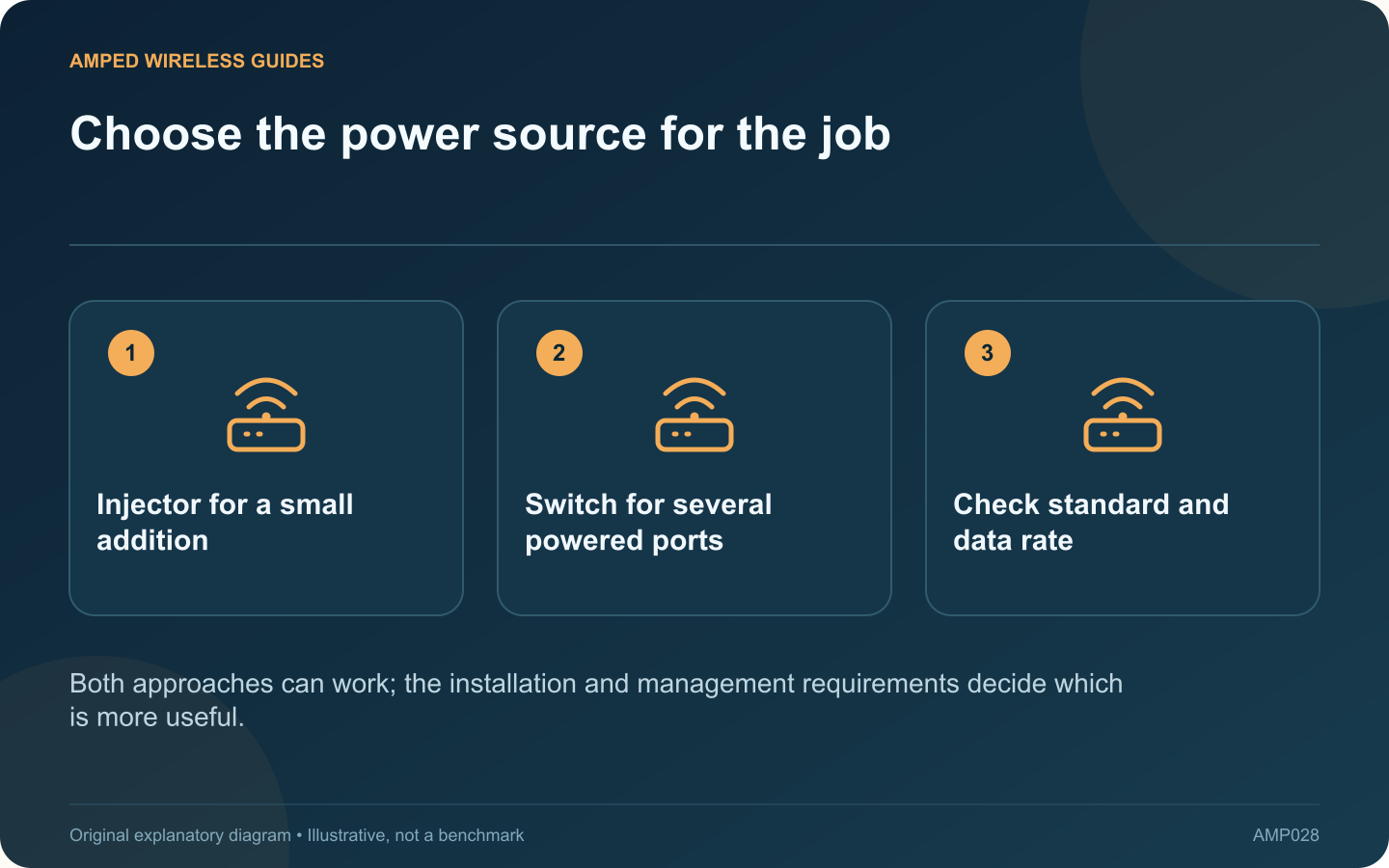
Choose the power source for the job: Injector for a small addition; Switch for several powered ports; Check standard and data rate
Both approaches can work; the installation and management requirements decide which is more useful.

A standalone PoE injector can add power to one Ethernet path without replacing a working non-PoE switch. A PoE switch combines multiple data and power connections. Choose between them based on the installation you expect to maintain.

Count the planned powered devices

For one access point, an injector may be a simple addition. For several access points and cameras, separate injectors create more power adapters and cables to organize. Include likely near-term additions rather than counting only today’s first device.

Compare the complete requirements

Question Why it matters
Required PoE standard? Both source types must match the device
Required Ethernet speed? Power compatibility does not establish data capacity
Remote power control needed? Some managed switches provide per-port controls
Available power outlets? Injectors need a suitable local supply arrangement

Consider maintenance

A managed PoE switch may expose port status and power usage, but those features are model-specific. An unmanaged switch does not automatically provide the same controls. Decide whether centralized monitoring is useful enough to justify the additional configuration responsibility.

Plan backup power

If network availability during a brief power interruption matters, include the injector or PoE switch in the power plan alongside the router and provider equipment. Powering only the router leaves other necessary parts of the path unavailable.

Test the installed path

Verify the access point receives the required power, negotiates the intended data link and remains stable with its normal radios and workload active. Label the injector’s input and powered output when that is the chosen arrangement.

Keep the decision proportional to the project. A single supported injector can be perfectly adequate for one carefully installed access point. A suitably budgeted switch becomes more attractive when multiple devices, centralized diagnostics and future expansion make a collection of separate power units cumbersome.

Sources and editorial notes

Sources checked 8–9 October 2026. Independent guidance and original illustrations; product comparisons use published specifications rather than hands-on benchmarks. Check the exact model, revision and regional documentation before changing settings.

Related guides

300 FAQs across our guide libraries

Quick answers

100 practical questions from Amped Wireless Guides.

Browse all 100 FAQs
Should I power one access point with an injector or a PoE switch?

A standalone PoE injector can add power to one Ethernet path without replacing a working non-PoE switch. A PoE switch combines multiple data and power connections. Choose between them based on the installation you expect to maintain. For one access point, an injector may be a simple addition. For several access points and cameras, separate injectors create more power adapters and cables to organize. Include likely near-term additions rather than counting only today's first device.

Read the full guide and sources
How do I calculate a PoE switch’s required power budget?

A PoE switch has two important power limits: what an individual port can supply and what all active ports can supply together. Counting free sockets alone is not enough when adding access points, cameras or phones. For each powered device, record its required PoE standard, documented maximum or allocated power requirement and intended switch port. Use the exact model's datasheet. A typical consumption figure may exclude features such as a camera's heater or infrared illumination.

Read the full guide and sources
Is passive PoE interchangeable with 802.3af or 802.3at?

A device labelled “PoE” may require standards-based 802.3af, 802.3at or 802.3bt power, or it may use a particular passive arrangement. These are not interchangeable merely because both use an Ethernet cable. Find the exact input requirement for the access point, outdoor radio or camera. Record the standard and any stated voltage, polarity and wiring requirements. If the documentation is unclear, obtain confirmation from the manufacturer before connecting power.

Read the full guide and sources
Why can a powered access point still have a slow Ethernet link?

An access point can start normally and broadcast Wi-Fi while its wired uplink runs below the expected speed. PoE delivery and Ethernet data performance are related parts of one cable path, but success in one does not prove success in the other. List the switch port, injector if present, patch leads, permanent cable and access-point port. Read the data-rate specification for the injector as well as its PoE standard. A power-compatible older accessory can still limit a newer multi-gigabit access point.

Read the full guide and sources
Independent. Practical. Clear.

Amped Wireless Guides is an independent information website. We are not affiliated with or endorsed by Amped Wireless. Product names belong to their respective owners.