Explore the guide library · Powerline networking
Compare installation feasibility, service compatibility and stability before ranking adapters by headline speed.
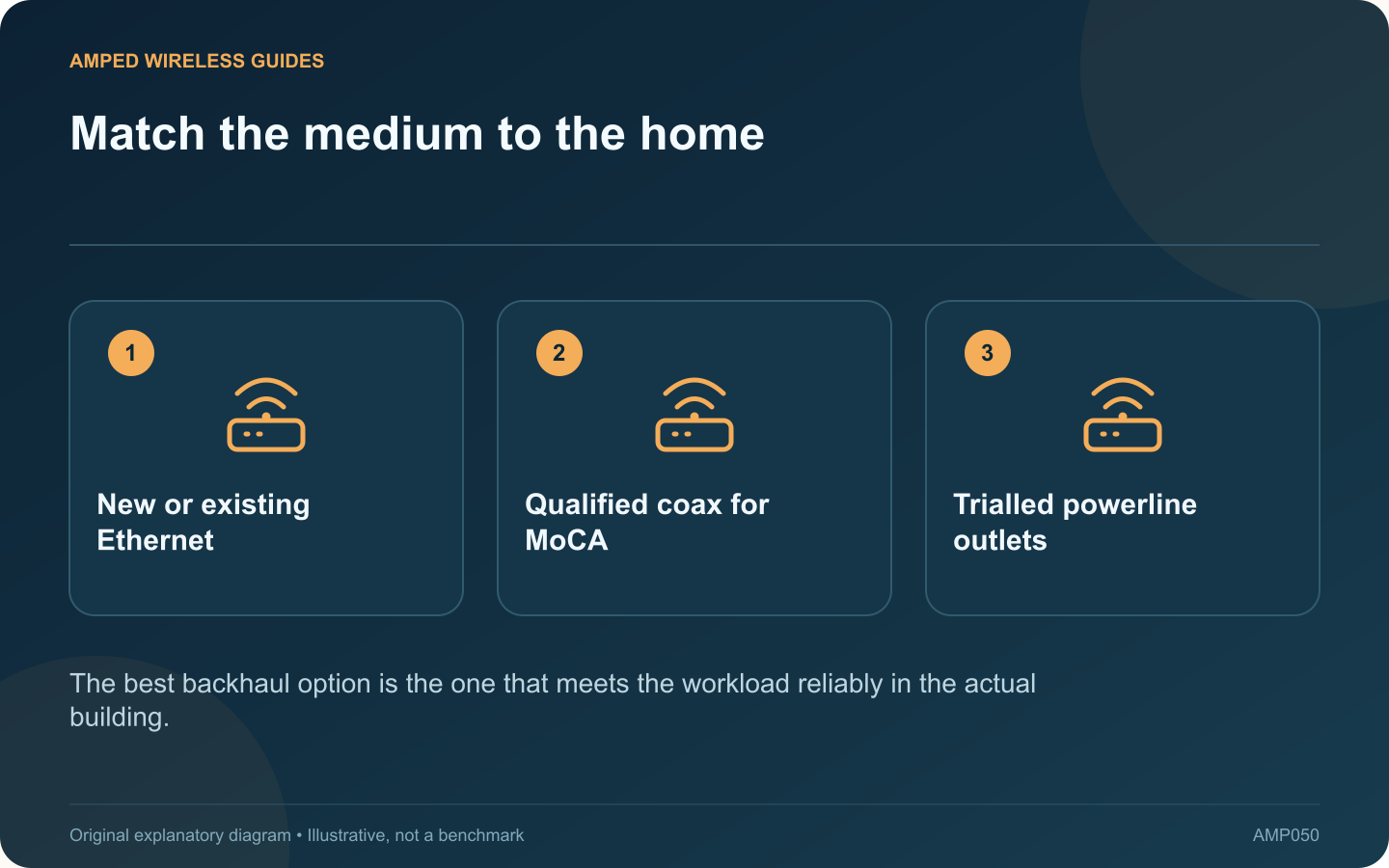
Choosing a backhaul connection starts with the building’s usable routes. Ethernet, MoCA and powerline solve different installation constraints, so a universal ranking based only on advertised speed can lead to an expensive mismatch.
Check Ethernet feasibility first
Look for existing data outlets or an acceptable new cable route. Include installation, termination and testing in the estimate. A temporary cable laid safely for a short test can establish whether a wired connection solves the original coverage problem before permanent work is commissioned.
Qualify available coax
MoCA may make sense when connected coax outlets already reach the required rooms. Confirm compatible splitters, amplifiers, provider services and filtering. Count all necessary endpoints instead of assuming that any modem with a coax connector supplies MoCA networking.
Trial the mains route
Powerline avoids new data cabling, but its performance depends on the electrical path and interference. Use matching adapters in suitable wall outlets and test during ordinary household operation. Do not treat physical room distance as a reliable measure of electrical path quality.
Compare the full installation
| Option | Question that can decide it |
|---|---|
| Ethernet | Can a suitable route be installed and tested? |
| MoCA | Does compatible connected coax already exist? |
| Powerline | Do the actual outlets provide stable service? |
Keep the final access point in mind
The backhaul must connect to the intended router, mesh node or access point in its supported mode. Check port speeds and topology requirements. A good transmission medium cannot fix an incorrectly placed router-mode satellite.
Judge success by the real workload: calls, file transfers, streaming or several simultaneous clients. Include maintenance access and future room expansion in the decision. Where two approaches both work, the simpler supported installation may be preferable to the one with the largest box specification. Keep the test results so the eventual choice has a clear practical basis.
Sources and editorial notes
Sources checked 8–9 October 2026. Independent guidance and original illustrations; product comparisons use published specifications rather than hands-on benchmarks. Check the exact model, revision and regional documentation before changing settings.
- ScreenBeam: ECB7250 specifications and coax compatibility
- TP-Link: powerline speed and electrical interference
- TP-Link: Deco Ethernet backhaul topology and switches
- ScreenBeam: MoCA security and point-of-entry filtering