Independent extender & router guidesHelping you find your connection.
The guide library

Omada EAP610 vs EAP650: check client channel width and controller support

Explore the guide library · Access-point selection

The EAP650’s wider-channel capability matters only when clients and the radio environment can use it.
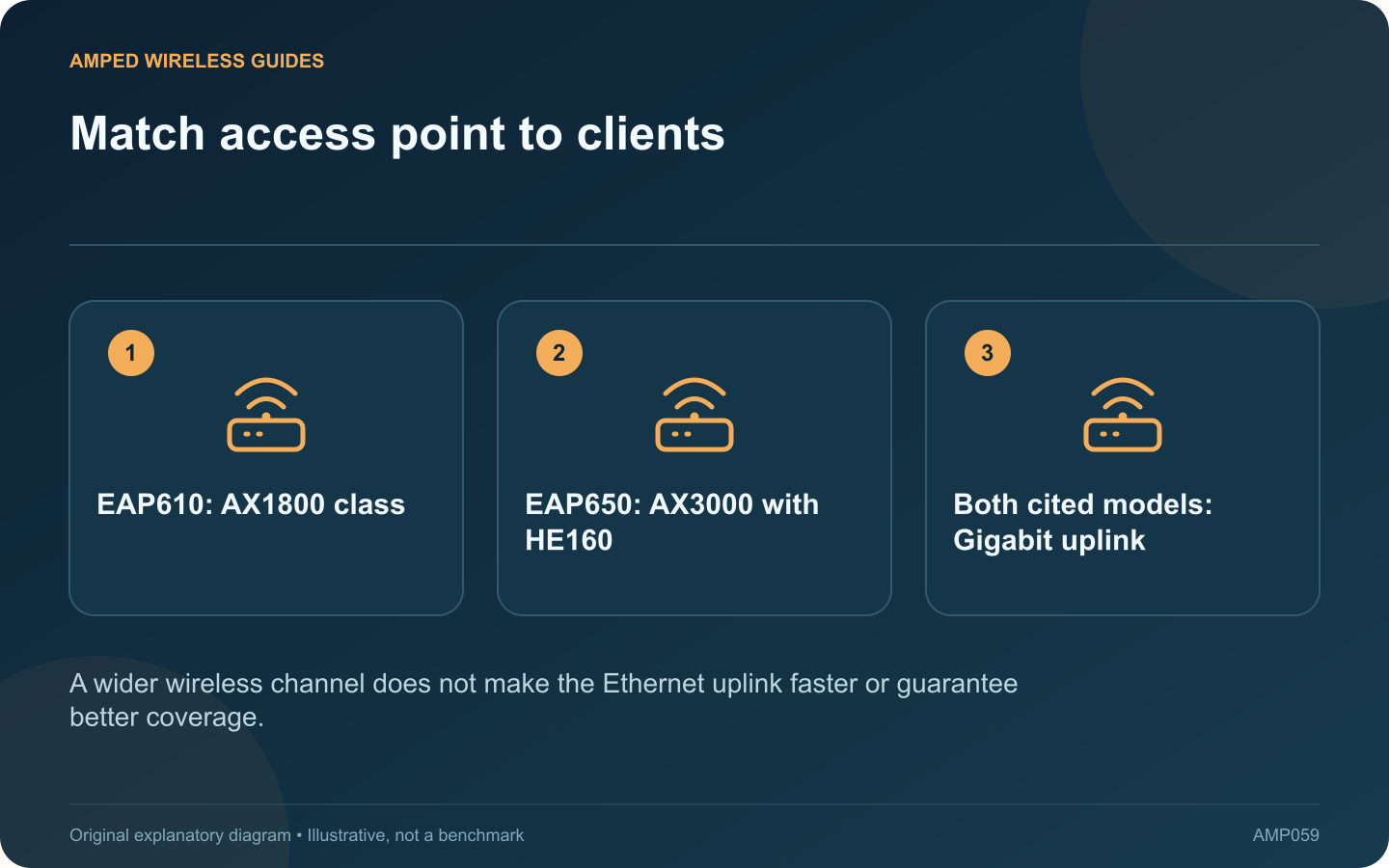
Match access point to clients: EAP610: AX1800 class; EAP650: AX3000 with HE160; Both cited models: Gigabit uplink
A wider wireless channel does not make the Ethernet uplink faster or guarantee better coverage.

The cited EAP610 and EAP650 versions are dual-band Wi-Fi 6 ceiling access points with Gigabit Ethernet uplinks. The EAP650 adds HE160 capability and a higher advertised 5 GHz rate, but the value of that difference depends on clients and the surrounding radio environment.

Check the important clients

Identify whether the laptops needing higher local throughput support the relevant channel width. A client limited to a narrower configuration cannot use every capability advertised by the access point. Driver and operating-system support also deserve checking.

Inspect the radio environment

Wider channels occupy more spectrum. Where neighboring networks or local restrictions make that configuration unsuitable, a narrower supported setting may provide the more useful result. Compare stability and real transfers rather than treating the widest menu option as mandatory.

Keep the wired ceiling in mind

Both cited versions use a Gigabit uplink. Traffic crossing that interface remains subject to its capacity even if a wireless link displays a higher physical rate. Determine whether the workload is one client transfer or many devices sharing access.

Verify management compatibility

Omada’s EAP610 page explicitly distinguishes cloud-controller support across hardware revisions. Check the exact unit and planned controller before purchasing. A matching model name alone is not enough for a managed deployment.

Plan the complete installation

  • Supported PoE or power supply.
  • Suitable ceiling location and cable route.
  • Controller and firmware compatibility.
  • Required guest-network and VLAN design.

After mounting, test the busy rooms with representative devices. The EAP650 is worth considering when compatible clients and usable channel conditions make its wider-channel capability relevant. The EAP610 may satisfy a different workload without it. This guide compares documented features and deployment requirements rather than asserting a measured coverage advantage for either access point.

Sources and editorial notes

Sources checked 8–9 October 2026. Independent guidance and original illustrations; product comparisons use published specifications rather than hands-on benchmarks. Check the exact model, revision and regional documentation before changing settings.

Related guides

300 FAQs across our guide libraries

Quick answers

100 practical questions from Amped Wireless Guides.

Browse all 100 FAQs
What matters when choosing Omada EAP610 or EAP650?

The cited EAP610 and EAP650 versions are dual-band Wi-Fi 6 ceiling access points with Gigabit Ethernet uplinks. The EAP650 adds HE160 capability and a higher advertised 5 GHz rate, but the value of that difference depends on clients and the surrounding radio environment. Identify whether the laptops needing higher local throughput support the relevant channel width. A client limited to a narrower configuration cannot use every capability advertised by the access point. Driver and operating-system support also deserve checking.

Read the full guide and sources
Does upgrading from U6+ to U7 Lite add 6 GHz support?

UniFi's U7 Lite and U6+ serve similar compact access-point roles, but the newer generation changes several planning requirements. The U7 Lite specification lists a 2.5 GbE uplink; the U6+ lists Gigabit Ethernet. Both cited products operate on 2.4 and 5 GHz. If the upgrade goal is specifically to add 6 GHz coverage, inspect another suitable model whose specification includes that band. Wi-Fi 7 branding alone does not answer the frequency-band question.

Read the full guide and sources
Why can an extender fail to see the router’s 5 GHz network?

An extender finding the router's 2.4 GHz network but missing its 5 GHz network has a narrower problem than a completely failed setup. Confirm the router's 5 GHz radio and the extender's supported channels before resetting the device. Use another compatible client near the router to check its 5 GHz network. If that client cannot see it either, inspect the router first. When both bands share one name, use the router's status information to verify which band the test client actually joined.

Read the full guide and sources
When might RE655BE improve on an RE715X installation?

The RE655BE adds capabilities beyond the RE715X, but whether they help depends on the entire connection. A weak upstream signal or an older client can matter more than the generation printed on the extender. The cited RE715X EU revision 2.0 datasheet describes dual-band Wi-Fi 6 and a Gigabit Ethernet port. TP-Link's US RE655BE page describes tri-band Wi-Fi 7, including 6 GHz, and a 2.5 Gigabit port. Regional versions and channel availability must be checked before buying locally.

Read the full guide and sources
Independent. Practical. Clear.

Amped Wireless Guides is an independent information website. We are not affiliated with or endorsed by Amped Wireless. Product names belong to their respective owners.