Explore the guide library · Extender connection checks
Verify supported security at both ends before treating the failed connection as a coverage problem.
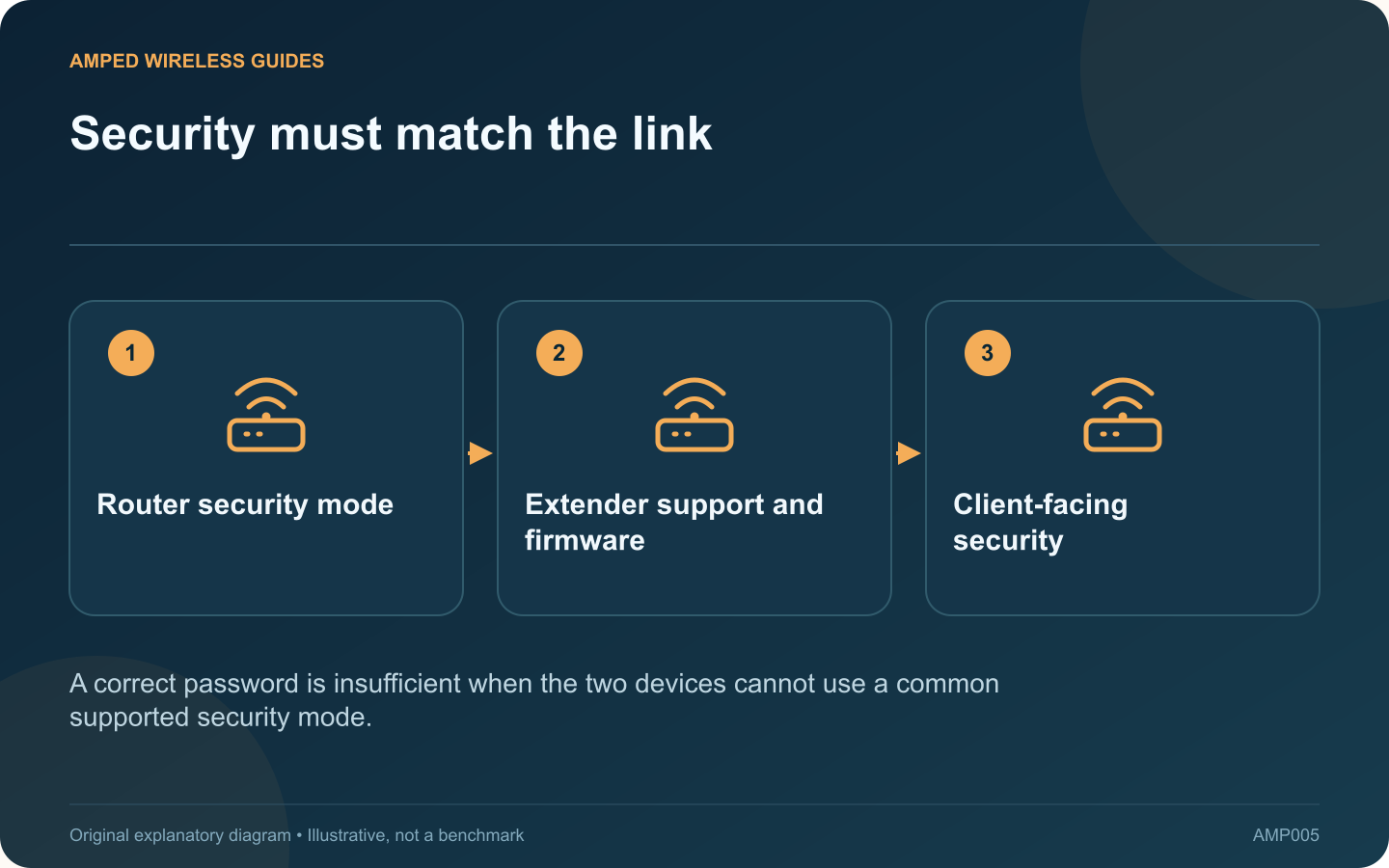
A router security upgrade can expose an older extender’s compatibility limit. If the extender stopped connecting immediately after the router moved to WPA3-only operation, investigate the supported security modes before moving it around the house.
Record the exact change
Note the old and new router security setting and whether the network name or password also changed. Several simultaneous changes make the symptom harder to interpret. Confirm that a compatible modern client can still join the intended router network.
Check the extender’s documentation
Look up the precise model, revision and installed firmware. Vendor support for WPA3 is product-specific; a generic “Wi-Fi extender” label establishes nothing about authentication support. A feature marked planned is not equivalent to released support.
Distinguish password from protocol
TP-Link explains that both ends need appropriate support for WPA3 operation. Re-entering the same password repeatedly cannot add an unsupported authentication method. Avoid downloading unofficial firmware that claims to unlock security features without reliable vendor documentation.
Choose an intentional remedy
- Install a supported vendor update if it adds the required capability.
- Replace an unsupported extender when WPA3-only is a requirement.
- Evaluate a documented compatibility mode only if it meets the network owner’s security policy.
Do not switch the entire network to obsolete WEP, original WPA or an open network to accommodate one aging device.
Verify both wireless segments
The extender’s upstream link and the network it offers to clients both matter. Confirm the effective security of each after any authorized change, then test ordinary connectivity.
A compatibility workaround should be documented so it is not mistaken for the stronger original configuration. If the extender is no longer maintained, replacement may be a better long-term choice than repeatedly relaxing the network around it. Finish with a configuration that is supported, understood and appropriate for all devices using the connection.
Sources and editorial notes
Sources checked 8–9 October 2026. Independent guidance and original illustrations; product comparisons use published specifications rather than hands-on benchmarks. Check the exact model, revision and regional documentation before changing settings.