Independent extender & router guidesHelping you find your connection.
The guide library

Deco XE75 vs XE75 Pro: plan how you will use the single 2.5 Gigabit port

Explore the guide library · Extender and mesh comparisons

The Pro’s faster port helps particular topologies, but it does not make every wired connection multi-gigabit.
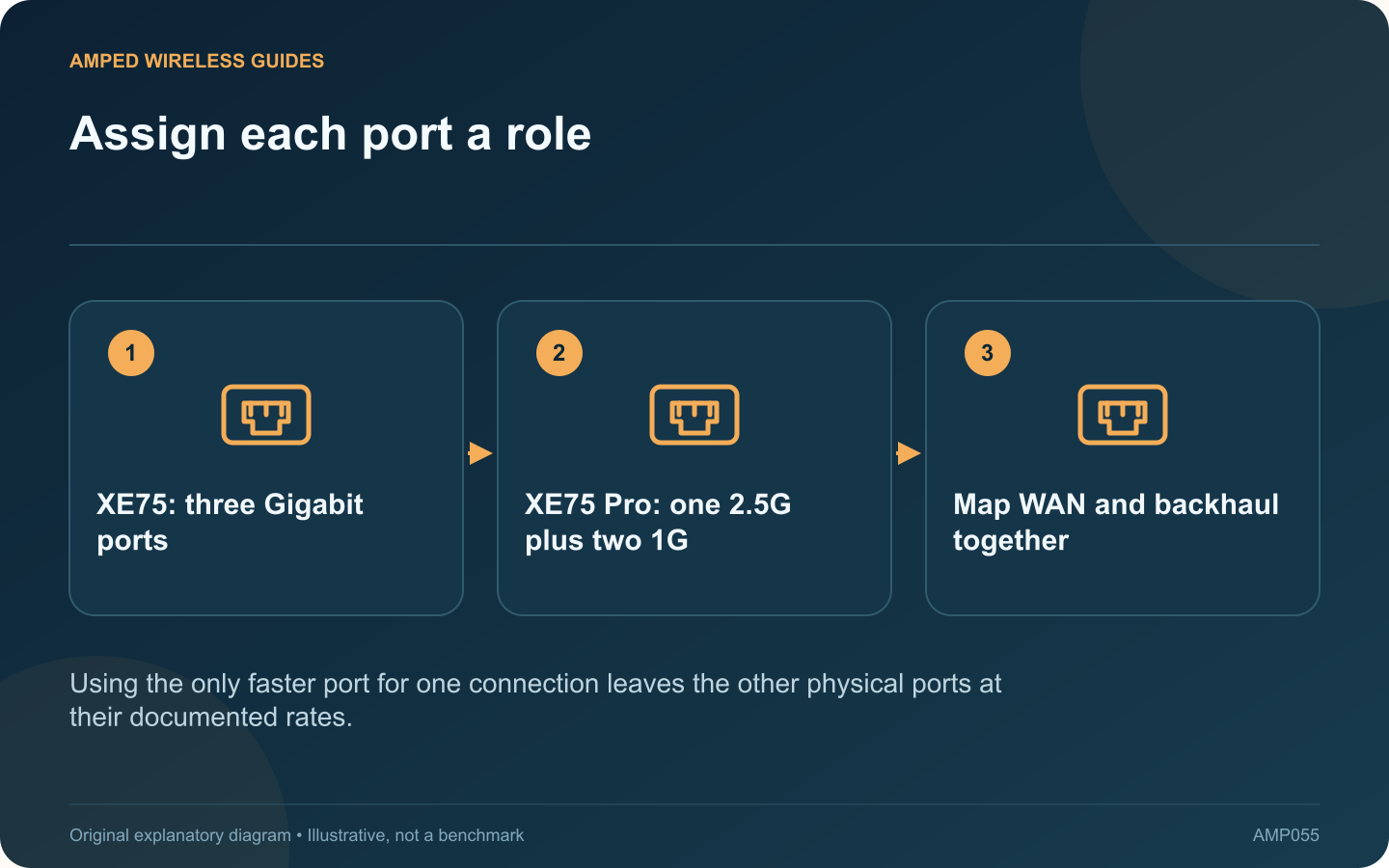
Assign each port a role: XE75: three Gigabit ports; XE75 Pro: one 2.5G plus two 1G; Map WAN and backhaul together
Using the only faster port for one connection leaves the other physical ports at their documented rates.

The XE75 and XE75 Pro are both presented as tri-band Wi-Fi 6E systems. A key wired difference is that the XE75 has three Gigabit ports, while the XE75 Pro has one 2.5 Gigabit port and two Gigabit ports per unit.

Draw the router-mode layout

If the Pro’s faster port connects to a multi-gigabit internet gateway, the remaining ports are still Gigabit. A cable from one of those ports to a downstream switch does not become 2.5 Gigabit because the internet-facing connection is faster.

Consider access-point mode separately

With a suitable existing router handling routing, the supported AP-mode topology may allow each Deco’s faster port to connect to an appropriate upstream switch. Check TP-Link’s topology guidance and the features that change in AP mode before redesigning the network.

Identify the real workload

Goal Planning question
Faster internet for wireless clients Can the WAN and wireless path use it?
Multi-gigabit wired backhaul Which ports carry each hop?
Ordinary Gigabit household use Does the faster port add practical value?

Avoid unsupported port arithmetic

Do not connect extra parallel cables as an improvised speed upgrade. Use only supported backhaul arrangements. The number of sockets and their negotiated rates are concrete constraints that should appear in the plan.

Check the final result

Inspect each node’s active backhaul and run the intended workload. Include wireless client capability and placement; a faster Ethernet interface does not guarantee better coverage through walls.

The Pro is useful when its single faster port serves a defined purpose in the chosen mode. The ordinary XE75 may be sufficient where the complete wired path remains Gigabit. This is a port-and-topology comparison based on current product documentation, not a claim of hands-on speed superiority for either system.

Sources and editorial notes

Sources checked 8–9 October 2026. Independent guidance and original illustrations; product comparisons use published specifications rather than hands-on benchmarks. Check the exact model, revision and regional documentation before changing settings.

Related guides

300 FAQs across our guide libraries

Quick answers

100 practical questions from Amped Wireless Guides.

Browse all 100 FAQs
When is the XE75 Pro’s 2.5G port useful compared with XE75?

The XE75 and XE75 Pro are both presented as tri-band Wi-Fi 6E systems. A key wired difference is that the XE75 has three Gigabit ports, while the XE75 Pro has one 2.5 Gigabit port and two Gigabit ports per unit. If the Pro's faster port connects to a multi-gigabit internet gateway, the remaining ports are still Gigabit. A cable from one of those ports to a downstream switch does not become 2.5 Gigabit because the internet-facing connection is faster.

Read the full guide and sources
What should I verify when comparing Deco BE25 and BE63?

The cited Deco BE25 revision 1 and BE63 specifications illustrate why Wi-Fi generation alone is insufficient for choosing a mesh kit. The BE25 version covers 2.4 and 5 GHz with two 2.5 Gigabit ports; the BE63 adds 6 GHz and lists four 2.5 Gigabit ports per unit. At the main router, one port serves the upstream connection. At a wired satellite, one may serve backhaul. Write down how many physical connections remain for a desktop, television or storage device. Extra ports can avoid a separate switch where space is limited.

Read the full guide and sources
Why does the Ethernet port matter when comparing RE235BE and RE315?

When an extender will use Ethernet, its port specification deserves as much attention as its wireless class. The cited RE315 revision 1 page lists a 10/100 Mbps port, while the RE235BE EU revision 1 datasheet lists a 2.5 Gigabit Ethernet port. In access-point mode, a wired link feeds the wireless network. In extender mode, the port may connect a nearby wired device while the upstream link remains wireless. Confirm the exact model's supported modes before assuming either arrangement.

Read the full guide and sources
When might RE655BE improve on an RE715X installation?

The RE655BE adds capabilities beyond the RE715X, but whether they help depends on the entire connection. A weak upstream signal or an older client can matter more than the generation printed on the extender. The cited RE715X EU revision 2.0 datasheet describes dual-band Wi-Fi 6 and a Gigabit Ethernet port. TP-Link's US RE655BE page describes tri-band Wi-Fi 7, including 6 GHz, and a 2.5 Gigabit port. Regional versions and channel availability must be checked before buying locally.

Read the full guide and sources
Independent. Practical. Clear.

Amped Wireless Guides is an independent information website. We are not affiliated with or endorsed by Amped Wireless. Product names belong to their respective owners.