Independent extender & router guidesHelping you find your connection.
The guide library

RE235BE vs RE315: check the Ethernet limit before using an extender as an access point

Explore the guide library · Extender and mesh comparisons

A 100 Mbps port and a 2.5 Gigabit port create very different wired-path limits, regardless of the wireless label.
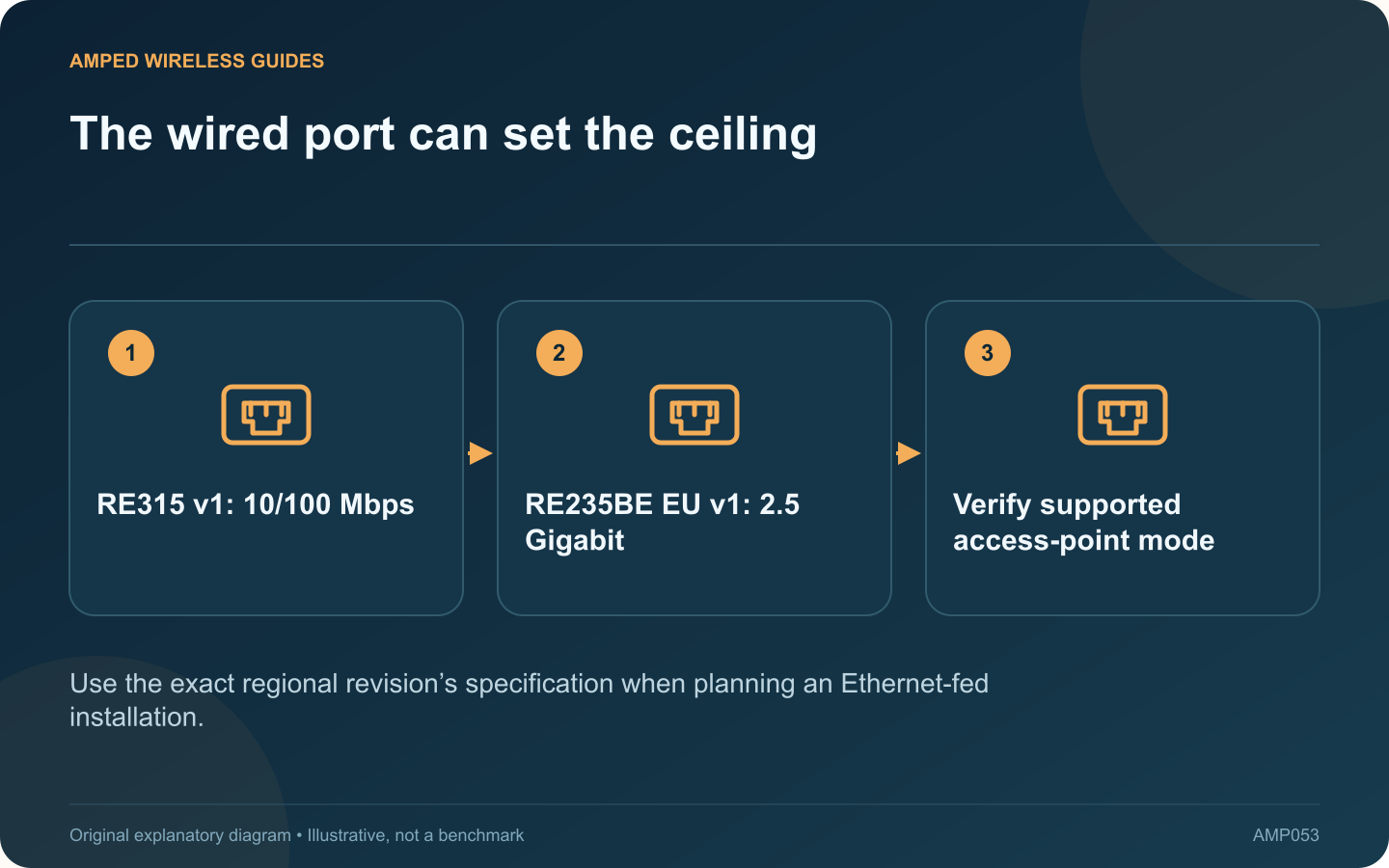
The wired port can set the ceiling: RE315 v1: 10/100 Mbps; RE235BE EU v1: 2.5 Gigabit; Verify supported access-point mode
Use the exact regional revision’s specification when planning an Ethernet-fed installation.

When an extender will use Ethernet, its port specification deserves as much attention as its wireless class. The cited RE315 revision 1 page lists a 10/100 Mbps port, while the RE235BE EU revision 1 datasheet lists a 2.5 Gigabit Ethernet port.

Identify the proposed role

In access-point mode, a wired link feeds the wireless network. In extender mode, the port may connect a nearby wired device while the upstream link remains wireless. Confirm the exact model’s supported modes before assuming either arrangement.

Translate the port difference into a requirement

If the intended wired path needs more than 100 Mbps, the cited RE315 port cannot provide that link rate. A faster port removes that particular limit only when the connected router, switch and cable also support the desired rate.

Do not replace an adequate device automatically

A modest application may work satisfactorily through a slower interface. Define the failure or missing capability first. Replacing hardware solely because a number is smaller can cost money without improving the service the household notices.

Check the rest of the comparison

Question Why it matters
Which regional revision is sold? Specifications and firmware can differ
Which mesh system is required? A matching brand is not enough
Which client needs improvement? Client capability affects the benefit

Verify the installed path

After setup, inspect Ethernet negotiation and test an actual local transfer or internet workload. A wireless connection displaying a high rate cannot override a slower upstream Ethernet port.

This comparison does not establish measured coverage or throughput for either product. It identifies a concrete specification that can decide a wired installation. Choose according to the required mode, supported security and complete network path, then validate the result where the device will actually operate.

Sources and editorial notes

Sources checked 8–9 October 2026. Independent guidance and original illustrations; product comparisons use published specifications rather than hands-on benchmarks. Check the exact model, revision and regional documentation before changing settings.

Related guides

300 FAQs across our guide libraries

Quick answers

100 practical questions from Amped Wireless Guides.

Browse all 100 FAQs
Why does the Ethernet port matter when comparing RE235BE and RE315?

When an extender will use Ethernet, its port specification deserves as much attention as its wireless class. The cited RE315 revision 1 page lists a 10/100 Mbps port, while the RE235BE EU revision 1 datasheet lists a 2.5 Gigabit Ethernet port. In access-point mode, a wired link feeds the wireless network. In extender mode, the port may connect a nearby wired device while the upstream link remains wireless. Confirm the exact model's supported modes before assuming either arrangement.

Read the full guide and sources
What practical difference separates NETGEAR EAX15 and EAX20?

The EAX15 and EAX20 both appear in NETGEAR's AX1800 Wi-Fi 6 extender range. Their physical layouts and Ethernet connections provide a clearer practical distinction than the shared speed-class label. The cited EAX15 datasheet lists one Gigabit Ethernet port; the EAX20 datasheet lists four. A television cabinet with several wired endpoints may therefore fit the EAX20's layout more naturally. Check the current hardware revision before purchasing because model families can change.

Read the full guide and sources
Do both RE405BE and RE655BE include a 6 GHz radio?

Two extenders can both support Wi-Fi 7 while serving different frequency bands. TP-Link's US RE405BE is a dual-band model, whereas the RE655BE is tri-band with 6 GHz. That is a more useful starting point than comparing the Wi-Fi 7 badge alone. Inventory the laptops and phones that need improved service. Confirm their actual wireless hardware and operating-system support. An older device using 2.4 or 5 GHz does not move to 6 GHz merely because the extender offers it.

Read the full guide and sources
When might RE655BE improve on an RE715X installation?

The RE655BE adds capabilities beyond the RE715X, but whether they help depends on the entire connection. A weak upstream signal or an older client can matter more than the generation printed on the extender. The cited RE715X EU revision 2.0 datasheet describes dual-band Wi-Fi 6 and a Gigabit Ethernet port. TP-Link's US RE655BE page describes tri-band Wi-Fi 7, including 6 GHz, and a 2.5 Gigabit port. Regional versions and channel availability must be checked before buying locally.

Read the full guide and sources
Independent. Practical. Clear.

Amped Wireless Guides is an independent information website. We are not affiliated with or endorsed by Amped Wireless. Product names belong to their respective owners.