Explore the guide library · Power and resilience
Long-distance products have specific data-rate and power limits; joining cables alone does not extend a standard channel indefinitely.
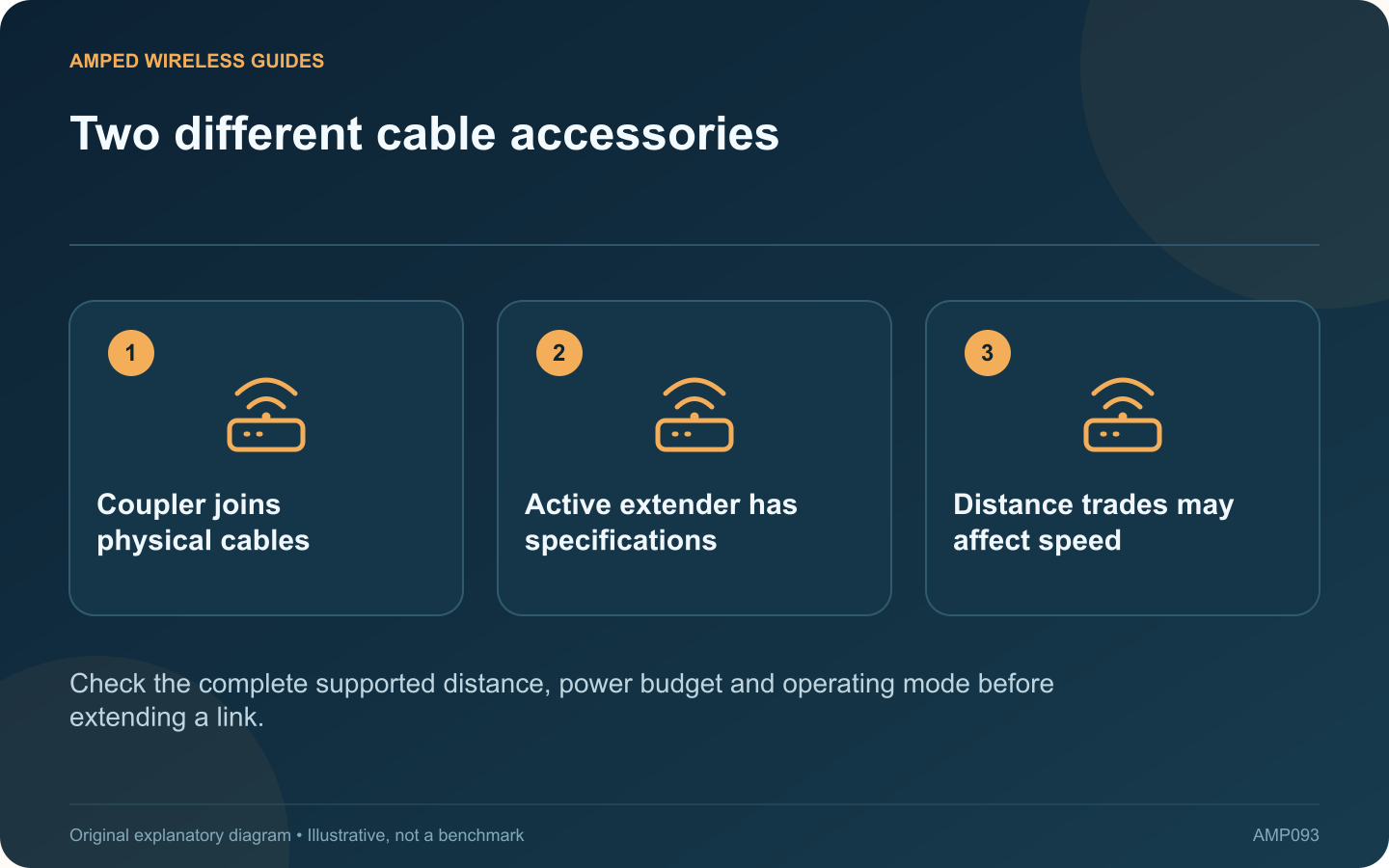
A passive coupler joins cable connectors; a purpose-built PoE extender is an active networking product with its own supported limits. They should not be treated as interchangeable ways to stretch Ethernet to any desired distance.
Measure the existing route
Include fixed cabling and patch leads in the full channel. Fluke Networks distinguishes the permanent link from the complete channel, which matters when extra leads and couplers are added after the original installation.
Read the extender’s modes
TP-Link’s TL-POE10E documentation illustrates a product with distance and data-rate conditions, including a longer-distance mode associated with a lower rate. A product offering extended reach should not be assumed to preserve every original speed at that reach.
Calculate downstream power
The active device and cable path affect what reaches the final powered equipment. Confirm compatible input and output standards and the vendor’s available-power guidance. A camera’s maximum requirement matters more than whether its light briefly turns on.
Check the physical environment
- Indoor or outdoor product rating.
- Accessible mounting and maintenance.
- Suitable cable entry and protection.
- Supported number of stages, if any.
Do not chain devices indefinitely because one additional unit happened to work in a short test.
Compare a redesigned route
For a permanent long connection, ask an installer to compare fiber or a properly placed network switch with the proposed extension arrangement. Include power, enclosure and maintenance costs in that comparison.
Test sustained data traffic and the powered device’s demanding operating state after installation. Record the final topology and exact extender mode so future troubleshooting starts with known limits.
A suitable active extender can solve a specific constraint, but a coupler cannot repeal the cable system’s requirements. Choose a documented complete link rather than accumulating adapters until a status light appears.
Sources and editorial notes
Sources checked 8–9 October 2026. Independent guidance and original illustrations; product comparisons use published specifications rather than hands-on benchmarks. Check the exact model, revision and regional documentation before changing settings.
- TP-Link: TL-POE10E distance and data-rate modes
- Fluke Networks: permanent-link and channel testing
- NETGEAR: PoE standards, per-port power and total budget