Independent extender & router guidesHelping you find your connection.
The guide library

An access point boots but reports low power: check PoE negotiation

Explore the guide library · Power and resilience

Being powered on does not prove that every radio, stream or interface has its full supported power allocation.
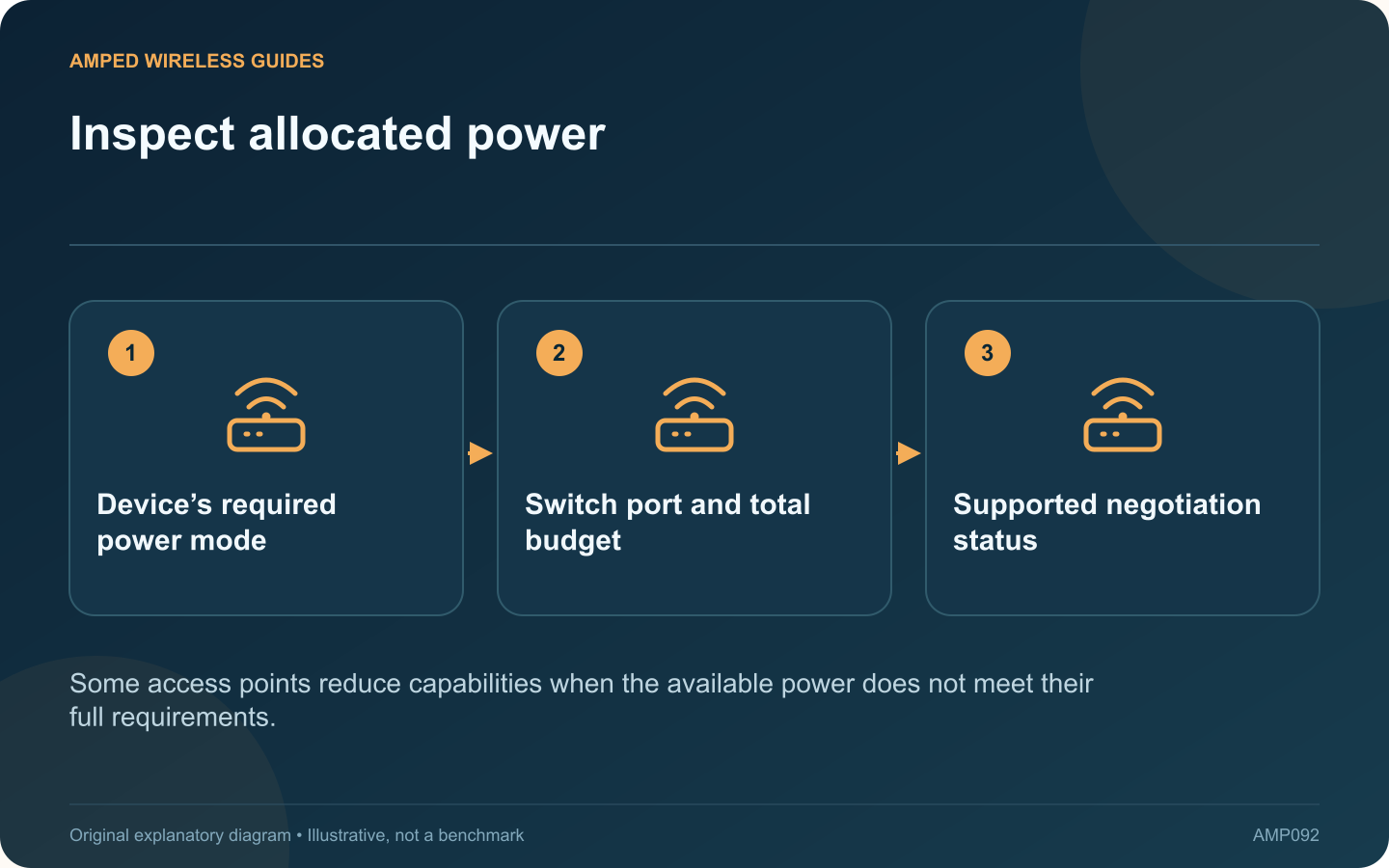
Inspect allocated power: Device’s required power mode; Switch port and total budget; Supported negotiation status
Some access points reduce capabilities when the available power does not meet their full requirements.

An access point can boot successfully while operating with reduced capabilities because of its power allocation. If a radio or interface is unavailable, check the device’s reported power mode before treating the symptom as a wireless configuration fault.

Read the exact power table

Cisco’s current access-point power guidance describes model-dependent profiles and negotiation. Different products can respond differently to limited power. Do not assume that every access point disables the same radio or accepts the same power standard.

Inspect both ends

Check the access point’s required standard, the switch port’s capability and the switch’s remaining aggregate budget. A high-power port on a switch with an exhausted total budget may still fail to provide the intended allocation.

Review supported negotiation

Some documented combinations use LLDP or CDP as part of power negotiation. Verify the vendor’s requirements on the actual equipment and firmware. Do not copy enterprise commands into an unrelated switch or force a power value beyond the supported arrangement.

Keep cabling in the investigation

  • Use the intended cable type and length.
  • Inspect supported cable diagnostics.
  • Check any injector or intermediate device.
  • Compare with a known compatible power path when practical.

Confirm restored functionality

After correcting the supported power arrangement, verify the reported mode and the capabilities that were missing. Test normal client service under load, not only the startup indicator.

Record the supplying port and expected allocation so later maintenance does not move the access point to an unsuitable connection. If the vendor documents a reduced-power mode as acceptable for your intended use, describe that limitation explicitly in the network plan.

The important distinction is between enough power to start and enough power for the chosen feature set. Reading the negotiated state can resolve that ambiguity without unnecessary factory resets or speculative radio changes.

Sources and editorial notes

Sources checked 8–9 October 2026. Independent guidance and original illustrations; product comparisons use published specifications rather than hands-on benchmarks. Check the exact model, revision and regional documentation before changing settings.

Related guides

300 FAQs across our guide libraries

Quick answers

100 practical questions from Amped Wireless Guides.

Browse all 100 FAQs
Why can an access point boot yet report insufficient PoE power?

An access point can boot successfully while operating with reduced capabilities because of its power allocation. If a radio or interface is unavailable, check the device's reported power mode before treating the symptom as a wireless configuration fault. Cisco's current access-point power guidance describes model-dependent profiles and negotiation. Different products can respond differently to limited power. Do not assume that every access point disables the same radio or accepts the same power standard.

Read the full guide and sources
Why might a PoE watchdog repeatedly restart a working access point?

Some PoE switches can restart a powered device when a health check fails. This can recover a genuinely unresponsive access point, but an incorrect target or unsuitable check can also cause repeated unnecessary power cycles. Inspect its supported logs and PoE status. Compare the restart times with the configured monitoring interval. NETGEAR describes self-healing that stops and restores port power after a device fails to respond under the configured conditions.

Read the full guide and sources
What does PoE port priority control during a power shortage?

Some managed PoE switches let you assign port priorities. These settings can influence which devices retain power when the available PoE budget is insufficient, but they do not increase the switch's total power capacity. List the access points, cameras and other powered devices connected to each port. Decide which services are essential for the installation. On a shared network, that decision belongs with the responsible administrator rather than being inferred from port numbers.

Read the full guide and sources
What should a UPS power to keep an internet connection working?

A battery backup for the router is useful only if the other devices needed for connectivity also remain powered. For fiber service, that may include an ONT, a switch and the access point used by the household. Draw the route from the provider handoff to the device that must stay online. Identify each powered component and its location. A remote mesh node on another circuit may stop working even while the main router continues running.

Read the full guide and sources
Independent. Practical. Clear.

Amped Wireless Guides is an independent information website. We are not affiliated with or endorsed by Amped Wireless. Product names belong to their respective owners.