Independent extender & router guidesHelping you find your connection.
The guide library

PoE port priority: keep essential devices identified before a power-budget shortage

Explore the guide library · Power and resilience

Priority determines which supported ports retain power under particular conditions; it does not increase the available budget.
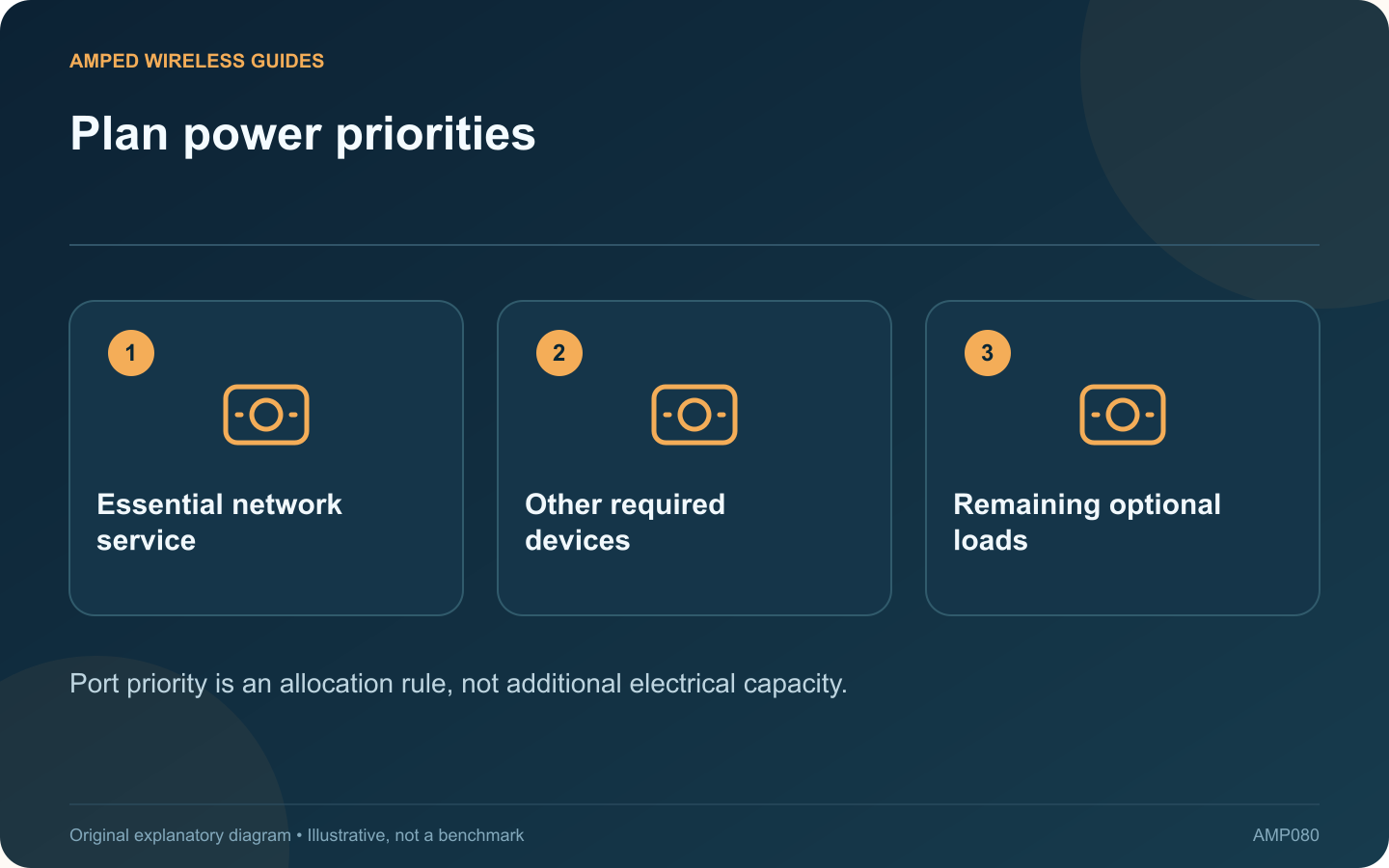
Plan power priorities: Essential network service; Other required devices; Remaining optional loads
Port priority is an allocation rule, not additional electrical capacity.

Some managed PoE switches let you assign port priorities. These settings can influence which devices retain power when the available PoE budget is insufficient, but they do not increase the switch’s total power capacity.

Identify what matters most

List the access points, cameras and other powered devices connected to each port. Decide which services are essential for the installation. On a shared network, that decision belongs with the responsible administrator rather than being inferred from port numbers.

Read the exact switch behavior

NETGEAR’s cited managed-switch manual describes priority controls. Other products may use fixed port ordering or different allocation rules. Check the current manual and firmware before assuming that a high-numbered port or a label has a particular priority.

Calculate a sufficient budget first

Use device maximum requirements and the switch’s supported power standards. Axis’s camera guidance shows why demanding states can consume more than an idle observation. Priority is a contingency mechanism, not a substitute for adequate capacity.

Record the policy

Port record Useful detail
Device role What service loses power
Power requirement Supported standard and budget
Priority Documented allocation choice

Verify safely during maintenance

Use the vendor’s monitoring and supported testing procedures. Avoid deliberately overloading equipment or unexpectedly interrupting important devices. Confirm that the configured priorities match the physical ports and saved configuration.

After adding a new powered device, revisit the budget and policy. A spare Ethernet socket does not prove that spare PoE power remains available.

If a device repeatedly loses power, inspect the switch’s fault and budget information before moving it to a higher-priority port. The correct fix may be a suitable power supply, a larger supported budget or a cable correction. Priority should make a well-designed system’s behavior predictable when capacity becomes constrained.

Sources and editorial notes

Sources checked 8–9 October 2026. Independent guidance and original illustrations; product comparisons use published specifications rather than hands-on benchmarks. Check the exact model, revision and regional documentation before changing settings.

Related guides

300 FAQs across our guide libraries

Quick answers

100 practical questions from Amped Wireless Guides.

Browse all 100 FAQs
What does PoE port priority control during a power shortage?

Some managed PoE switches let you assign port priorities. These settings can influence which devices retain power when the available PoE budget is insufficient, but they do not increase the switch's total power capacity. List the access points, cameras and other powered devices connected to each port. Decide which services are essential for the installation. On a shared network, that decision belongs with the responsible administrator rather than being inferred from port numbers.

Read the full guide and sources
How much input power can a PoE pass-through switch deliver onward?

A PoE pass-through switch can be useful where a network cable reaches a location without a convenient local power outlet. It receives supported PoE power upstream and may provide PoE to selected downstream devices. The available output must be planned carefully. NETGEAR describes this as a switch acting as a powered device while also supplying power. Confirm that the exact model supports the required input standard and the required downstream output standard. An ordinary PoE switch does not necessarily accept power through Ethernet itself.

Read the full guide and sources
What should a UPS power to keep an internet connection working?

A battery backup for the router is useful only if the other devices needed for connectivity also remain powered. For fiber service, that may include an ONT, a switch and the access point used by the household. Draw the route from the provider handoff to the device that must stay online. Identify each powered component and its location. A remote mesh node on another circuit may stop working even while the main router continues running.

Read the full guide and sources
Why might a PoE watchdog repeatedly restart a working access point?

Some PoE switches can restart a powered device when a health check fails. This can recover a genuinely unresponsive access point, but an incorrect target or unsuitable check can also cause repeated unnecessary power cycles. Inspect its supported logs and PoE status. Compare the restart times with the configured monitoring interval. NETGEAR describes self-healing that stops and restores port power after a device fails to respond under the configured conditions.

Read the full guide and sources
Independent. Practical. Clear.

Amped Wireless Guides is an independent information website. We are not affiliated with or endorsed by Amped Wireless. Product names belong to their respective owners.