Independent extender & router guidesHelping you find your connection.
The guide library

Wi-Fi drops when the microwave runs: test the pattern before replacing the extender

Explore the guide library · Room and outdoor coverage

Correlate the interruption with ordinary appliance use and compare a supported alternative band or position.
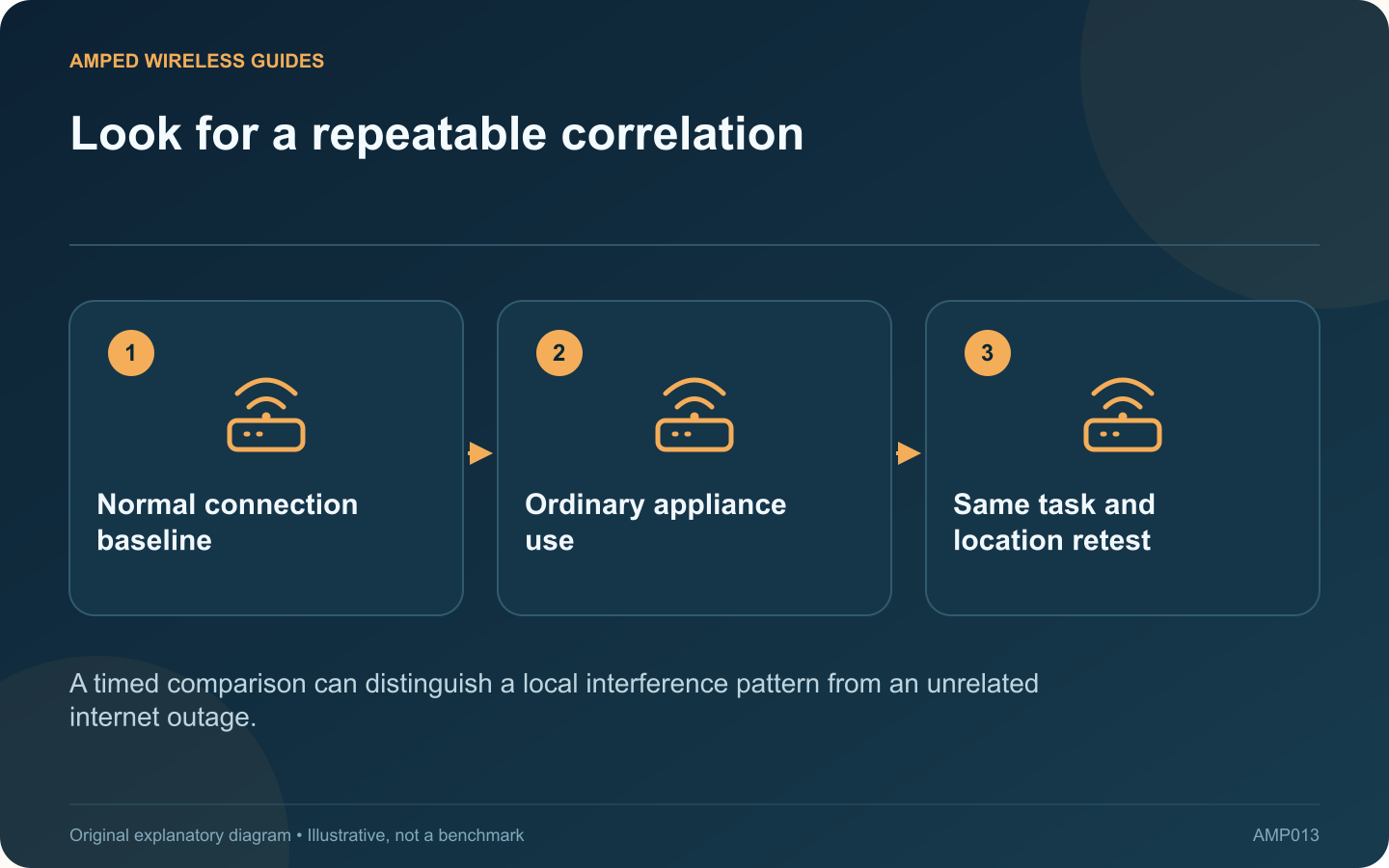
Look for a repeatable correlation: Normal connection baseline; Ordinary appliance use; Same task and location retest
A timed comparison can distinguish a local interference pattern from an unrelated internet outage.

A kitchen connection that becomes unreliable during microwave use may be affected by local radio interference. Cisco identifies microwave ovens among sources that can interfere with 2.4 GHz Wi-Fi. The timing is a clue to test, not proof that every nearby appliance is faulty.

Record normal behavior

Use the same client in the usual kitchen position and note whether the connection works before, during and after ordinary appliance use. Do not run an appliance empty or modify it for a network experiment. Keep the test limited to normal safe operation.

Identify both wireless links

If the client uses an extender, check the band between client and extender and the band between extender and router. Moving the phone to 5 GHz may not solve the issue if the extender’s upstream connection still relies on the affected 2.4 GHz path.

Compare a supported alternative

Where both devices support it and coverage is adequate, test a 5 GHz connection. Alternatively, move the networking device to a safe position farther from the appliance and large metal surfaces. Change one factor at a time.

Check the wider network

  • Does a wired device remain online?
  • Does another room lose service at the same time?
  • Does the extender report an upstream disconnect?
  • Does the symptom stop when normal appliance use ends?

These observations help distinguish a local radio issue from a provider outage or a power interruption.

Choose a lasting placement

Keep networking hardware away from unsuitable kitchen locations, moisture and blocked ventilation. A wired access point path can reduce dependence on the affected upstream radio segment where cabling is practical.

Do not open or alter the microwave to improve Wi-Fi. If the appliance itself shows abnormal behavior, have it assessed through appropriate service. For the network, the goal is a repeatable improvement in the kitchen under normal household conditions, with the relevant wireless path identified and a safe placement retained.

Sources and editorial notes

Sources checked 8–9 October 2026. Independent guidance and original illustrations; product comparisons use published specifications rather than hands-on benchmarks. Check the exact model, revision and regional documentation before changing settings.

Related guides

300 FAQs across our guide libraries

Quick answers

100 practical questions from Amped Wireless Guides.

Browse all 100 FAQs
How can I investigate Wi-Fi interruptions when a microwave runs?

A kitchen connection that becomes unreliable during microwave use may be affected by local radio interference. Cisco identifies microwave ovens among sources that can interfere with 2.4 GHz Wi-Fi. The timing is a clue to test, not proof that every nearby appliance is faulty. Use the same client in the usual kitchen position and note whether the connection works before, during and after ordinary appliance use. Do not run an appliance empty or modify it for a network experiment. Keep the test limited to normal safe operation.

Read the full guide and sources
Should garden Wi-Fi use an indoor node or outdoor equipment?

An indoor mesh node near a window may cover a small garden, but that result depends on the building, glazing and where people use their devices. If the signal remains unreliable, a purpose-built outdoor unit is a different installation choice from putting an indoor extender under a cover. Use a safe indoor position with a viable upstream connection. Test the phone or laptop at the actual seating area and near the garden's far edge. Repeat with the window and door in their normal closed positions.

Read the full guide and sources
Where should I test mesh placement between two floors?

In a two-storey home, placing a mesh node directly above the router can look sensible while performing poorly. The signal may cross a dense floor structure. A slightly longer route near a stairwell can sometimes work better, but the home needs testing. Draw a simple floor plan with the router, stairwell, thick walls and rooms where calls or streaming matter. Include safe power outlets and possible cable routes. The goal is useful service at those locations, not equal spacing between decorative nodes.

Read the full guide and sources
How should I test changes to extender antenna position?

External antennas make an extender look adjustable, but their best arrangement is not determined by pointing every tip toward a distant room. Start with the manufacturer's orientation guidance and evaluate changes through a controlled test. TP-Link's placement guidance discusses antenna orientation and a suitable connection back to the router. Consult the exact model's guide as well, since antenna design and adjustment range differ. Do not force a hinge beyond its intended movement.

Read the full guide and sources
Independent. Practical. Clear.

Amped Wireless Guides is an independent information website. We are not affiliated with or endorsed by Amped Wireless. Product names belong to their respective owners.