Independent extender & router guidesHelping you find your connection.
The guide library

Garden Wi-Fi: an indoor node by the window or a purpose-built outdoor unit?

Explore the guide library · Room and outdoor coverage

Compare reception, weather exposure and the power path before moving networking hardware outdoors.
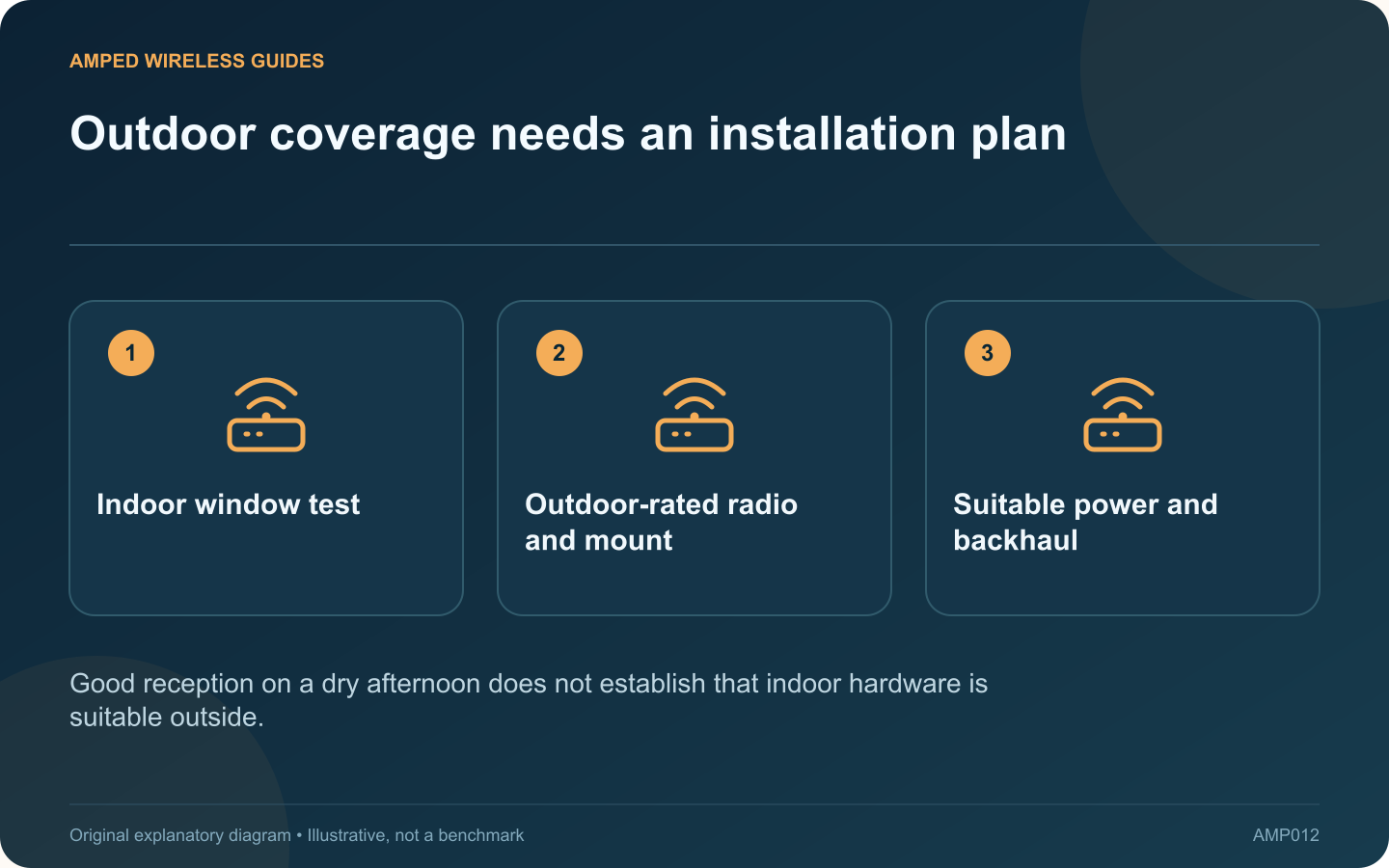
Outdoor coverage needs an installation plan: Indoor window test; Outdoor-rated radio and mount; Suitable power and backhaul
Good reception on a dry afternoon does not establish that indoor hardware is suitable outside.

An indoor mesh node near a window may cover a small garden, but that result depends on the building, glazing and where people use their devices. If the signal remains unreliable, a purpose-built outdoor unit is a different installation choice from putting an indoor extender under a cover.

Test the indoor option first

Use a safe indoor position with a viable upstream connection. Test the phone or laptop at the actual seating area and near the garden’s far edge. Repeat with the window and door in their normal closed positions.

Check outdoor suitability explicitly

Products such as Deco X50-Outdoor are designed for outdoor placement and provide specified mounting and power options. Read the exact enclosure, temperature and installation requirements. A weather-resistant device still needs its connectors and cable entries installed correctly.

Plan the upstream connection

A wireless outdoor node must still receive a useful signal from the indoor network. Ethernet can provide a more predictable backhaul where a suitable cable route exists. Confirm compatibility with the existing mesh system before buying an outdoor unit.

Plan power safely

The X50-Outdoor installation guide documents supported PoE and AC arrangements. Match the required standard and follow the manufacturer’s outdoor electrical guidance. Have qualified help handle permanent outdoor wiring or sockets rather than improvising with indoor extension leads.

Validate before permanent mounting

  • Configure and test the unit in a convenient safe location.
  • Check the proposed outdoor coverage area.
  • Verify the backhaul and power arrangement.
  • Confirm the mount and cable protection suit the site.

A published square-foot coverage figure is not a guarantee for your garden. Trees, walls, neighboring interference and client devices affect the result.

Choose the least complicated arrangement that reliably covers the intended area. Keep indoor equipment indoors, and treat an outdoor unit as an installation with environmental and power requirements, not simply a stronger box to plug in wherever the signal looks weak.

Sources and editorial notes

Sources checked 8–9 October 2026. Independent guidance and original illustrations; product comparisons use published specifications rather than hands-on benchmarks. Check the exact model, revision and regional documentation before changing settings.

Related guides

300 FAQs across our guide libraries

Quick answers

100 practical questions from Amped Wireless Guides.

Browse all 100 FAQs
Should garden Wi-Fi use an indoor node or outdoor equipment?

An indoor mesh node near a window may cover a small garden, but that result depends on the building, glazing and where people use their devices. If the signal remains unreliable, a purpose-built outdoor unit is a different installation choice from putting an indoor extender under a cover. Use a safe indoor position with a viable upstream connection. Test the phone or laptop at the actual seating area and near the garden's far edge. Repeat with the window and door in their normal closed positions.

Read the full guide and sources
Where should I test mesh placement between two floors?

In a two-storey home, placing a mesh node directly above the router can look sensible while performing poorly. The signal may cross a dense floor structure. A slightly longer route near a stairwell can sometimes work better, but the home needs testing. Draw a simple floor plan with the router, stairwell, thick walls and rooms where calls or streaming matter. Include safe power outlets and possible cable routes. The goal is useful service at those locations, not equal spacing between decorative nodes.

Read the full guide and sources
How can I investigate Wi-Fi interruptions when a microwave runs?

A kitchen connection that becomes unreliable during microwave use may be affected by local radio interference. Cisco identifies microwave ovens among sources that can interfere with 2.4 GHz Wi-Fi. The timing is a clue to test, not proof that every nearby appliance is faulty. Use the same client in the usual kitchen position and note whether the connection works before, during and after ordinary appliance use. Do not run an appliance empty or modify it for a network experiment. Keep the test limited to normal safe operation.

Read the full guide and sources
Why is cable entry important on an outdoor access point?

An outdoor-rated access point still needs a correctly installed cable entry, mounting arrangement and power connection. The enclosure's rating should not be interpreted as permission to leave arbitrary connectors or an indoor power supply exposed to weather. For example, TP-Link's Deco X50-Outdoor guidance distinguishes supported power arrangements and installation details. Use the instructions for the exact product and regional version rather than borrowing a sealing method from another outdoor device.

Read the full guide and sources
Independent. Practical. Clear.

Amped Wireless Guides is an independent information website. We are not affiliated with or endorsed by Amped Wireless. Product names belong to their respective owners.