Explore the guide library · Coverage design choices
More nodes are useful when they solve a measured problem; they are not an automatic speed upgrade.
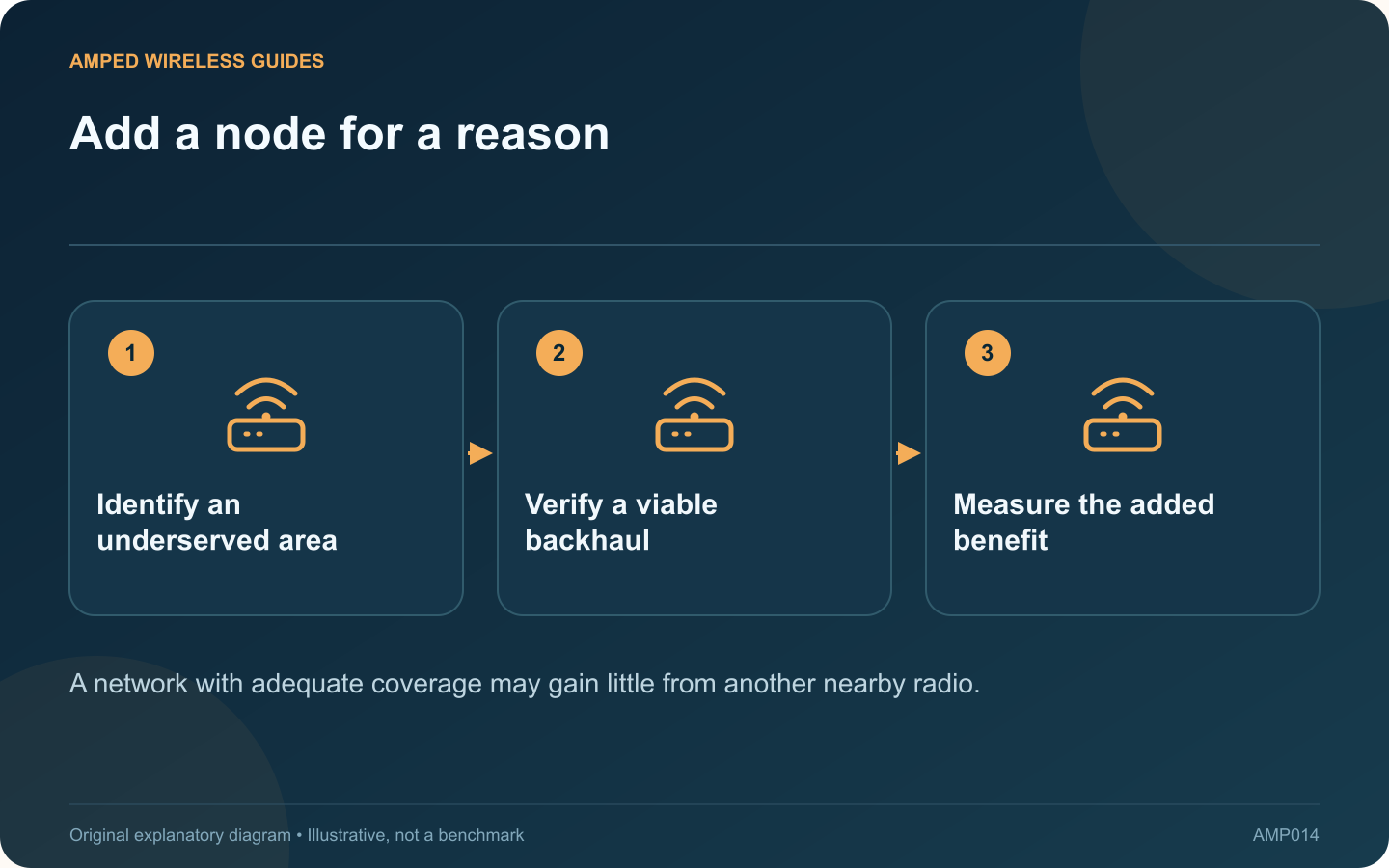
Adding another mesh node is tempting when a speed test disappoints, but node count alone does not determine performance. TP-Link explicitly notes that more Deco units do not always improve throughput or stability, especially when there are no coverage gaps.
Define the problem geographically
List the rooms and tasks that fail. If performance is poor everywhere, including beside the main router on a wired connection, another wireless node is unlikely to address the primary issue. If one distant room fails, additional coverage may be relevant.
Inspect the existing nodes
Check their upstream connection quality, client distribution and placement. Moving an existing node to a more useful position may solve the gap without increasing the number of radios. Keep ventilation and safe power access in the plan.
Check the system’s guidance
Supported or recommended node counts depend on the model and backhaul arrangement. Do not interpret a theoretical maximum as a recommendation for your home. Review the manufacturer’s guidance for the exact installed family and firmware.
Test one addition
- Record the original room-level results.
- Add or temporarily position one supported node.
- Confirm its backhaul is healthy.
- Repeat the same tasks in both the target room and neighboring rooms.
Watch for a new client-selection or roaming problem elsewhere. Improving one corner while making a common walkway unreliable is not an unqualified success.
Judge capacity separately
A coverage improvement does not necessarily increase the internet plan’s capacity or eliminate contention on a shared wireless backhaul. If many active users are the issue, examine the topology and traffic as well as signal strength.
Keep the extra node only when it provides a repeatable benefit that justifies its cost and complexity. A smaller well-placed system can be easier to maintain than several unnecessary units whose clients and wireless links compete in the same small area.
Sources and editorial notes
Sources checked 8–9 October 2026. Independent guidance and original illustrations; product comparisons use published specifications rather than hands-on benchmarks. Check the exact model, revision and regional documentation before changing settings.
- TP-Link: Deco unit counts and diminishing coverage benefits
- Cisco: Wi-Fi radio behavior and interference