Explore the guide library · Power and resilience
Being powered on does not prove that every radio, stream or interface has its full supported power allocation.
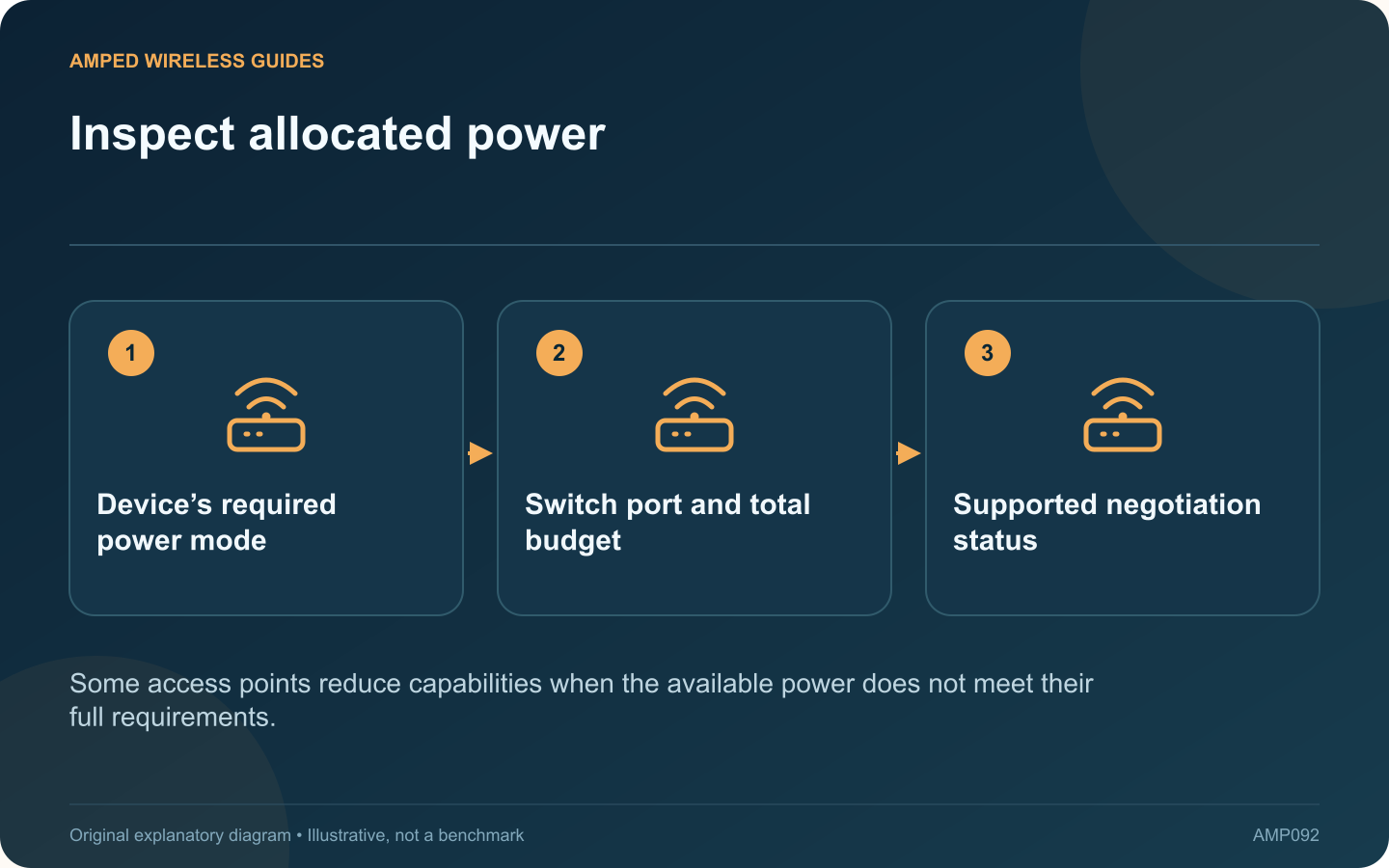
An access point can boot successfully while operating with reduced capabilities because of its power allocation. If a radio or interface is unavailable, check the device’s reported power mode before treating the symptom as a wireless configuration fault.
Read the exact power table
Cisco’s current access-point power guidance describes model-dependent profiles and negotiation. Different products can respond differently to limited power. Do not assume that every access point disables the same radio or accepts the same power standard.
Inspect both ends
Check the access point’s required standard, the switch port’s capability and the switch’s remaining aggregate budget. A high-power port on a switch with an exhausted total budget may still fail to provide the intended allocation.
Review supported negotiation
Some documented combinations use LLDP or CDP as part of power negotiation. Verify the vendor’s requirements on the actual equipment and firmware. Do not copy enterprise commands into an unrelated switch or force a power value beyond the supported arrangement.
Keep cabling in the investigation
- Use the intended cable type and length.
- Inspect supported cable diagnostics.
- Check any injector or intermediate device.
- Compare with a known compatible power path when practical.
Confirm restored functionality
After correcting the supported power arrangement, verify the reported mode and the capabilities that were missing. Test normal client service under load, not only the startup indicator.
Record the supplying port and expected allocation so later maintenance does not move the access point to an unsuitable connection. If the vendor documents a reduced-power mode as acceptable for your intended use, describe that limitation explicitly in the network plan.
The important distinction is between enough power to start and enough power for the chosen feature set. Reading the negotiated state can resolve that ambiguity without unnecessary factory resets or speculative radio changes.
Sources and editorial notes
Sources checked 8–9 October 2026. Independent guidance and original illustrations; product comparisons use published specifications rather than hands-on benchmarks. Check the exact model, revision and regional documentation before changing settings.
- Cisco: access-point power profiles and negotiation
- NETGEAR: PoE standards, per-port power and total budget
- NETGEAR: PoE switch troubleshooting