Independent extender & router guidesHelping you find your connection.
The guide library

Mesh across two floors: test the stairwell path before adding more nodes

Explore the guide library · Room and outdoor coverage

A node directly above the router may face a worse radio path than one near an open route between floors.
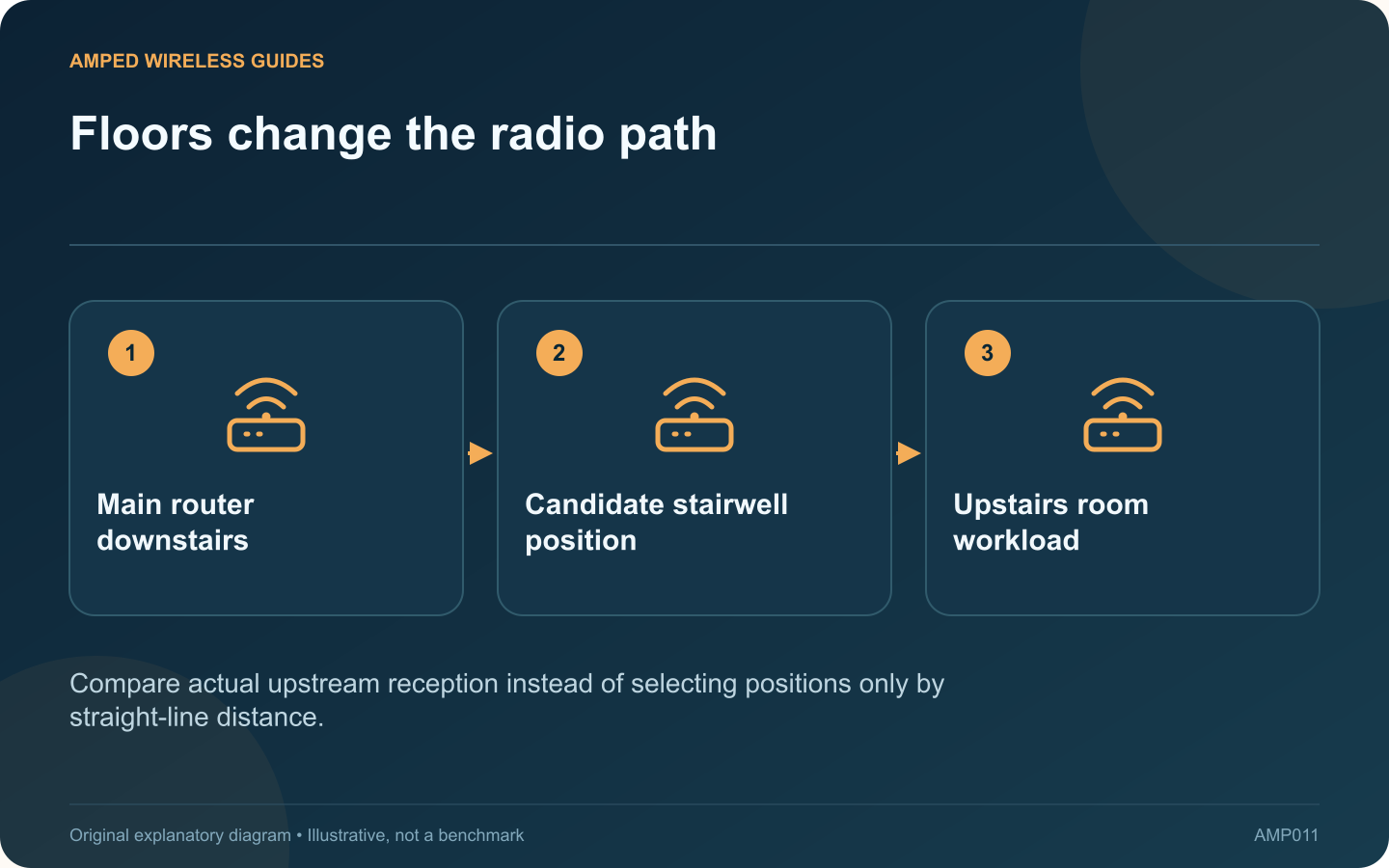
Floors change the radio path: Main router downstairs; Candidate stairwell position; Upstairs room workload
Compare actual upstream reception instead of selecting positions only by straight-line distance.

In a two-storey home, placing a mesh node directly above the router can look sensible while performing poorly. The signal may cross a dense floor structure. A slightly longer route near a stairwell can sometimes work better, but the home needs testing.

Mark the real work areas

Draw a simple floor plan with the router, stairwell, thick walls and rooms where calls or streaming matter. Include safe power outlets and possible cable routes. The goal is useful service at those locations, not equal spacing between decorative nodes.

Compare two candidate positions

Test the upstairs node near the stairwell and at the initially planned location. Keep the client and test task constant. Read the mesh system’s upstream reception information as well as the client’s Wi-Fi indicator.

Keep the node’s two jobs separate

The node must communicate with clients and with the rest of the mesh. A position close to the upstairs desk may improve the first link while damaging the second. ASUS recommends checking reception between the main AiMesh router and node when choosing placement.

Test a normal working period

  • Run a call from the upstairs desk.
  • Check another upstairs room.
  • Walk through the transition area.
  • Repeat when other household devices are active.

Consider wiring when the floor remains a barrier

If every safe wireless position gives a weak upstream path, a properly installed Ethernet backhaul can address the floor crossing directly. Follow the mesh vendor’s topology rules and use a suitable installer where permanent building work is required.

Do not keep adding nodes to conceal an unworkable link between floors. First establish one dependable path upstairs, then decide whether another access point is needed for a distant room. Save the chosen positions and observations so later furniture changes or renovations can be assessed against a known working arrangement.

Sources and editorial notes

Sources checked 8–9 October 2026. Independent guidance and original illustrations; product comparisons use published specifications rather than hands-on benchmarks. Check the exact model, revision and regional documentation before changing settings.

Related guides

300 FAQs across our guide libraries

Quick answers

100 practical questions from Amped Wireless Guides.

Browse all 100 FAQs
Where should I test mesh placement between two floors?

In a two-storey home, placing a mesh node directly above the router can look sensible while performing poorly. The signal may cross a dense floor structure. A slightly longer route near a stairwell can sometimes work better, but the home needs testing. Draw a simple floor plan with the router, stairwell, thick walls and rooms where calls or streaming matter. Include safe power outlets and possible cable routes. The goal is useful service at those locations, not equal spacing between decorative nodes.

Read the full guide and sources
Should garden Wi-Fi use an indoor node or outdoor equipment?

An indoor mesh node near a window may cover a small garden, but that result depends on the building, glazing and where people use their devices. If the signal remains unreliable, a purpose-built outdoor unit is a different installation choice from putting an indoor extender under a cover. Use a safe indoor position with a viable upstream connection. Test the phone or laptop at the actual seating area and near the garden's far edge. Repeat with the window and door in their normal closed positions.

Read the full guide and sources
How can I investigate Wi-Fi interruptions when a microwave runs?

A kitchen connection that becomes unreliable during microwave use may be affected by local radio interference. Cisco identifies microwave ovens among sources that can interfere with 2.4 GHz Wi-Fi. The timing is a clue to test, not proof that every nearby appliance is faulty. Use the same client in the usual kitchen position and note whether the connection works before, during and after ordinary appliance use. Do not run an appliance empty or modify it for a network experiment. Keep the test limited to normal safe operation.

Read the full guide and sources
Will adding another mesh node always improve coverage?

Adding another mesh node is tempting when a speed test disappoints, but node count alone does not determine performance. TP-Link explicitly notes that more Deco units do not always improve throughput or stability, especially when there are no coverage gaps. List the rooms and tasks that fail. If performance is poor everywhere, including beside the main router on a wired connection, another wireless node is unlikely to address the primary issue. If one distant room fails, additional coverage may be relevant.

Read the full guide and sources
Independent. Practical. Clear.

Amped Wireless Guides is an independent information website. We are not affiliated with or endorsed by Amped Wireless. Product names belong to their respective owners.