Explore the guide library · Cabling and fiber
Copper transceiver modules have model-specific power, spacing and reach requirements.
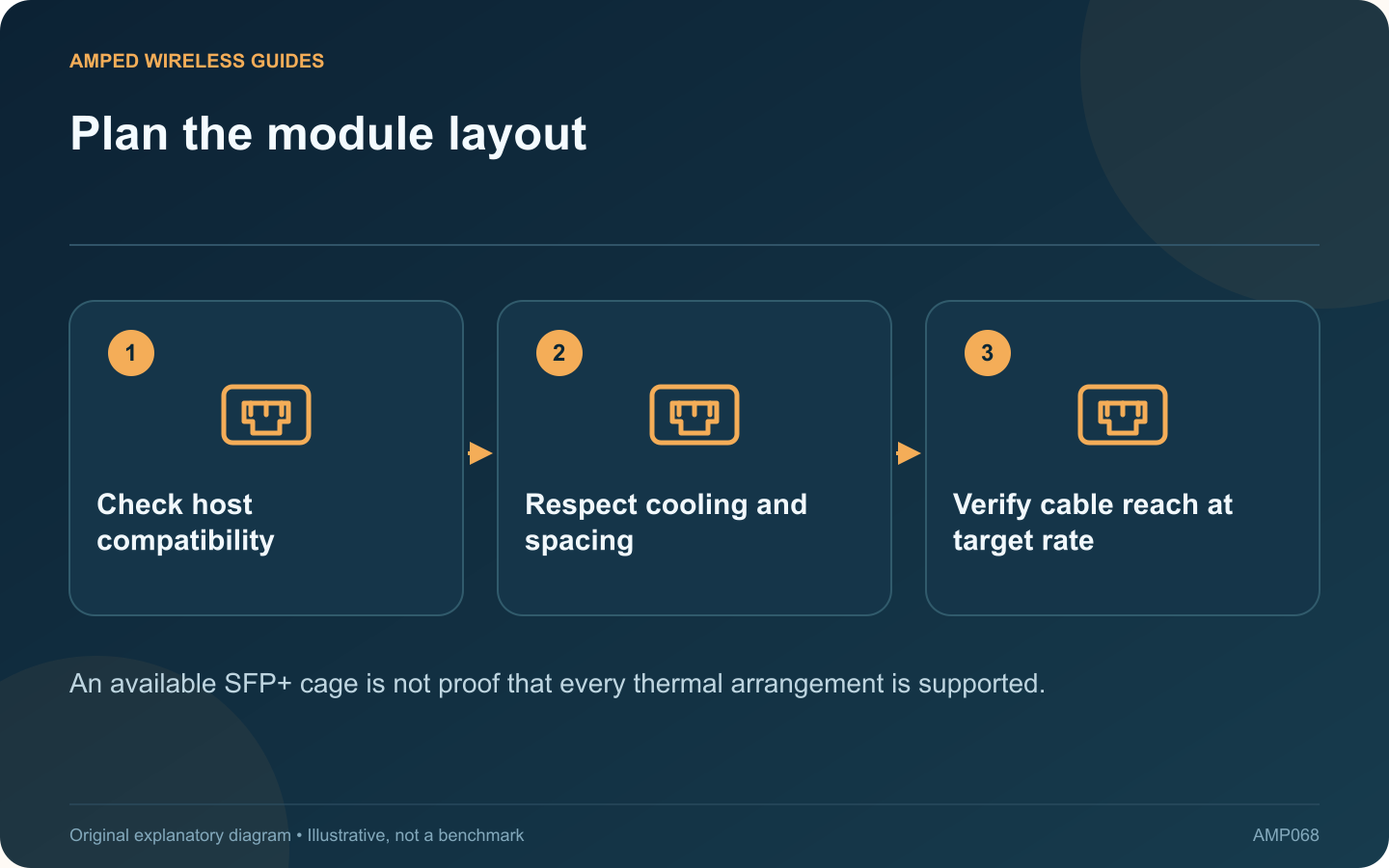
An RJ45 SFP+ module can connect copper Ethernet equipment to a compatible switch cage, but it adds its own power and thermal requirements. Filling adjacent cages without checking the vendor’s guidance can create an avoidable reliability problem.
Use a concrete example carefully
MikroTik’s S+RJ10 guidance discusses spacing these modules and providing suitable cooling. Its recommendations are specific to that product and device arrangement. Do not assume another manufacturer’s module has identical behavior or limits.
Check the intended link distance
The S+RJ10 product page lists a particular maximum distance for 10 Gigabit operation. Other modules may differ. A copper transceiver should not automatically be treated like a native switch port with whatever reach you expected from ordinary Ethernet cabling.
Plan the cage layout
Read the host and module documentation together. Account for neighboring modules, enclosure ventilation and ambient conditions. Keep required airflow unobstructed and avoid stacking equipment in a way that defeats the cooling design.
Monitor supported diagnostics
- Module temperature where exposed.
- Negotiated link rate.
- Link drops or error counters.
- Changes during sustained traffic.
Temperature readings need the manufacturer’s interpretation; there is no single universal touch-based test for every transceiver. Do not disable thermal protection or alter safety controls to keep an unsuitable arrangement operating.
Compare other connection methods
For nearby compatible devices, a supported direct-attach cable may be an option. For a suitable longer route, optical modules may fit better. Compare the entire link’s cost, compatibility and maintenance requirements rather than the module price alone.
If a switch becomes unstable only after adding copper modules, restore the last known supported arrangement during maintenance and investigate the documented thermal limits. A successful initial link light is only the beginning of verification; the connection should remain stable under the workload and environmental conditions expected in daily use.
Sources and editorial notes
Sources checked 8–9 October 2026. Independent guidance and original illustrations; product comparisons use published specifications rather than hands-on benchmarks. Check the exact model, revision and regional documentation before changing settings.
- MikroTik: S+RJ10 placement and cooling
- MikroTik: S+RJ10 interface and distance specifications
- NETGEAR: model-specific SFP and SFP+ compatibility