Explore the guide library · Device coverage projects
Use the doorbell’s own connection health and a realistic placement test before adding an extender.
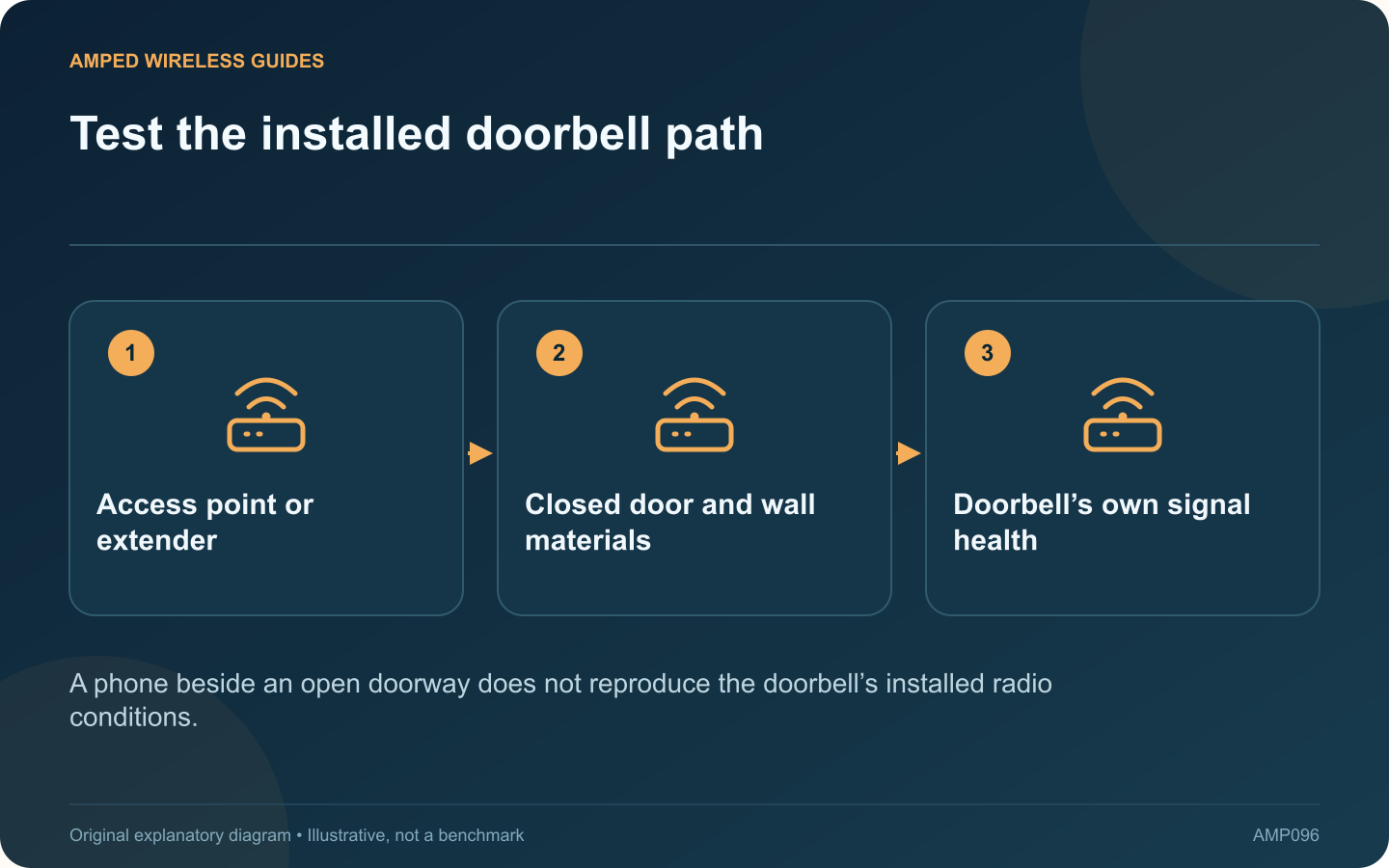
A phone can browse comfortably near the front door while a fixed doorbell has an unreliable connection. The devices may use different radios, positions and bands, and opening the door for a test can change the signal path.
Read the doorbell’s own status
Ring’s guidance describes connection health through RSSI and model-specific Wi-Fi recommendations. Use the app’s information for the actual device. Do not apply one internet forum’s signal threshold as a universal rule for every doorbell.
Test normal physical conditions
Keep the door closed, the device mounted and nearby objects in their usual positions. Observe live-view startup, notifications and the function that is failing. Repeat at different ordinary times rather than relying only on a nearby phone’s speed test.
Check the upstream path
If an extender serves the doorbell, verify its connection back to the router. Placing it immediately beside the doorbell can be ineffective if that location also receives a weak upstream signal. A supported wired access point may offer another option.
Confirm model compatibility
- Supported frequency bands.
- Required wireless security mode.
- Power and battery condition.
- Current firmware and app guidance.
A wireless symptom can coexist with a power or application issue, so preserve the device-health evidence before resetting it.
Choose suitable hardware placement
Indoor extenders should remain in their intended environment. If outdoor equipment is needed, include weatherproof installation and a compatible power route. Do not expose an indoor plug-in unit to rain to move it a little closer.
After any change, repeat the same doorbell actions with the door closed. Keep the result that improves the actual service, not merely another device’s signal bars. The goal is a reliable connection for the installed doorbell under the conditions in which it must detect and communicate real visits.
Sources and editorial notes
Sources checked 8–9 October 2026. Independent guidance and original illustrations; product comparisons use published specifications rather than hands-on benchmarks. Check the exact model, revision and regional documentation before changing settings.
- Ring: device Wi-Fi requirements and signal health
- TP-Link: extender placement and obstacles
- TP-Link: Deco X50-Outdoor specifications