Explore the guide library · Device coverage projects
Choose among an extender, mesh node, switch, access point or wiring adapter by the missing function.
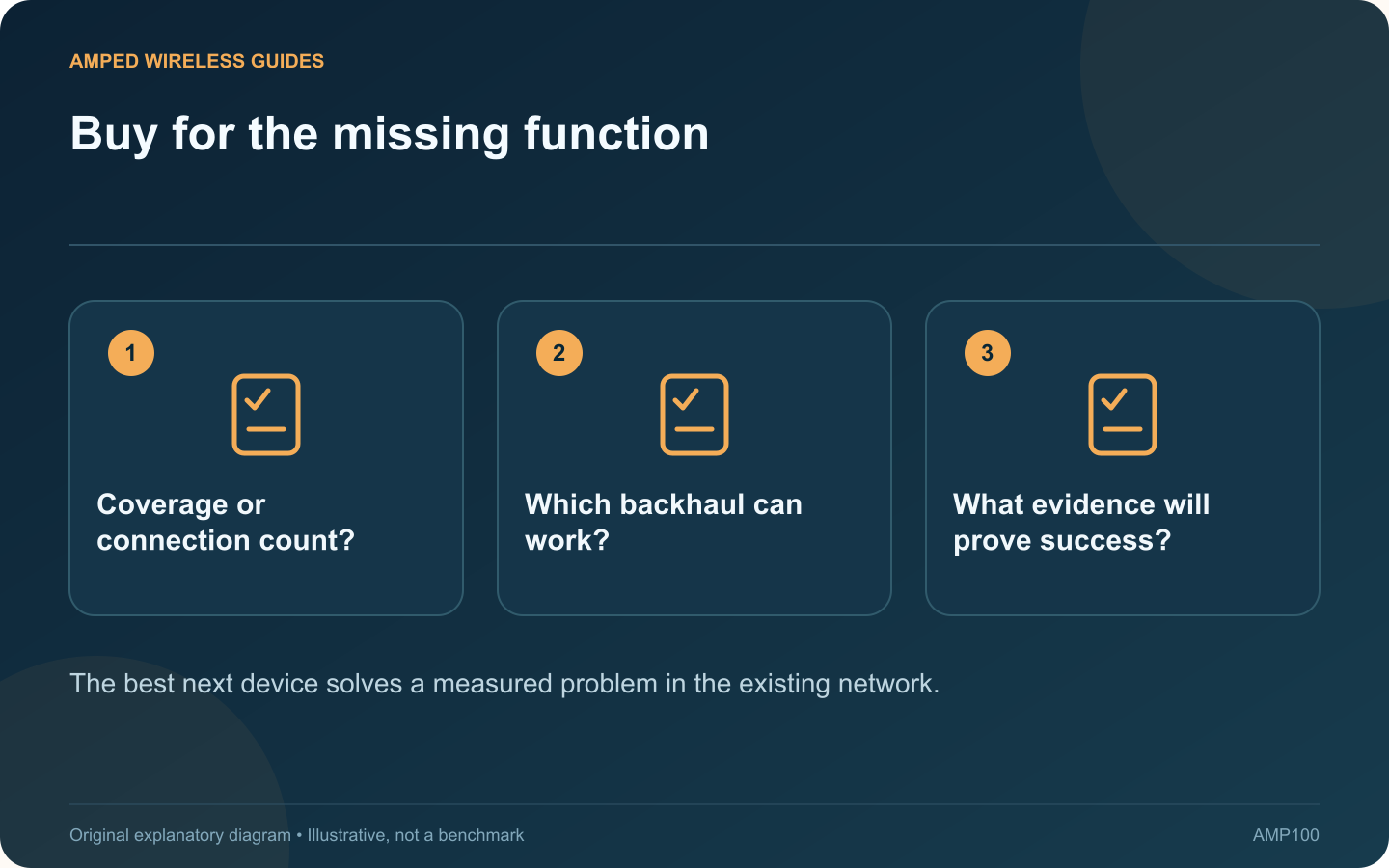
The best networking purchase depends on what is missing in a particular room. A switch adds wired connections, an access point supplies wireless service, and an extender or bridge changes how that service reaches the location. Start with the job before choosing a product.
Match the problem to a candidate
| Room problem | Candidate to investigate |
|---|---|
| One weak area with a usable upstream signal | Compatible extender such as RE715X |
| Several areas needing coordinated coverage | Suitable mesh design such as a Deco system |
| Not enough wired ports | Switch such as MS105 when 2.5G is useful |
| Ethernet already reaches the room | Supported access point such as EAP650 |
| Connected compatible coax is available | MoCA kit such as ECB7250 |
| Only suitable mains outlets are practical | Trial a compatible powerline kit |
| Outdoor client coverage is needed | Outdoor-rated device such as X50-Outdoor |
Check the complete design
These are specification-based examples, not a universal ranking or hands-on award list. Verify local versions, required power, controller support and compatibility with the existing router. Include every endpoint and accessory needed to make the proposed path work.
Define a pass condition
Write a practical acceptance test before purchase: a stable work call at the desk, several wired devices operating together, or reliable doorbell live view. Test during ordinary household activity rather than only beside the new hardware.
Spend on the limiting segment
A faster access point cannot fix an unsuitable powerline route, and more switch ports cannot repair weak radio coverage. Follow the connection from client to destination and identify where the present service fails.
Keep the return terms and current manufacturer support in the decision. If the existing equipment passes after a placement or cabling correction, an immediate purchase may be unnecessary. A good upgrade has a clear purpose, a compatible installation and evidence that the room’s original problem has been resolved.
Sources and editorial notes
Sources checked 8–9 October 2026. Independent guidance and original illustrations; product comparisons use published specifications rather than hands-on benchmarks. Check the exact model, revision and regional documentation before changing settings.
- TP-Link: RE715X EU revision 2.0 datasheet
- TP-Link: Deco XE75 Pro specifications
- NETGEAR: MS105 specifications
- ScreenBeam: ECB7250 specifications and coax compatibility
- Omada: EAP650 revision 1.20 specifications
- TP-Link: Deco X50-Outdoor specifications
- TP-Link: PGW2440 G.hn and Wi-Fi 6 kit