Independent extender & router guidesHelping you find your connection.
The guide library

Wireless PC VR: plan the local access-point path before upgrading the internet

Explore the guide library · Device coverage projects

PC-to-headset streaming depends on the local network as well as the computer and headset.
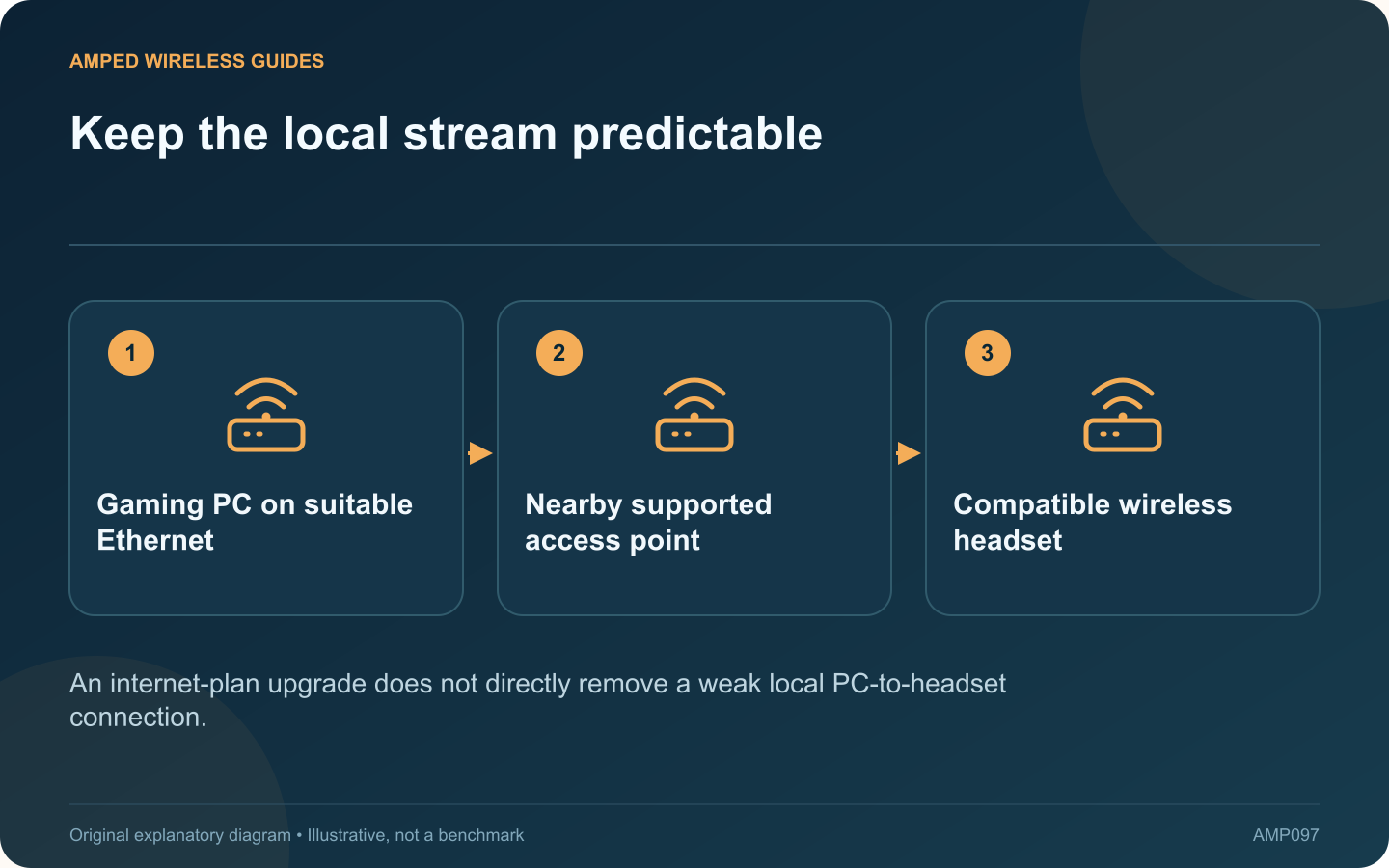
Keep the local stream predictable: Gaming PC on suitable Ethernet; Nearby supported access point; Compatible wireless headset
An internet-plan upgrade does not directly remove a weak local PC-to-headset connection.

Wireless PC VR sends a demanding interactive stream between the computer and headset. When that local path is unreliable, buying a faster internet subscription may not address the cause. Start by drawing how the PC and headset actually reach each other.

Check current application requirements

Steam publishes supported headset and network requirements for Steam Link. Confirm the exact headset, computer software and wireless capabilities before purchasing equipment. Requirements can change, so use the current official page rather than an old retailer description.

Reduce unnecessary wireless hops

Where practical, connect the gaming computer through suitable Ethernet and provide the headset with a nearby supported access point. A headset connected through a distant wireless repeater adds another segment that needs to be evaluated.

Use the play area for testing

Test in the actual safe play space with the access point in its intended position. Body orientation, obstructions and competing traffic can change the result. Keep enough physical clearance for normal headset use while observing the networking symptom.

Separate network and rendering limits

  • Computer rendering or encoding load.
  • Local wired link and switch path.
  • Wireless connection quality and shared airtime.
  • Headset decoding and application settings.

Use the application’s supported performance information where available. A stutter is not automatically proof that the router needs replacement.

Evaluate a dedicated access point sensibly

It can provide a deliberate local radio path, but it still needs correct mode, channel planning and sufficient uplink capacity. Adding another nearby radio without a plan can introduce interference rather than remove it.

Change one relevant setting or connection at a time and compare the same scene or workload. Choose the configuration that remains stable during normal household use. The strongest purchasing case is a demonstrated local bottleneck that the proposed access point and wired path can actually remove.

Sources and editorial notes

Sources checked 8–9 October 2026. Independent guidance and original illustrations; product comparisons use published specifications rather than hands-on benchmarks. Check the exact model, revision and regional documentation before changing settings.

Related guides

300 FAQs across our guide libraries

Quick answers

100 practical questions from Amped Wireless Guides.

Browse all 100 FAQs
What local network path matters for wireless PC VR?

Wireless PC VR sends a demanding interactive stream between the computer and headset. When that local path is unreliable, buying a faster internet subscription may not address the cause. Start by drawing how the PC and headset actually reach each other. Steam publishes supported headset and network requirements for Steam Link. Confirm the exact headset, computer software and wireless capabilities before purchasing equipment. Requirements can change, so use the current official page rather than an old retailer description.

Read the full guide and sources
How do I choose the next networking device for a particular room?

The best networking purchase depends on what is missing in a particular room. A switch adds wired connections, an access point supplies wireless service, and an extender or bridge changes how that service reaches the location. Start with the job before choosing a product. These are specification-based examples, not a universal ranking or hands-on award list. Verify local versions, required power, controller support and compatibility with the existing router. Include every endpoint and accessory needed to make the proposed path work.

Read the full guide and sources
Where should I test a doorbell’s Wi-Fi connection?

A phone can browse comfortably near the front door while a fixed doorbell has an unreliable connection. The devices may use different radios, positions and bands, and opening the door for a test can change the signal path. Ring's guidance describes connection health through RSSI and model-specific Wi-Fi recommendations. Use the app's information for the actual device. Do not apply one internet forum's signal threshold as a universal rule for every doorbell.

Read the full guide and sources
Why can camera network traffic rise when a scene becomes busy?

A camera network can appear comfortable while scenes are quiet and become congested when several views grow active. Video bitrate can vary with scene detail, motion and encoding settings, so an idle observation is not a complete capacity plan. Axis explains variable, maximum and average bitrate approaches. The available controls depend on the camera. Understand what the selected mode prioritizes before changing a limit, since constraining traffic can affect image quality or other recording characteristics.

Read the full guide and sources
Independent. Practical. Clear.

Amped Wireless Guides is an independent information website. We are not affiliated with or endorsed by Amped Wireless. Product names belong to their respective owners.