Independent extender & router guidesHelping you find your connection.
The guide library

Choosing a UPS for a router and ONT: protect the whole connection path

Explore the guide library · Power and resilience

Add every necessary device to the load and use the manufacturer’s runtime curve instead of dividing VA by watts.
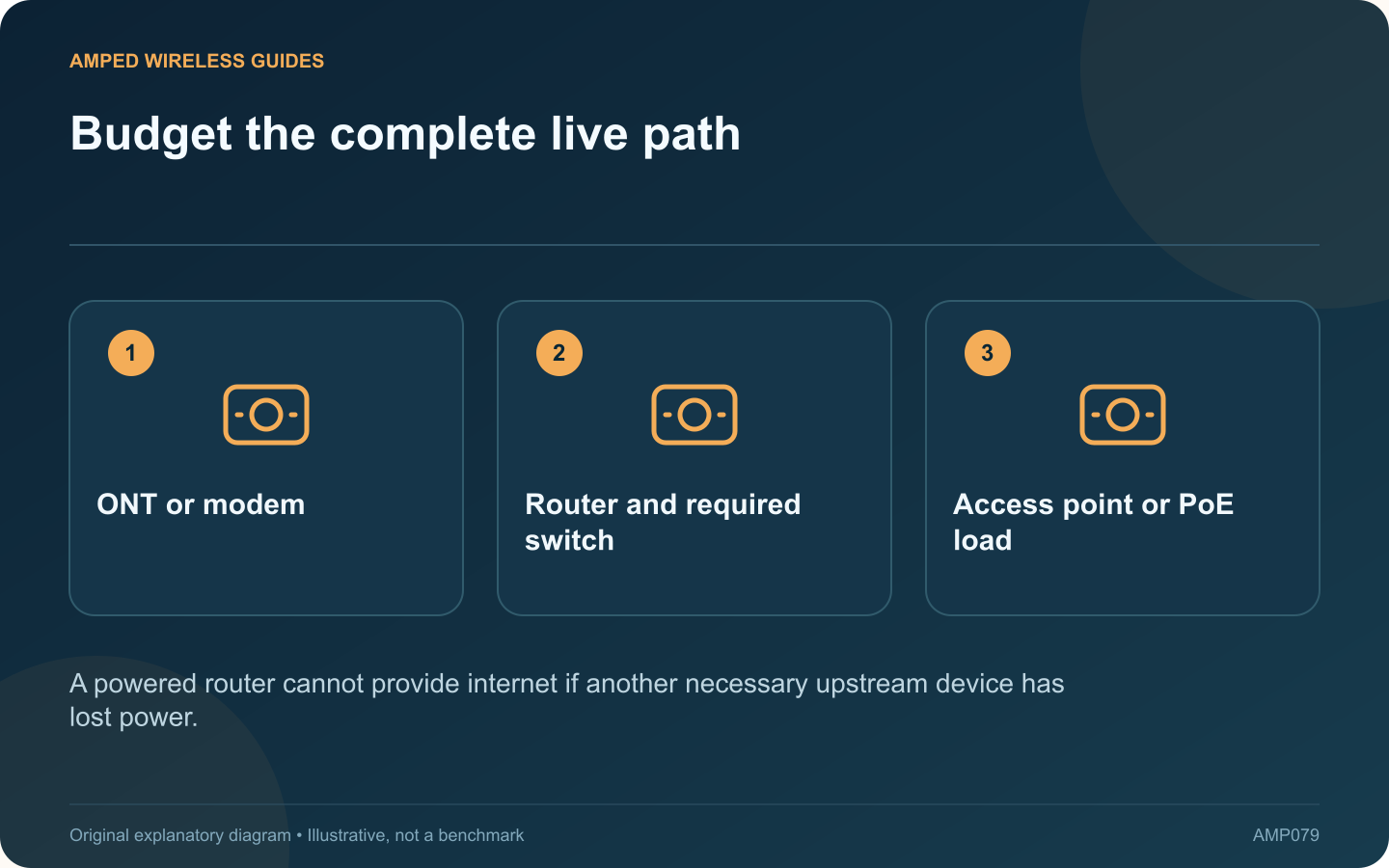
Budget the complete live path: ONT or modem; Router and required switch; Access point or PoE load
A powered router cannot provide internet if another necessary upstream device has lost power.

A battery backup for the router is useful only if the other devices needed for connectivity also remain powered. For fiber service, that may include an ONT, a switch and the access point used by the household.

List the essential path

Draw the route from the provider handoff to the device that must stay online. Identify each powered component and its location. A remote mesh node on another circuit may stop working even while the main router continues running.

Estimate or measure the load

Use equipment documentation and suitable measurements to establish watts, then check both the UPS’s watt and VA limits. Eaton’s buying guide distinguishes capacity from runtime. A power-supply label may state a maximum rating rather than ordinary consumption.

Use model-specific runtime data

Consult the manufacturer’s curve at the expected load. Dividing the UPS’s VA rating by device watts does not produce battery runtime. Battery condition, temperature, conversion losses and the actual operating load affect the result.

Count PoE carefully

If the UPS powers a PoE switch, include the switch and its powered devices in the total without double-counting them. Consider whether cameras, lighting or other nonessential loads should share the same backup requirement.

Test the intended outcome

  • Use the manufacturer’s supported battery-test procedure.
  • Confirm all required network devices remain operating.
  • Check the real application during the test.
  • Record the observed duration and battery condition.

Home backup cannot guarantee that the provider’s external infrastructure stays available. It can keep your own equipment operating while the upstream service remains functional.

Choose a locally appropriate certified product and follow its installation and battery-maintenance instructions. A realistic runtime target and a complete device list provide a better basis for purchase than selecting the largest VA number that happens to fit under the desk.

Sources and editorial notes

Sources checked 8–9 October 2026. Independent guidance and original illustrations; product comparisons use published specifications rather than hands-on benchmarks. Check the exact model, revision and regional documentation before changing settings.

Related guides

300 FAQs across our guide libraries

Quick answers

100 practical questions from Amped Wireless Guides.

Browse all 100 FAQs
What should a UPS power to keep an internet connection working?

A battery backup for the router is useful only if the other devices needed for connectivity also remain powered. For fiber service, that may include an ONT, a switch and the access point used by the household. Draw the route from the provider handoff to the device that must stay online. Identify each powered component and its location. A remote mesh node on another circuit may stop working even while the main router continues running.

Read the full guide and sources
How does a PoE extender differ from a passive cable coupler?

A passive coupler joins cable connectors; a purpose-built PoE extender is an active networking product with its own supported limits. They should not be treated as interchangeable ways to stretch Ethernet to any desired distance. Include fixed cabling and patch leads in the full channel. Fluke Networks distinguishes the permanent link from the complete channel, which matters when extra leads and couplers are added after the original installation.

Read the full guide and sources
How much input power can a PoE pass-through switch deliver onward?

A PoE pass-through switch can be useful where a network cable reaches a location without a convenient local power outlet. It receives supported PoE power upstream and may provide PoE to selected downstream devices. The available output must be planned carefully. NETGEAR describes this as a switch acting as a powered device while also supplying power. Confirm that the exact model supports the required input standard and the required downstream output standard. An ordinary PoE switch does not necessarily accept power through Ethernet itself.

Read the full guide and sources
Why might a PoE watchdog repeatedly restart a working access point?

Some PoE switches can restart a powered device when a health check fails. This can recover a genuinely unresponsive access point, but an incorrect target or unsuitable check can also cause repeated unnecessary power cycles. Inspect its supported logs and PoE status. Compare the restart times with the configured monitoring interval. NETGEAR describes self-healing that stops and restores port power after a device fails to respond under the configured conditions.

Read the full guide and sources
Independent. Practical. Clear.

Amped Wireless Guides is an independent information website. We are not affiliated with or endorsed by Amped Wireless. Product names belong to their respective owners.