Independent extender & router guidesHelping you find your connection.
The guide library

Outdoor Wi-Fi installation: the cable entry matters as much as the enclosure

Explore the guide library · Outdoor coverage and bridges

Use the complete manufacturer-approved mounting, sealing and power arrangement for outdoor equipment.
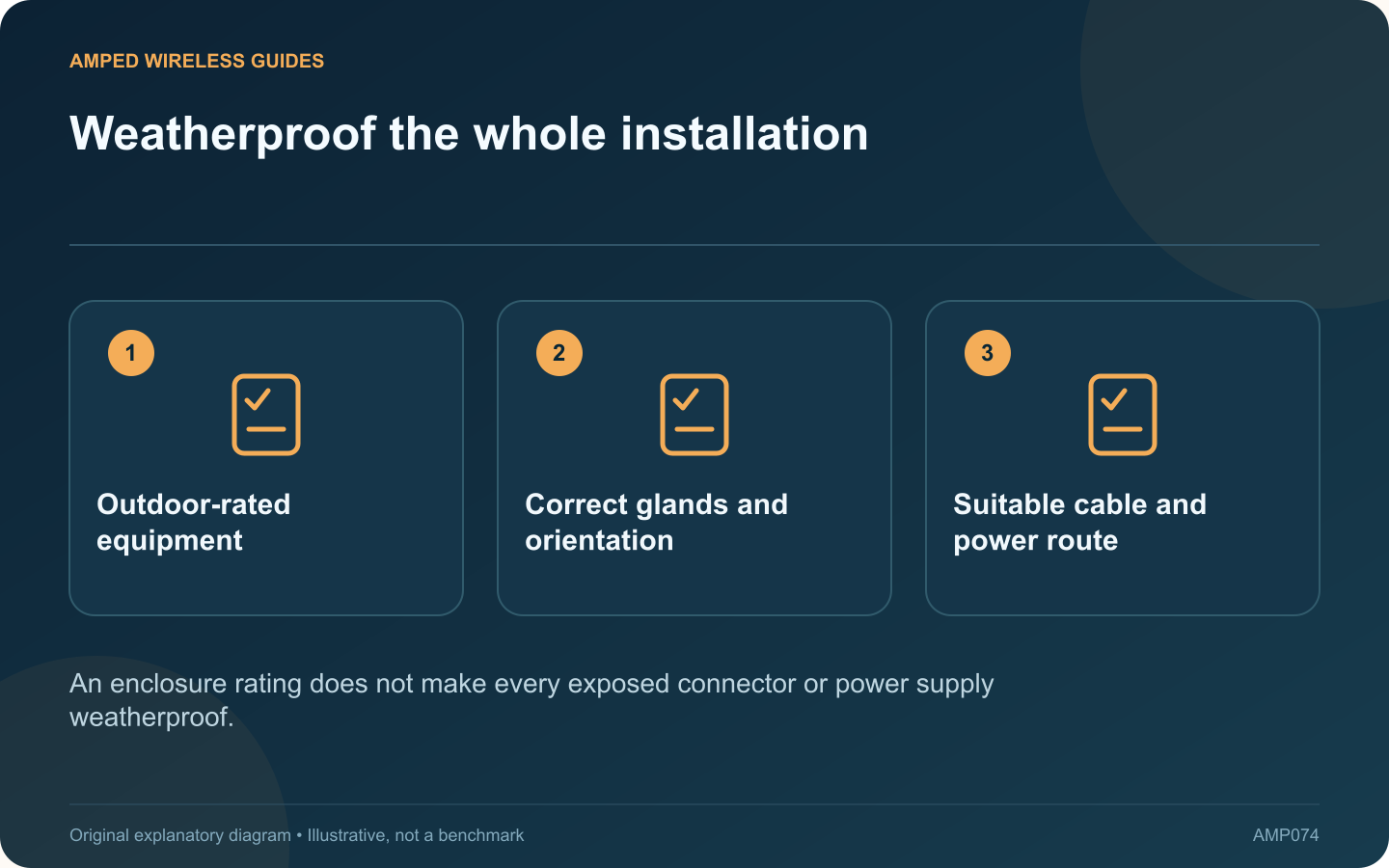
Weatherproof the whole installation: Outdoor-rated equipment; Correct glands and orientation; Suitable cable and power route
An enclosure rating does not make every exposed connector or power supply weatherproof.

An outdoor-rated access point still needs a correctly installed cable entry, mounting arrangement and power connection. The enclosure’s rating should not be interpreted as permission to leave arbitrary connectors or an indoor power supply exposed to weather.

Read the complete installation guide

For example, TP-Link’s Deco X50-Outdoor guidance distinguishes supported power arrangements and installation details. Use the instructions for the exact product and regional version rather than borrowing a sealing method from another outdoor device.

Plan every exposed component

Identify where the cable enters the building, where power originates and which connectors remain outside. Cable jacket suitability, mounting orientation and the supplied weatherproof accessories all form part of the installation.

Preserve the specified seals

Fit glands, covers and other supplied components as directed. A cable of the wrong diameter or a missing sealing part can compromise the intended protection. Do not improvise a permanent solution solely with household tape or an unapproved enclosure.

Choose safe maintenance access

  • Mount where inspection is practical.
  • Keep cables protected from accidental pulling.
  • Use appropriate professional help for height or electrical work.
  • Follow the required grounding and surge-protection design.

Test after installation

Confirm the negotiated wired link, supported power state and coverage in the intended area. Keep photographs of the completed arrangement and the product’s installation documentation for future maintenance.

Inspect according to the manufacturer’s recommendations and after relevant environmental damage, without opening energized equipment or working at height unsafely. If water ingress or damaged wiring is suspected, arrange proper service rather than repeatedly restarting the network.

A reliable outdoor connection depends on the whole assembly remaining suitable for its environment. Selecting the correct access point is only the first step; preserving its intended protection at the cable and power interfaces is what allows that equipment to remain useful outside.

Sources and editorial notes

Sources checked 8–9 October 2026. Independent guidance and original illustrations; product comparisons use published specifications rather than hands-on benchmarks. Check the exact model, revision and regional documentation before changing settings.

Related guides

300 FAQs across our guide libraries

Quick answers

100 practical questions from Amped Wireless Guides.

Browse all 100 FAQs
Why is cable entry important on an outdoor access point?

An outdoor-rated access point still needs a correctly installed cable entry, mounting arrangement and power connection. The enclosure's rating should not be interpreted as permission to leave arbitrary connectors or an indoor power supply exposed to weather. For example, TP-Link's Deco X50-Outdoor guidance distinguishes supported power arrangements and installation details. Use the instructions for the exact product and regional version rather than borrowing a sealing method from another outdoor device.

Read the full guide and sources
Could DFS events explain outdoor bridge disconnections?

An outdoor wireless link that disconnects and later reconnects may be reacting to a channel event rather than losing power. If the equipment uses a DFS channel, radar detection can require a change in operation under the applicable radio rules. Record when the interruption occurs and whether both endpoints remain powered. Compare device uptime and available event logs. A restart, a lost Ethernet link and a radio channel change are different events that can produce a similar user-visible outage.

Read the full guide and sources
Do a garden access point and a building bridge do the same job?

An outdoor access point and a point-to-point bridge may both look like ways to extend a network outside, but they solve different problems. Decide whether you need service for roaming client devices or a fixed link to another building. An appropriately installed outdoor access point can provide client coverage in the intended area. It needs a suitable upstream connection and power arrangement. Plan its position around where people will use devices, not simply where mounting is easiest.

Read the full guide and sources
Why can a building bridge connect without providing indoor Wi-Fi?

A building bridge can successfully carry Ethernet traffic to a workshop while providing no suitable everyday Wi-Fi service for phones inside. That can be an incomplete design rather than a defective bridge. TP-Link's AP-plus-client CPE topology illustrates a link between fixed endpoints. Read the actual product's operating modes. A directional radio's management or bridge network should not automatically be treated as the workshop's general client access point.

Read the full guide and sources
Independent. Practical. Clear.

Amped Wireless Guides is an independent information website. We are not affiliated with or endorsed by Amped Wireless. Product names belong to their respective owners.