Independent extender & router guidesHelping you find your connection.
The guide library

Garden access point or building bridge: choose the device for the job

Explore the guide library · Outdoor coverage and bridges

Serving phones in a garden and linking two buildings are different wireless tasks.
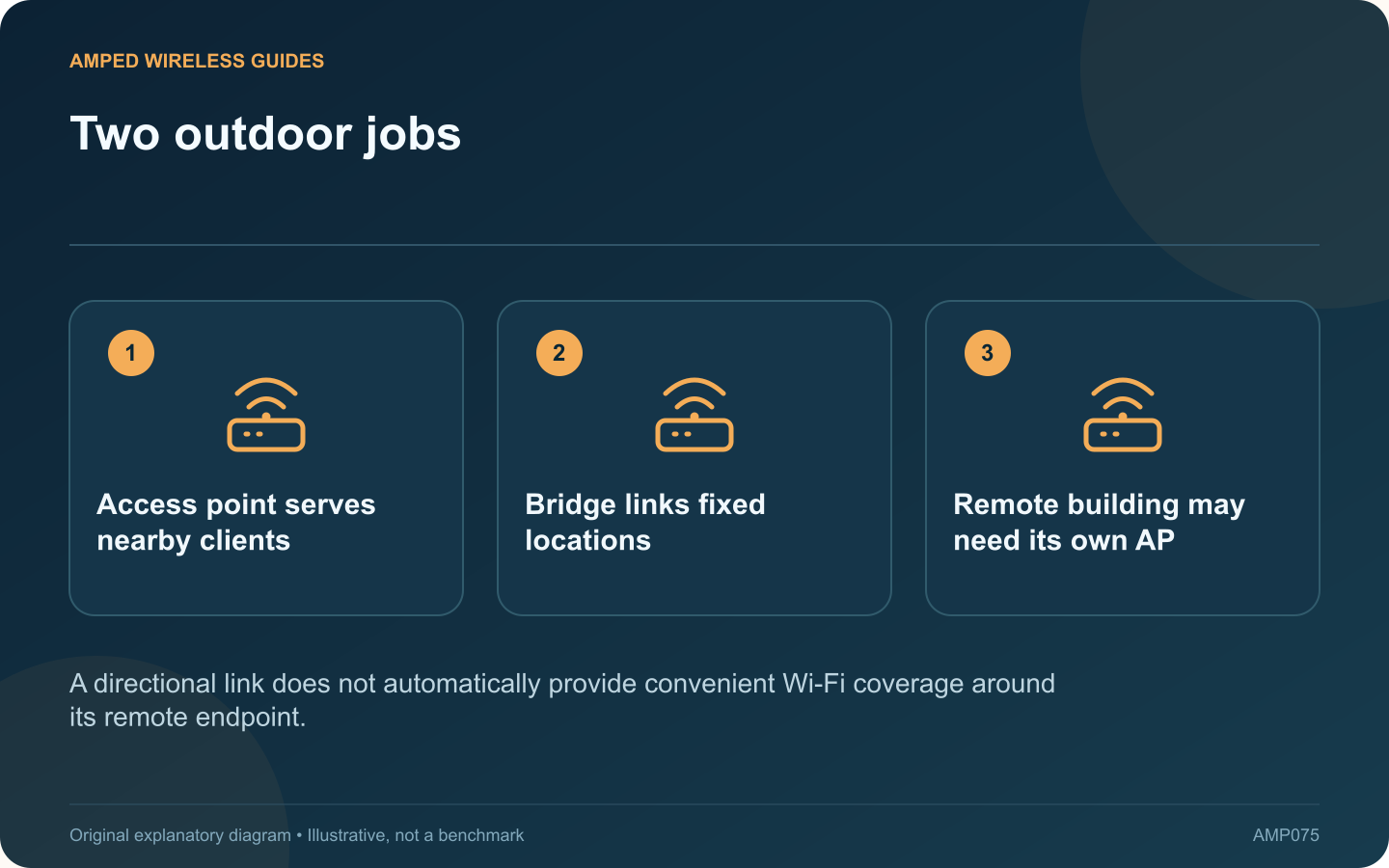
Two outdoor jobs: Access point serves nearby clients; Bridge links fixed locations; Remote building may need its own AP
A directional link does not automatically provide convenient Wi-Fi coverage around its remote endpoint.

An outdoor access point and a point-to-point bridge may both look like ways to extend a network outside, but they solve different problems. Decide whether you need service for roaming client devices or a fixed link to another building.

For phones and laptops in a garden

An appropriately installed outdoor access point can provide client coverage in the intended area. It needs a suitable upstream connection and power arrangement. Plan its position around where people will use devices, not simply where mounting is easiest.

For a detached office or workshop

A point-to-point system uses compatible endpoints to carry a link between fixed locations. Ubiquiti’s bridging range and TP-Link’s AP-plus-client topology illustrate this role. The far building may then use a switch and separate access point to serve its occupants.

Compare the physical requirements

Requirement Likely design focus
Coverage around a patio Client radio pattern and placement
Fixed link across a yard Alignment and clear radio path
Indoor service in the far building Local distribution after the bridge

Count the complete equipment

A bridge proposal should include both endpoints, mounting, supported power and the remote network equipment. An access-point proposal should include its actual backhaul. Comparing one box from each design gives a misleading cost estimate.

Validate the intended service

Test at the remote desk or garden seating area, not just beside an outdoor radio. Check both directions of traffic and simultaneous use where relevant.

Use outdoor-rated equipment and appropriate installation assistance. Do not assume a highly directional device will behave like an ordinary indoor router for every nearby phone. Choosing by the actual job makes the rest of the design clearer and avoids purchasing a bridge when the missing component was local client coverage.

Sources and editorial notes

Sources checked 8–9 October 2026. Independent guidance and original illustrations; product comparisons use published specifications rather than hands-on benchmarks. Check the exact model, revision and regional documentation before changing settings.

Related guides

300 FAQs across our guide libraries

Quick answers

100 practical questions from Amped Wireless Guides.

Browse all 100 FAQs
Do a garden access point and a building bridge do the same job?

An outdoor access point and a point-to-point bridge may both look like ways to extend a network outside, but they solve different problems. Decide whether you need service for roaming client devices or a fixed link to another building. An appropriately installed outdoor access point can provide client coverage in the intended area. It needs a suitable upstream connection and power arrangement. Plan its position around where people will use devices, not simply where mounting is easiest.

Read the full guide and sources
Why can a building bridge connect without providing indoor Wi-Fi?

A building bridge can successfully carry Ethernet traffic to a workshop while providing no suitable everyday Wi-Fi service for phones inside. That can be an incomplete design rather than a defective bridge. TP-Link's AP-plus-client CPE topology illustrates a link between fixed endpoints. Read the actual product's operating modes. A directional radio's management or bridge network should not automatically be treated as the workshop's general client access point.

Read the full guide and sources
Could DFS events explain outdoor bridge disconnections?

An outdoor wireless link that disconnects and later reconnects may be reacting to a channel event rather than losing power. If the equipment uses a DFS channel, radar detection can require a change in operation under the applicable radio rules. Record when the interruption occurs and whether both endpoints remain powered. Compare device uptime and available event logs. A restart, a lost Ethernet link and a radio channel change are different events that can produce a similar user-visible outage.

Read the full guide and sources
Why is cable entry important on an outdoor access point?

An outdoor-rated access point still needs a correctly installed cable entry, mounting arrangement and power connection. The enclosure's rating should not be interpreted as permission to leave arbitrary connectors or an indoor power supply exposed to weather. For example, TP-Link's Deco X50-Outdoor guidance distinguishes supported power arrangements and installation details. Use the instructions for the exact product and regional version rather than borrowing a sealing method from another outdoor device.

Read the full guide and sources
Independent. Practical. Clear.

Amped Wireless Guides is an independent information website. We are not affiliated with or endorsed by Amped Wireless. Product names belong to their respective owners.