Independent extender & router guidesHelping you find your connection.
The guide library

Full Wi-Fi bars in a busy room: coverage is not the same as capacity

Explore the guide library · Access-point installation

Plan for simultaneous application demand, not just whether a signal reaches every seat.
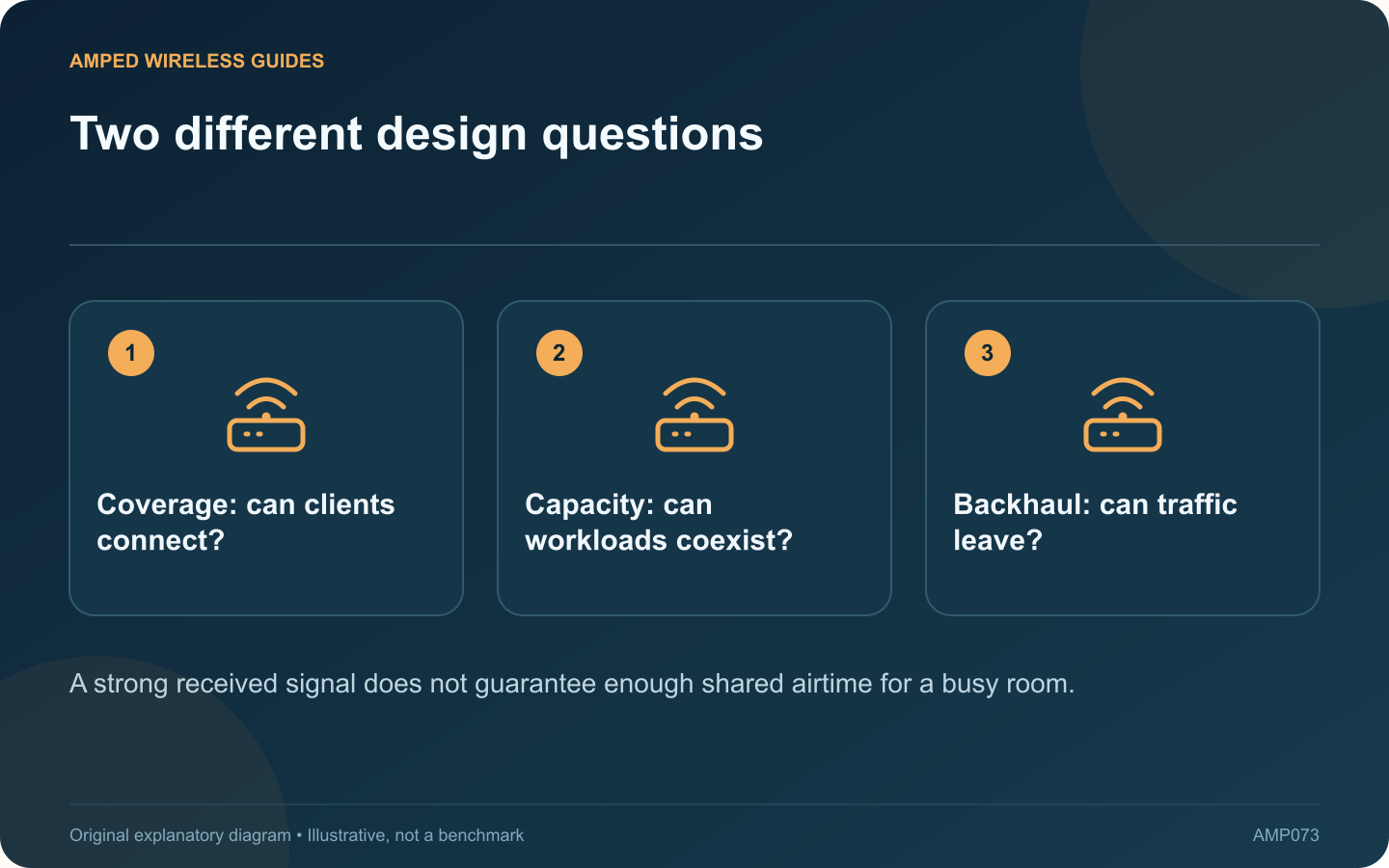
Two different design questions: Coverage: can clients connect?; Capacity: can workloads coexist?; Backhaul: can traffic leave?
A strong received signal does not guarantee enough shared airtime for a busy room.

A room can show strong Wi-Fi signal while calls and downloads slow down whenever everyone starts working. Coverage answers whether clients can establish a useful radio connection. Capacity asks whether the shared system can carry their simultaneous workloads.

Count active work, not just devices

A dozen idle phones create a different demand from a dozen laptops joining video meetings or downloading large files. Record the applications, approximate concurrency and times when the problem appears.

Compare quiet and busy periods

Use a representative client in the same position. Check application quality and local network measurements before and during normal busy use. If the difference follows client activity, investigate shared resources rather than assuming the signal is too weak.

Inspect the whole path

  • Radio airtime and interference.
  • Client capabilities and connection rates.
  • Access-point uplink capacity.
  • Router and internet-service limits.

Cisco’s high-density design guidance emphasizes planning around actual application demand. Its older numerical examples should not be copied as current universal requirements; use current application guidance and measurements for your own environment.

Avoid adding access points blindly

Additional radios need suitable placement, channel planning and backhaul. Closely packed units on conflicting channels may fail to provide the intended improvement. A larger or business-critical deployment benefits from an experienced wireless designer.

Set an acceptance target

Define a practical outcome such as several concurrent meetings remaining usable while routine background traffic continues. Test that scenario after changes. A single peak speed test in an empty room does not verify the busy-room requirement.

Keep a record of the number and type of active clients during the test. That makes future growth easier to assess and avoids confusing a new workload with a hardware fault. Good coverage remains necessary, but capacity planning determines whether the network stays useful when the room fills up.

Sources and editorial notes

Sources checked 8–9 October 2026. Independent guidance and original illustrations; product comparisons use published specifications rather than hands-on benchmarks. Check the exact model, revision and regional documentation before changing settings.

Related guides

300 FAQs across our guide libraries

Quick answers

100 practical questions from Amped Wireless Guides.

Browse all 100 FAQs
Why can a busy room have full Wi-Fi bars but poor performance?

A room can show strong Wi-Fi signal while calls and downloads slow down whenever everyone starts working. Coverage answers whether clients can establish a useful radio connection. Capacity asks whether the shared system can carry their simultaneous workloads. A dozen idle phones create a different demand from a dozen laptops joining video meetings or downloading large files. Record the applications, approximate concurrency and times when the problem appears.

Read the full guide and sources
Can a ceiling access point be installed on a wall?

Some access points sold as ceiling models also support wall mounting. That does not mean every location or orientation produces the same coverage. Check the exact installation guide before drilling, then test the rooms the access point must serve. TP-Link's cited EAP installation guide shows supported mounting arrangements for the products it covers. Use the guide for your own model and revision. The correct bracket, fasteners and surface matter independently of radio performance.

Read the full guide and sources
What DHCP setting matters when reusing a router as an access point?

Reusing a router as an access point can provide useful coverage, but the addressing role must be clear. If two unintended DHCP servers answer on the same LAN, clients can receive different gateways or other settings and appear to fail unpredictably. TP-Link explains that router and AP modes provide different functions. Use the built-in supported mode where available and follow its connection instructions. Do not assume that moving one cable is equivalent to completing the mode change.

Read the full guide and sources
How do I test guest isolation at a remote mesh node?

When extending Wi-Fi to an upstairs node, garden access point or detached room, verify the guest policy from that location. A network named “Guest” can be visible without proving that the intended separation is enforced along the full path. TP-Link's Deco documentation distinguishes features and guest behavior across operating modes. A separate managed access point may instead rely on VLAN mapping and router policy. Use the documented design for the equipment actually installed.

Read the full guide and sources
Independent. Practical. Clear.

Amped Wireless Guides is an independent information website. We are not affiliated with or endorsed by Amped Wireless. Product names belong to their respective owners.