Explore the guide library · Cabling and fiber
A module fitting the cage does not establish supported speed, optical compatibility or cable reach.
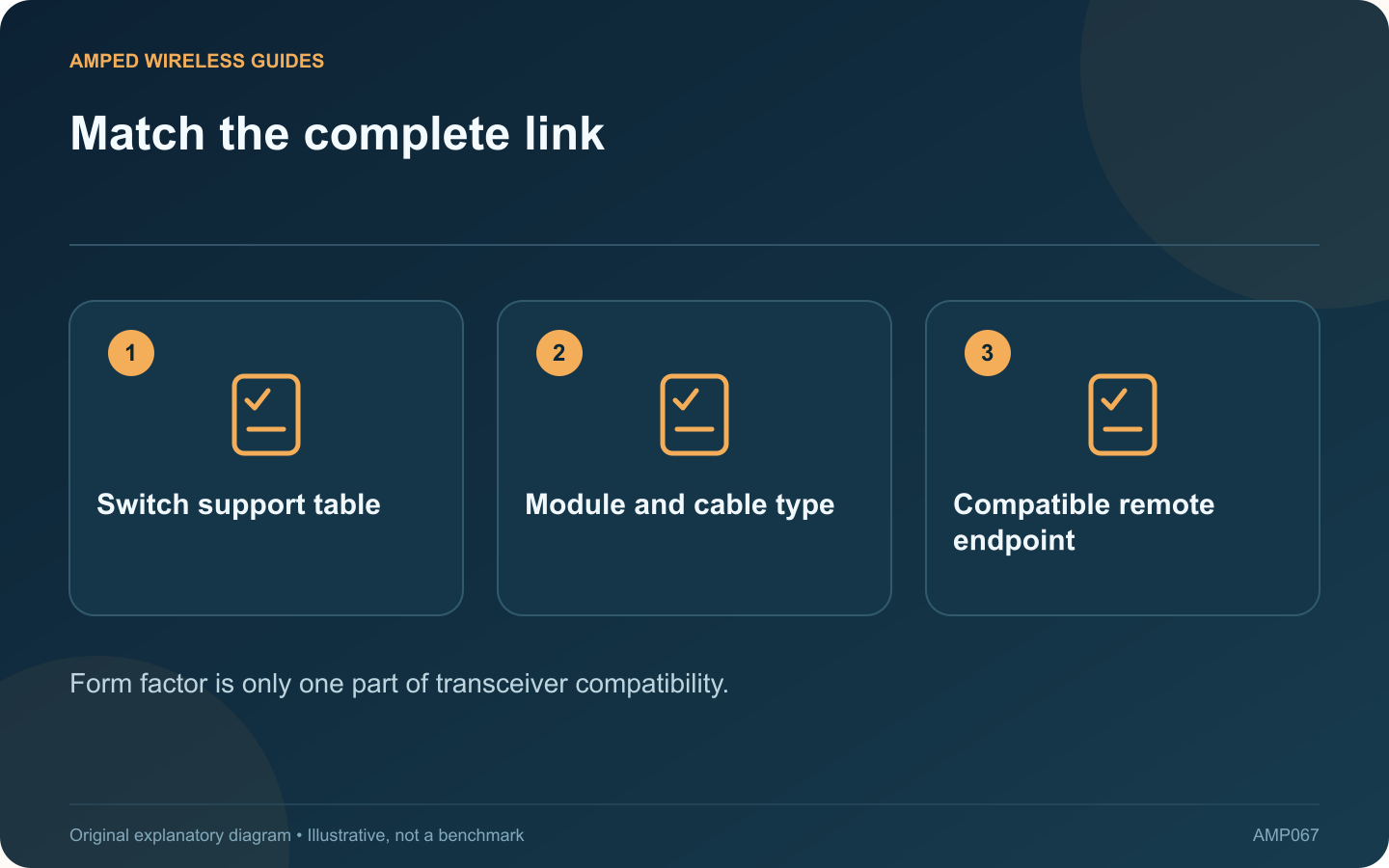
SFP and SFP+ cages make network interfaces flexible, but the removable module still needs to match the host equipment and the far end of the link. A module physically fitting into a slot is not enough to establish compatibility.
Start with the switch support table
Look up the exact switch model, hardware revision and firmware guidance. NETGEAR publishes model-specific lists that distinguish supported Gigabit modules, 10 Gigabit modules and direct-attach cables. A table for another switch is not an automatic substitute.
Identify the transmission medium
Determine whether the intended link uses optical fiber, a direct-attach cable or an RJ45 copper module. Each has different reach, power and compatibility considerations. Do not select a transceiver only because its product name includes the target speed.
Match the optical path
For fiber, verify the required fiber type, connector arrangement, wavelength and supported distance at both ends. An installer should confirm the optical budget and any special requirements for paired bidirectional modules where those are used.
Check port behavior
- Supported link rates in that cage.
- Whether a port shares resources with another connector.
- Any required supported speed configuration.
- Module power and cooling limits.
A switch offering SFP+ does not imply that every lower-speed or multi-rate module will operate in every desired mode.
Keep the installation traceable
Record module part numbers, the cable identifier and the remote port. After insertion, verify the negotiated rate and any available diagnostics. Run a controlled transfer before depending on the new link.
Handle optical connections according to the manufacturer’s safety and cleanliness instructions, and never look into an active fiber or transceiver. If the link fails, compare the complete documented combination before buying another random module. Compatibility is a relationship among the host, module, medium and remote endpoint, so every element needs to agree.
Sources and editorial notes
Sources checked 8–9 October 2026. Independent guidance and original illustrations; product comparisons use published specifications rather than hands-on benchmarks. Check the exact model, revision and regional documentation before changing settings.
- NETGEAR: model-specific SFP and SFP+ compatibility
- MikroTik: S+RJ10 interface and distance specifications