Explore the guide library · Powerline networking
An idle-state indicator can be normal; compare wake-up recovery with a real loss of powerline connectivity.
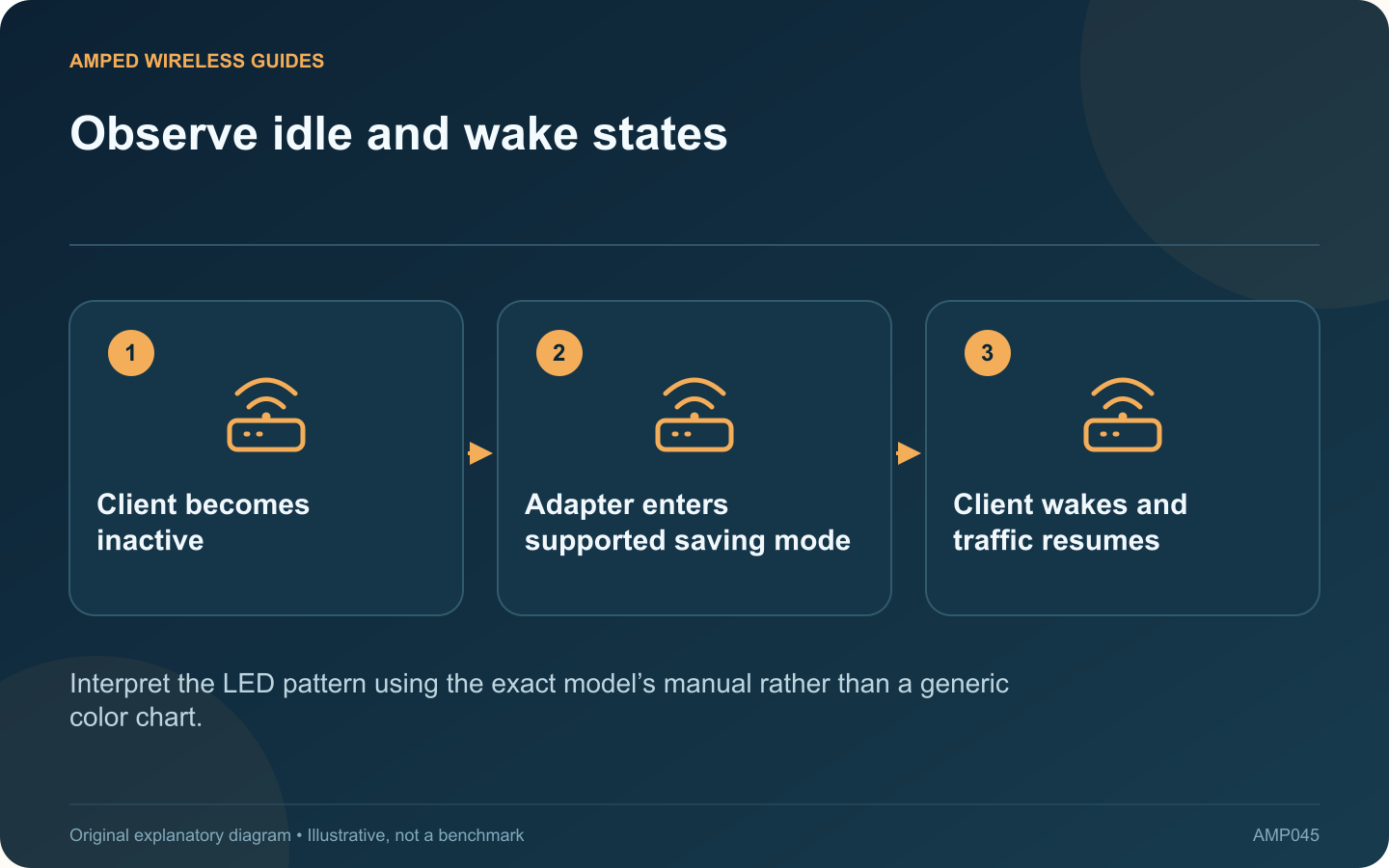
A change in a powerline adapter’s lights after the attached computer sleeps does not necessarily mean the network has failed. Some models enter a power-saving state when their Ethernet client is inactive. The important test is what happens when normal activity resumes.
Read the model’s indicator guide
For example, TP-Link describes power-saving behavior for the TL-PA8010P revision covered by its guide, including an idle period and a slowly blinking indicator. Other products may use different timing and light patterns. Identify the hardware revision before interpreting them.
Observe a complete cycle
Confirm the connection works while the computer is awake. Let it enter its normal sleep state, note the adapter’s indication, and then wake the computer. Check whether Ethernet negotiates again and the intended application reconnects.
Separate wake delay from persistent failure
| Result | What to investigate |
|---|---|
| Connection returns normally | Likely expected idle behavior |
| Ethernet never reconnects | Client interface and cable state |
| Ethernet returns but powerline stays absent | Adapter pairing, firmware and outlet path |
Do not reset immediately
A factory reset discards useful configuration and can turn a minor wake-up issue into a pairing task. Capture the failing state first. Use a normal restart or supported setting change only when the vendor’s troubleshooting procedure calls for it.
Test the actual requirement
If the connection supports an always-on device or remote wake workflow, verify that complete use case. Do not assume an adapter’s ability to save power guarantees that every wake mechanism will pass through every sleeping component.
Keep firmware current for the correct model and use a suitable wall outlet. If recovery repeatedly fails, report the idle duration, indicator pattern and client behavior to the vendor. Those details distinguish expected energy-saving operation from a reproducible fault that requires further attention.
Sources and editorial notes
Sources checked 8–9 October 2026. Independent guidance and original illustrations; product comparisons use published specifications rather than hands-on benchmarks. Check the exact model, revision and regional documentation before changing settings.