Explore the guide library · Powerline networking
Treat wireless names, powerline pairing and mesh compatibility as three separate setup checks.
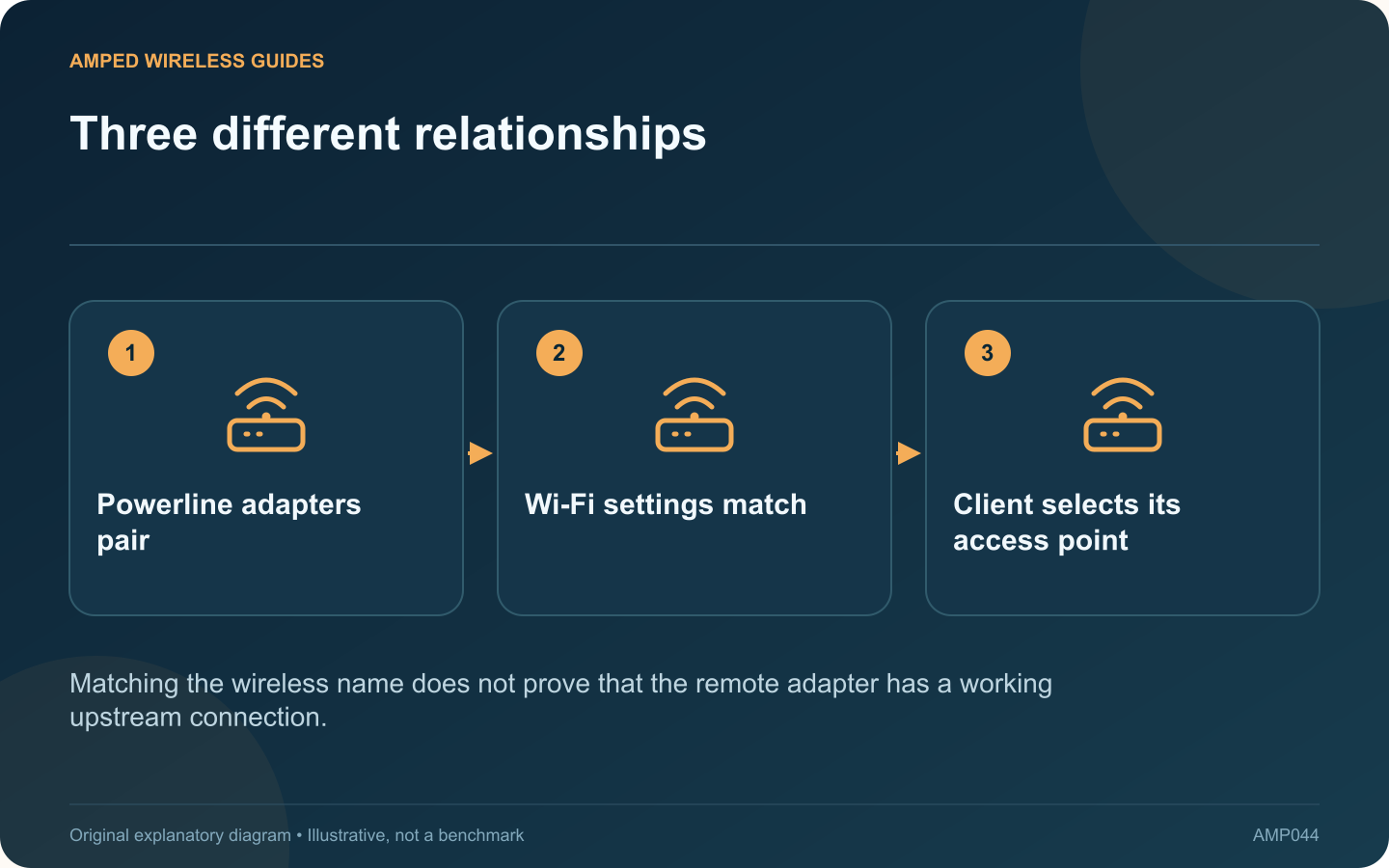
A Wi-Fi powerline extender performs two jobs: it reaches the router through a supported powerline connection and provides a wireless connection for nearby devices. Copying the router’s wireless settings addresses the second job, not the first.
Verify the upstream connection first
Follow the kit’s pairing procedure and check its powerline status. If the remote unit has an Ethernet port, a wired client can help test this path without adding wireless behavior to the investigation. Use a device you control and restore its normal connection afterward.
Copy settings through the documented feature
Models and revisions differ in how they copy or synchronize an SSID and password. Consult the exact manual for its button sequence or app controls. A general setup video for another product may describe different timing or capabilities.
Distinguish matching names from mesh
Two access points using the same network name do not automatically become a coordinated mesh system. TP-Link’s mesh-family guidance makes compatibility a product-specific question. Check the required router, extender firmware and supported ecosystem before relying on mesh behavior.
Check what the client actually does
Client devices participate in roaming decisions. A phone may remain connected to the original router even beside the powerline extender. Inspect the connected access point where your device or management interface exposes that information.
Test each layer separately
| Observation | Relevant layer |
|---|---|
| Remote wired client has no access | Powerline or upstream path |
| Wrong wireless password | SSID security configuration |
| Phone stays on distant access point | Client roaming and system support |
Keep a record of the final network names and approved security settings without publishing passwords. Once the wired upstream path works, test the wireless connection in the intended room and while walking between coverage areas. This order prevents a wireless cloning operation from masking an unresolved powerline pairing problem.
Sources and editorial notes
Sources checked 8–9 October 2026. Independent guidance and original illustrations; product comparisons use published specifications rather than hands-on benchmarks. Check the exact model, revision and regional documentation before changing settings.
- TP-Link: powerline installation and standard compatibility
- TP-Link: EasyMesh interoperability and firmware requirements
- Apple: client decisions and roaming support