Independent extender & router guidesHelping you find your connection.
The guide library

Deco Ethernet backhaul works directly but fails through a switch

Explore the guide library · Wired backhaul troubleshooting

Use a direct cable comparison to narrow the fault to the intermediate switch path without disabling protections blindly.
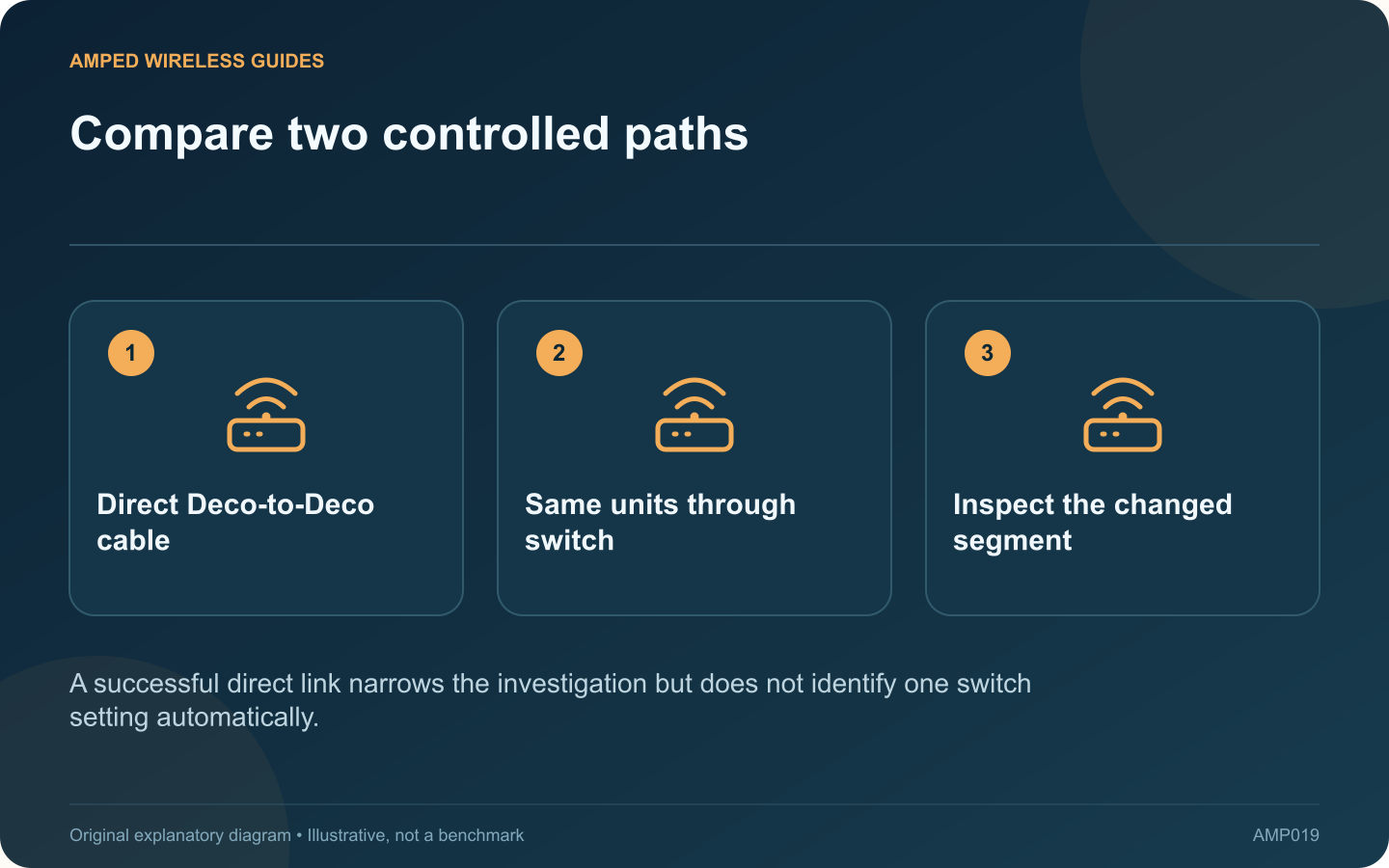
Compare two controlled paths: Direct Deco-to-Deco cable; Same units through switch; Inspect the changed segment
A successful direct link narrows the investigation but does not identify one switch setting automatically.

If two Deco units establish Ethernet backhaul with a direct cable but become unstable through a switch, the intermediate path deserves investigation. That path includes ports, patch leads and switch behavior, not only the switch’s brand.

Preserve the working baseline

Record the operating mode and the successful direct connection. Confirm that the app reports Ethernet backhaul. Keep the same units and a known-good cable available for comparison.

Reintroduce the switch carefully

Use the intended topology for Router or Access Point mode. Try a documented ordinary LAN port and inspect its status. If the switch is managed, verify the relevant VLAN membership and whether the port is blocked or reporting errors.

Read compatibility guidance

TP-Link documents that Deco backhaul relies on IEEE 1905.1 traffic and that some switch behavior can interfere with it. The vendor also discusses loop-detection interactions. These are possibilities to investigate, not a reason to disable network protections throughout the installation.

Collect a narrow comparison

  • Direct link: connection type and stability.
  • Switched link: port numbers and status.
  • Known-good versus existing patch leads.
  • Switch model, firmware and relevant configuration.

Resolve the specific cause

Consult the switch and mesh vendors when the evidence points to compatibility or a protective feature. A model-specific supported adjustment or compatible switch may be appropriate. Preserve loop prevention and segmentation requirements in the network design.

After a correction, add the remaining satellites one at a time and watch for instability. Test ordinary client traffic as well as the app’s backhaul label.

A direct connection that works is valuable because it reduces the number of suspects. Use that evidence to focus the repair instead of replacing every mesh unit or making several unrelated switch changes at once. Keep the final port layout documented so later maintenance does not recreate the failing arrangement.

Sources and editorial notes

Sources checked 8–9 October 2026. Independent guidance and original illustrations; product comparisons use published specifications rather than hands-on benchmarks. Check the exact model, revision and regional documentation before changing settings.

Related guides

300 FAQs across our guide libraries

Quick answers

100 practical questions from Amped Wireless Guides.

Browse all 100 FAQs
Why might Deco backhaul work directly but fail through a switch?

If two Deco units establish Ethernet backhaul with a direct cable but become unstable through a switch, the intermediate path deserves investigation. That path includes ports, patch leads and switch behavior, not only the switch's brand. Record the operating mode and the successful direct connection. Confirm that the app reports Ethernet backhaul. Keep the same units and a known-good cable available for comparison.

Read the full guide and sources
How can I confirm that mesh Ethernet backhaul is active?

An Ethernet light blinking on a mesh node does not by itself prove that the node is using that cable for backhaul. The port could serve a client, negotiate at an unexpected rate or connect to an unsuitable network segment. Identify both endpoints and any intervening switch or wall patch. Check that the arrangement matches the mesh system's active operating mode. Label the path if several similar cables share a cabinet.

Read the full guide and sources
Can wired and wireless Deco satellites share one network?

You do not need Ethernet in every room to benefit from wired backhaul. Deco supports a mixture of wired and wireless satellite connections. The important step is understanding which segments use each method and whether the remaining wireless paths are healthy. Identify rooms with tested Ethernet sockets and note where they connect. A wall plate without a known live upstream port is not yet a usable backhaul. Confirm the network's operating mode before choosing the switch arrangement.

Read the full guide and sources
Where should a switch connect when Deco runs in Router mode?

When Deco runs in Router mode, the main unit separates its upstream internet connection from the network it manages. A switch used for satellite backhaul belongs on the main unit's LAN side. Treating every available Ethernet socket as equivalent can create an incorrect topology. Write the order as internet gateway, main Deco, LAN switch and satellite Decos. TP-Link's wiring guidance places wired satellites behind the main Deco in Router mode. Avoid connecting them to a switch that bypasses the main unit on its upstream side.

Read the full guide and sources
Independent. Practical. Clear.

Amped Wireless Guides is an independent information website. We are not affiliated with or endorsed by Amped Wireless. Product names belong to their respective owners.