Independent extender & router guidesHelping you find your connection.
The guide library

AiMesh Ethernet Backhaul Mode vs Ethernet-first priority

Explore the guide library · Wired backhaul planning

Choose the setting that matches an all-wired or mixed installation, and verify every node before applying it.
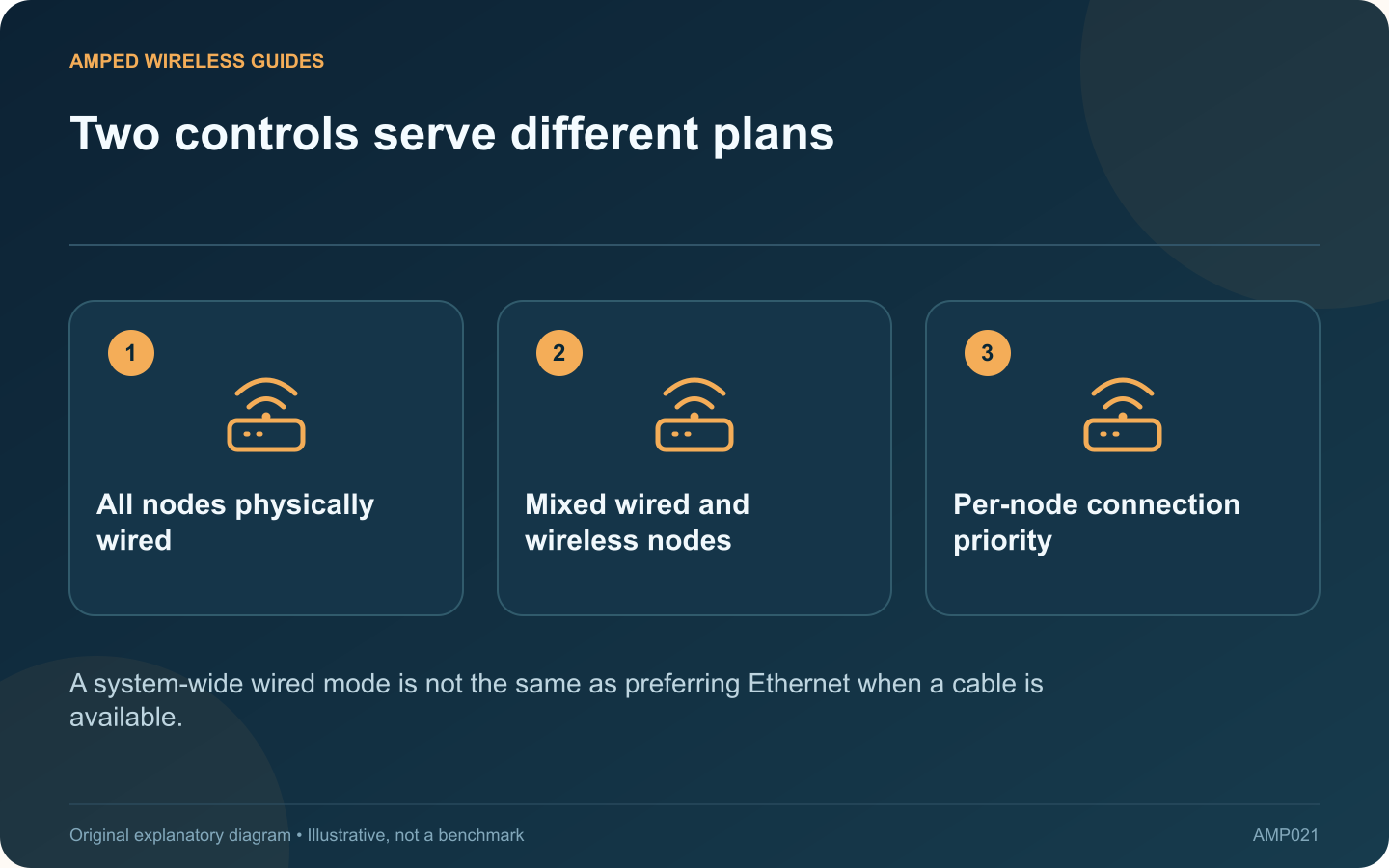
Two controls serve different plans: All nodes physically wired; Mixed wired and wireless nodes; Per-node connection priority
A system-wide wired mode is not the same as preferring Ethernet when a cable is available.

ASUS AiMesh offers Ethernet Backhaul Mode and a per-node Backhaul Connection Priority on supported firmware. These controls serve different installation plans. Choosing the system-wide wired option while some nodes remain wireless can disconnect those nodes.

Inventory the actual links

List each node and whether an Ethernet cable reaches its supported upstream port. Verify the cable at both ends. A room socket that has never been connected at the cabinet does not count as an available wired backhaul.

Understand the all-wired option

ASUS describes Ethernet Backhaul Mode for an installation where the nodes are connected by Ethernet. The vendor instructs users to establish those cables before enabling the mode. Confirm model and firmware support and read the on-screen consequences before applying it.

Understand per-node priority

For a mixed installation, ASUS documents a connection-priority setting that can prefer Ethernet while retaining wireless behavior when the wired path is unavailable. Available port labels depend on the hardware. Use the option matching the node’s actual connection.

Make a controlled change

  1. Record the current topology and settings.
  2. Confirm each intended wired link works.
  3. Apply the appropriate supported mode or priority.
  4. Check every node’s resulting upstream connection.

Schedule the work when a temporary interruption is acceptable. Keep access to the main router so a misplaced setting can be corrected without relying on the affected satellite.

Validate the intended benefit

Test the rooms served by each node, including any still-wireless unit. Review whether the system exposes additional client radio capacity under the chosen arrangement, but do not assume identical behavior across all AiMesh models.

Keep the final settings with the wiring diagram. If a cable is removed later, revisit the chosen mode before expecting automatic recovery. The useful distinction is between requiring a wired topology and merely preferring a wired link where one exists.

Sources and editorial notes

Sources checked 8–9 October 2026. Independent guidance and original illustrations; product comparisons use published specifications rather than hands-on benchmarks. Check the exact model, revision and regional documentation before changing settings.

Related guides

300 FAQs across our guide libraries

Quick answers

100 practical questions from Amped Wireless Guides.

Browse all 100 FAQs
How do AiMesh Ethernet Backhaul Mode and Ethernet-first priority differ?

ASUS AiMesh offers Ethernet Backhaul Mode and a per-node Backhaul Connection Priority on supported firmware. These controls serve different installation plans. Choosing the system-wide wired option while some nodes remain wireless can disconnect those nodes. List each node and whether an Ethernet cable reaches its supported upstream port. Verify the cable at both ends. A room socket that has never been connected at the cabinet does not count as an available wired backhaul.

Read the full guide and sources
Where should a switch connect when Deco runs in Router mode?

When Deco runs in Router mode, the main unit separates its upstream internet connection from the network it manages. A switch used for satellite backhaul belongs on the main unit's LAN side. Treating every available Ethernet socket as equivalent can create an incorrect topology. Write the order as internet gateway, main Deco, LAN switch and satellite Decos. TP-Link's wiring guidance places wired satellites behind the main Deco in Router mode. Avoid connecting them to a switch that bypasses the main unit on its upstream side.

Read the full guide and sources
Can wired and wireless Deco satellites share one network?

You do not need Ethernet in every room to benefit from wired backhaul. Deco supports a mixture of wired and wireless satellite connections. The important step is understanding which segments use each method and whether the remaining wireless paths are healthy. Identify rooms with tested Ethernet sockets and note where they connect. A wall plate without a known live upstream port is not yet a usable backhaul. Confirm the network's operating mode before choosing the switch arrangement.

Read the full guide and sources
What should I check before converting an extender into a wired access point?

If an Ethernet run reaches a difficult room, a supported extender may be reusable as an access point. This changes the upstream path from Wi-Fi to cable and lets you place the radio near the clients that need coverage. Check the exact model, hardware revision and manual for Access Point mode. An Ethernet socket alone does not prove that the feature is available. TP-Link's documentation explicitly notes that some extender models lack AP mode.

Read the full guide and sources
Independent. Practical. Clear.

Amped Wireless Guides is an independent information website. We are not affiliated with or endorsed by Amped Wireless. Product names belong to their respective owners.