Independent extender & router guidesHelping you find your connection.
The guide library

A practical acceptance test for a new mesh Wi-Fi kit

Explore the guide library · Coverage design choices

Test the rooms, transitions and busy periods that matter while you can still change the installation plan.
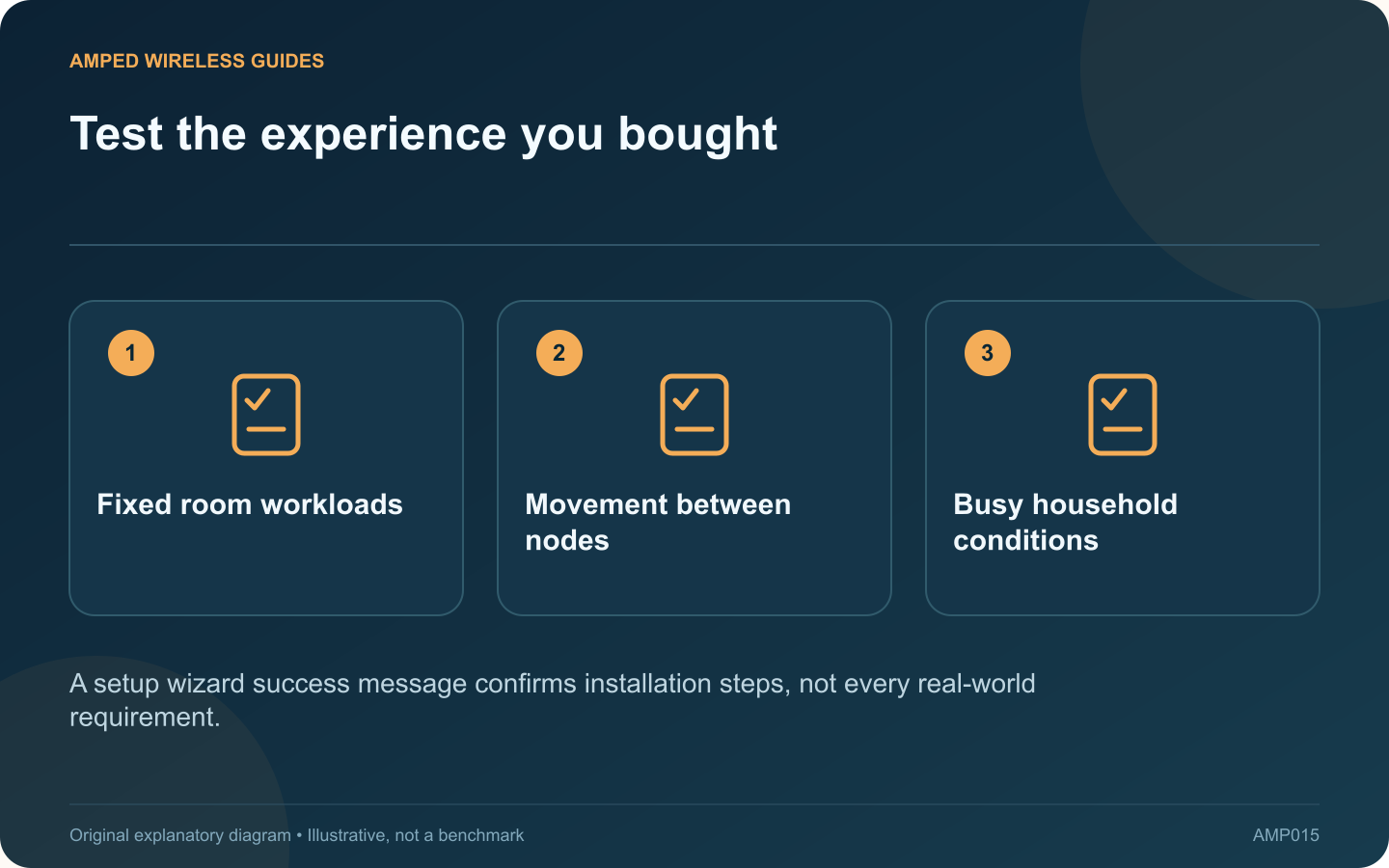
Test the experience you bought: Fixed room workloads; Movement between nodes; Busy household conditions
A setup wizard success message confirms installation steps, not every real-world requirement.

A mesh kit passing its setup wizard is the beginning of validation. Before the return period ends, test whether it actually solves the household problems that justified the purchase.

Write three acceptance goals

Examples include a stable call in the upstairs office, smooth streaming in the television room and usable coverage on a particular patio. Be specific about the device and location. “Faster Wi-Fi everywhere” is difficult to measure consistently.

Record a baseline

Save the original room-level observations before replacing the old arrangement. Include latency or application quality as well as download speed. Use the same client devices for the new tests so a newer phone does not disguise an unchanged network problem.

Verify the installed topology

Confirm which unit is primary, how each satellite connects and whether wired backhaul is active where intended. Read upstream-link quality in the vendor’s app. A satellite placed in the target room may still have a weak path back to the main unit.

Run the acceptance sequence

  • Complete each fixed-room task for a realistic duration.
  • Walk through the usual transition route with a call.
  • Repeat while other household devices are active.
  • Check normal recovery after a planned restart.

Check less visible requirements

Verify printers, local storage, guest access and any device-specific schedules you actually use. A faster internet test is not a substitute for those functions. Confirm that the new operating mode has not removed a feature you relied on.

Make one placement or supported configuration change at a time, then repeat the affected test. Keep notes of the final arrangement and unresolved limitations.

If the kit cannot meet the goals with a viable topology, consider a different backhaul or installation design before the return window closes. The right outcome is a system that works for the household’s actual tasks, not one that briefly achieves a marketing-style peak beside the primary node.

Sources and editorial notes

Sources checked 8–9 October 2026. Independent guidance and original illustrations; product comparisons use published specifications rather than hands-on benchmarks. Check the exact model, revision and regional documentation before changing settings.

Related guides

300 FAQs across our guide libraries

Quick answers

100 practical questions from Amped Wireless Guides.

Browse all 100 FAQs
How should I test a new mesh kit before keeping it?

A mesh kit passing its setup wizard is the beginning of validation. Before the return period ends, test whether it actually solves the household problems that justified the purchase. Examples include a stable call in the upstairs office, smooth streaming in the television room and usable coverage on a particular patio. Be specific about the device and location. “Faster Wi-Fi everywhere” is difficult to measure consistently.

Read the full guide and sources
Will adding another mesh node always improve coverage?

Adding another mesh node is tempting when a speed test disappoints, but node count alone does not determine performance. TP-Link explicitly notes that more Deco units do not always improve throughput or stability, especially when there are no coverage gaps. List the rooms and tasks that fail. If performance is poor everywhere, including beside the main router on a wired connection, another wireless node is unlikely to address the primary issue. If one distant room fails, additional coverage may be relevant.

Read the full guide and sources
Are Deco, EasyMesh and OneMesh automatically compatible?

A router and extender from the same manufacturer are not automatically members of the same mesh family. Before purchasing an add-on, verify the exact pairing and the features that pairing supports. Record the router and prospective extender's full model names, hardware revisions and regional versions. Check released firmware requirements. A feature shown as planned should not be treated as available in the product you can buy today.

Read the full guide and sources
Should two extenders connect directly to the router or to each other?

A second extender can cover another area, but connecting it through the first creates a different network path from connecting both directly to the router. The choice affects how many wireless links each client's traffic must cross. In a direct arrangement, each extender receives the router's signal independently. In a daisy chain, the distant extender depends on the first extender as well as its own client connection. TP-Link generally recommends direct host-router connections for better performance.

Read the full guide and sources
Independent. Practical. Clear.

Amped Wireless Guides is an independent information website. We are not affiliated with or endorsed by Amped Wireless. Product names belong to their respective owners.