Independent extender & router guidesHelping you find your connection.
The guide library

Create a network hardware inventory that makes updates and replacements easier

Explore the guide library · Maintenance and recovery

Record exact revisions, device roles and support links without putting credentials into the inventory.
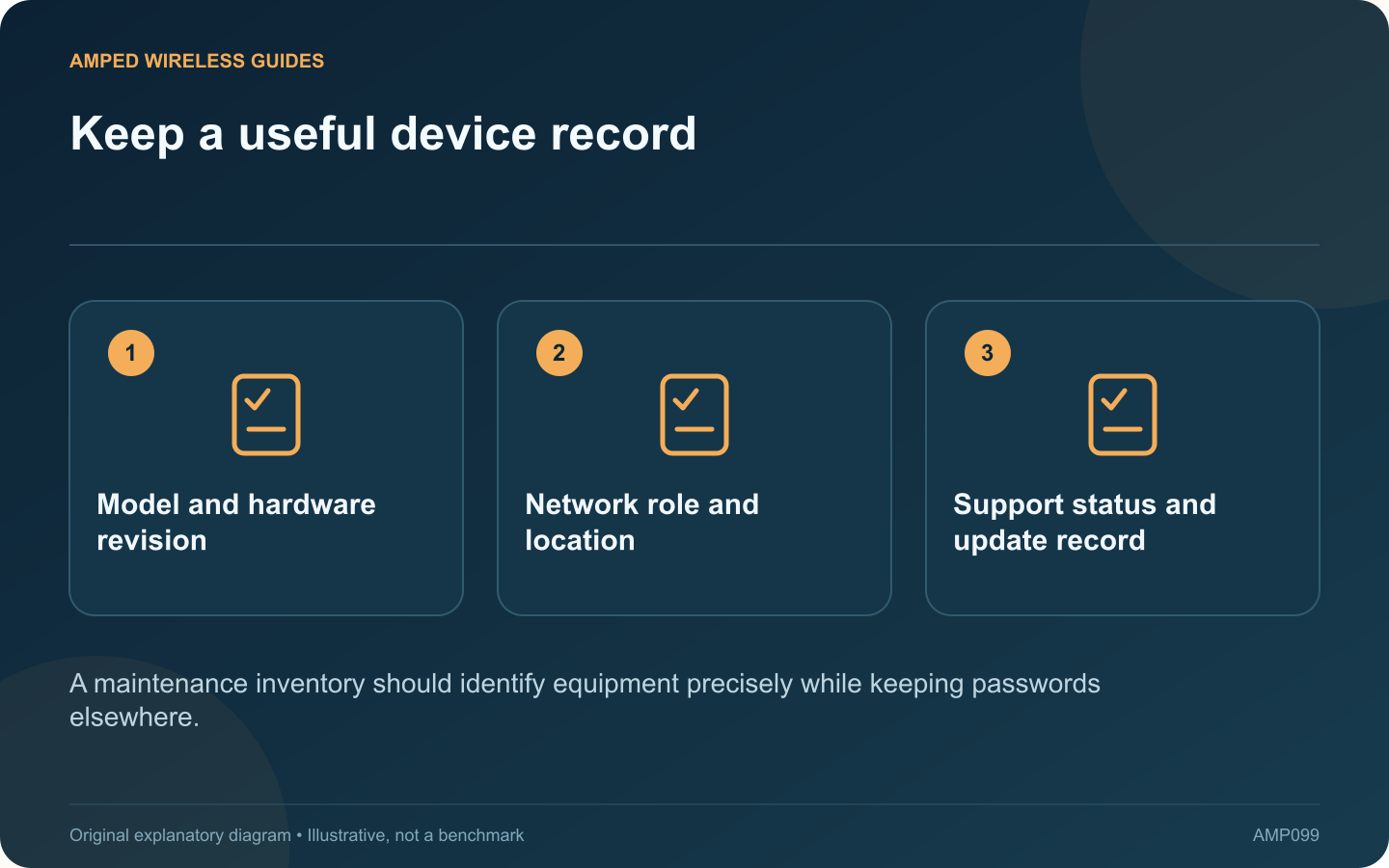
Keep a useful device record: Model and hardware revision; Network role and location; Support status and update record
A maintenance inventory should identify equipment precisely while keeping passwords elsewhere.

A useful home-network inventory does more than list “router” and “extender.” Exact model and hardware information can determine which firmware is appropriate, which replacement is compatible and where a fault should be investigated.

Record stable identity information

For each device, note the manufacturer, model, hardware revision and a private descriptive label. Record the installed firmware and official support page. TP-Link’s extender maintenance guidance illustrates why revision information matters when selecting an update.

Describe its role

State whether the device routes traffic, provides Wi-Fi, switches Ethernet, bridges buildings or supplies PoE. Include the physical location and upstream connection. A product capable of several modes should be documented according to how it is actually configured.

Keep secrets out

Store passwords, recovery codes and configuration backups in appropriate protected locations. The inventory can point to the relevant private record without containing the secret itself. Avoid sharing unredacted device labels or public contact details in a support copy.

Track the lifecycle

  • Purchase or installation date when known.
  • Last supported firmware update.
  • Current support or end-of-life status.
  • Any planned replacement requirement.

Manufacturer lifecycle terminology varies, so save the source and check date rather than recording a vague assumption that equipment is “too old.”

Connect devices to the cable map

Use the same outlet and patch-panel identifiers as the cabling record. Keep the device identity separate from the port so moving equipment does not erase the fixed-link history.

Review the inventory after a hardware or configuration change. A short accurate record is more useful than a detailed document that no longer matches the installation.

During the next outage, the inventory should let another authorized person identify the affected device, find its current documentation and understand what depends on it. That practical handover test is a good measure of whether the record contains the information the network actually needs.

Sources and editorial notes

Sources checked 8–9 October 2026. Independent guidance and original illustrations; product comparisons use published specifications rather than hands-on benchmarks. Check the exact model, revision and regional documentation before changing settings.

Related guides

300 FAQs across our guide libraries

Quick answers

100 practical questions from Amped Wireless Guides.

Browse all 100 FAQs
What belongs in a useful network hardware inventory?

A useful home-network inventory does more than list “router” and “extender.” Exact model and hardware information can determine which firmware is appropriate, which replacement is compatible and where a fault should be investigated. For each device, note the manufacturer, model, hardware revision and a private descriptive label. Record the installed firmware and official support page. TP-Link's extender maintenance guidance illustrates why revision information matters when selecting an update.

Read the full guide and sources
What should I verify before relying on an extender backup?

A configuration backup can make an extender change easier to reverse, but it should be created and stored with enough context to be useful. A file named only “backup” may be difficult to trust months later. TP-Link documents configuration backup and restore for supported range extenders. Check whether your exact model and firmware offer the feature. Follow its interface instructions rather than copying hidden device files or assuming every product exposes the same menu.

Read the full guide and sources
Why must extender firmware match hardware revision and region?

An extender family can contain several hardware revisions that require different firmware. Before a manual update, match the full model, revision and regional support page. A file for a similarly named product is not an acceptable substitute. Read the product label and current management status. Record the hardware version and installed firmware. Avoid publishing photographs that expose wireless passwords, device identifiers or account information while asking for help.

Read the full guide and sources
Should unsupported extenders be replaced even if they still work?

An extender may continue forwarding traffic long after its product family stops receiving updates. That does not by itself prove a current compromise, but support status should be part of the decision about keeping it in service. Find the exact model and revision on the official support and lifecycle pages. ASUS, for example, publishes an end-of-life networking list. Other manufacturers use different terminology, so distinguish a sales discontinuation from a stated end of software support.

Read the full guide and sources
Independent. Practical. Clear.

Amped Wireless Guides is an independent information website. We are not affiliated with or endorsed by Amped Wireless. Product names belong to their respective owners.