Explore the guide library · Maintenance and recovery
Treat configuration files as private, version-sensitive recovery material rather than universal migration files.
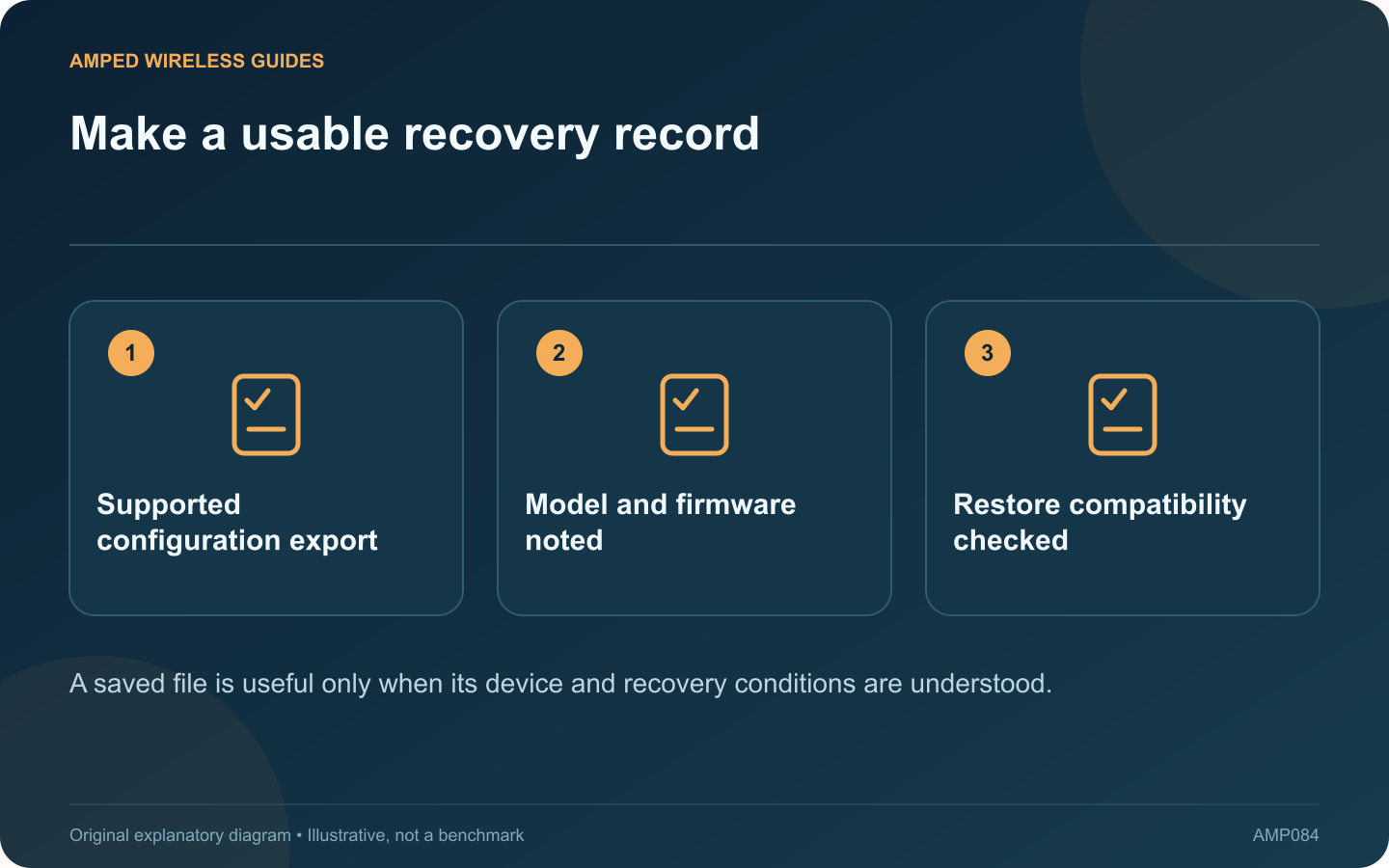
A configuration backup can make an extender change easier to reverse, but it should be created and stored with enough context to be useful. A file named only “backup” may be difficult to trust months later.
Use the supported export function
TP-Link documents configuration backup and restore for supported range extenders. Check whether your exact model and firmware offer the feature. Follow its interface instructions rather than copying hidden device files or assuming every product exposes the same menu.
Name the record clearly
Include a private device label, date, hardware revision and firmware version in your maintenance notes. Record why the backup was taken, such as before changing operating mode or wireless settings.
Protect sensitive contents
Configuration files can contain credentials and network details. Store them in an appropriately protected location. Do not upload them to public forums or include them in screenshots when requesting troubleshooting assistance.
Check restore compatibility
- The target device and hardware revision.
- The supported firmware relationship.
- Any requirement to re-enter particular settings.
- The network conditions expected after restoration.
Do not assume a backup from one extender can configure a different model or that every older file is valid after a major firmware change.
Keep a human-readable fallback
Record non-secret essentials such as operating mode, intended router connection and physical location. Keep credentials separately in an appropriate password manager. This helps when a configuration file cannot be restored.
Verify any restoration
After following the supported process, check the actual network service and management access. A successful file import does not prove that the current router password or topology still matches the saved arrangement.
A good backup plan combines a supported file, clear metadata and a practical acceptance test. It should make recovery predictable without spreading sensitive configuration or carrying obsolete settings into a new installation.
Sources and editorial notes
Sources checked 8–9 October 2026. Independent guidance and original illustrations; product comparisons use published specifications rather than hands-on benchmarks. Check the exact model, revision and regional documentation before changing settings.
- TP-Link: range-extender configuration backup and restore
- TP-Link: extender management and revision-specific firmware