Independent extender & router guidesHelping you find your connection.
The guide library

Buying a used mesh kit: verify account ownership before installing it

Explore the guide library · Maintenance and recovery

Check both the physical hardware and the supported account-transfer process while the seller can still help.
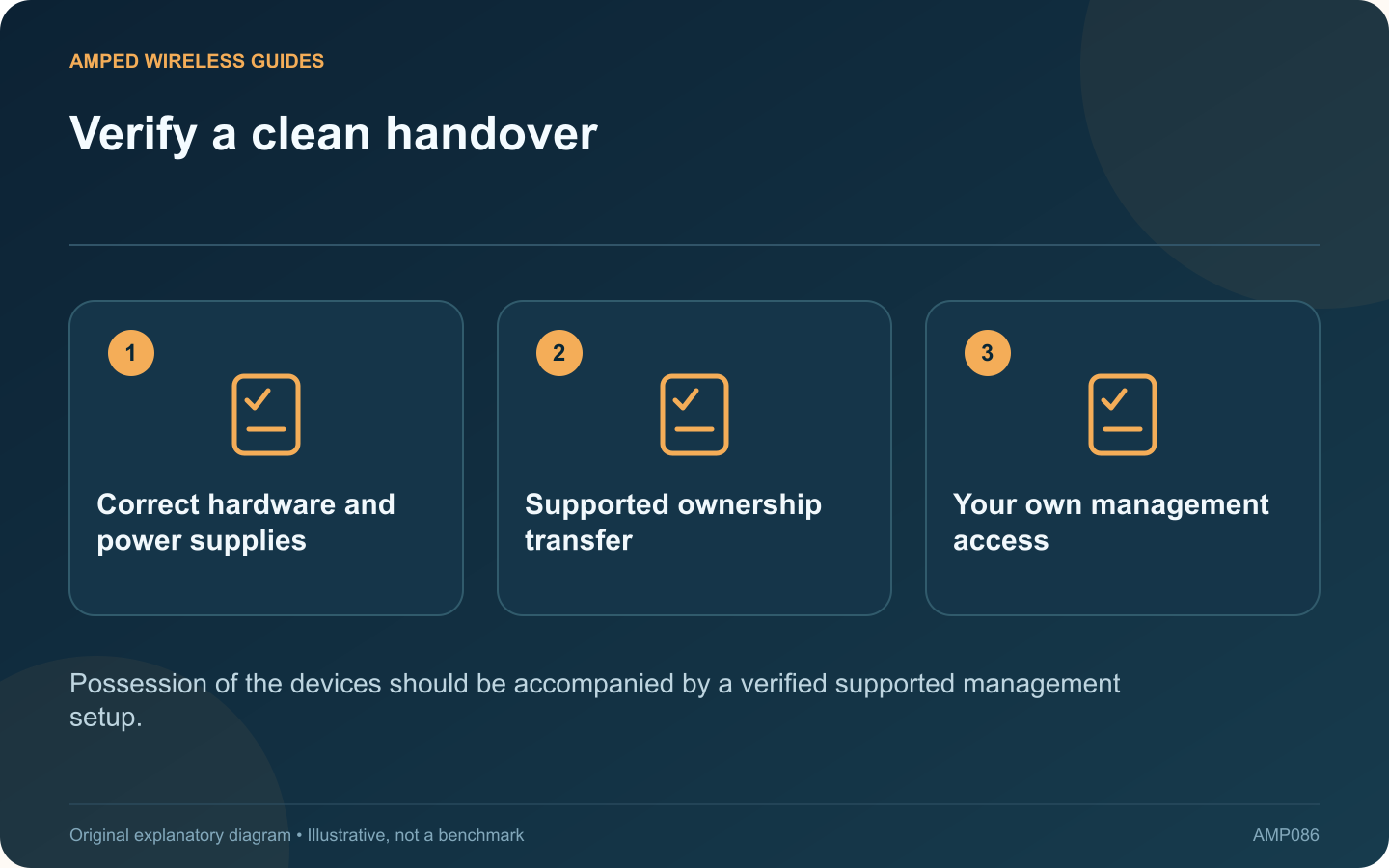
Verify a clean handover: Correct hardware and power supplies; Supported ownership transfer; Your own management access
Possession of the devices should be accompanied by a verified supported management setup.

A used mesh kit can involve an account relationship as well as physical hardware. Before relying on it, verify the manufacturer’s supported transfer or reset process and confirm that you can manage the network from your own account.

Check the complete kit

Record each unit’s model and revision, supplied power adapter and condition. Confirm current firmware support and whether the units belong to the ecosystem you intend to use. Similar-looking nodes are not always interchangeable.

Choose the supported handover method

TP-Link documents both transferring an existing Deco network’s ownership and account-unbinding or reset procedures for other situations. These are different workflows. Use the one appropriate to whether you are taking over a complete configured network or installing second-hand hardware afresh.

Keep credentials separate

The seller should not give you their personal account password, and you should not share yours. Complete the documented account process with each person controlling their own account. Avoid exposing personal identifiers in public sale photographs or support posts.

Verify before the seller becomes unavailable

  • Your account can see and manage the intended devices.
  • The previous ownership relationship is resolved as documented.
  • Firmware and settings are accessible.
  • All nodes join and provide service.

Test the actual deployment

Check both wired ports and wireless operation where needed. A powered status light does not establish that every unit functions normally or that the kit supports the planned backhaul arrangement.

Keep the proof of purchase and device inventory privately. If ownership cannot be resolved, use the manufacturer’s support process and the sale’s return arrangement rather than attempting to bypass account protections.

A clean handover reduces future surprises during firmware updates or troubleshooting. The purchase is complete when the hardware works, the management relationship is correct and the system can be maintained under your own authorized control.

Sources and editorial notes

Sources checked 8–9 October 2026. Independent guidance and original illustrations; product comparisons use published specifications rather than hands-on benchmarks. Check the exact model, revision and regional documentation before changing settings.

Related guides

300 FAQs across our guide libraries

Quick answers

100 practical questions from Amped Wireless Guides.

Browse all 100 FAQs
What account checks matter before buying a used mesh kit?

A used mesh kit can involve an account relationship as well as physical hardware. Before relying on it, verify the manufacturer's supported transfer or reset process and confirm that you can manage the network from your own account. Record each unit's model and revision, supplied power adapter and condition. Confirm current firmware support and whether the units belong to the ecosystem you intend to use. Similar-looking nodes are not always interchangeable.

Read the full guide and sources
Why must extender firmware match hardware revision and region?

An extender family can contain several hardware revisions that require different firmware. Before a manual update, match the full model, revision and regional support page. A file for a similarly named product is not an acceptable substitute. Read the product label and current management status. Record the hardware version and installed firmware. Avoid publishing photographs that expose wireless passwords, device identifiers or account information while asking for help.

Read the full guide and sources
What should I verify before relying on an extender backup?

A configuration backup can make an extender change easier to reverse, but it should be created and stored with enough context to be useful. A file named only “backup” may be difficult to trust months later. TP-Link documents configuration backup and restore for supported range extenders. Check whether your exact model and firmware offer the feature. Follow its interface instructions rather than copying hidden device files or assuming every product exposes the same menu.

Read the full guide and sources
What belongs in a useful network hardware inventory?

A useful home-network inventory does more than list “router” and “extender.” Exact model and hardware information can determine which firmware is appropriate, which replacement is compatible and where a fault should be investigated. For each device, note the manufacturer, model, hardware revision and a private descriptive label. Record the installed firmware and official support page. TP-Link's extender maintenance guidance illustrates why revision information matters when selecting an update.

Read the full guide and sources
Independent. Practical. Clear.

Amped Wireless Guides is an independent information website. We are not affiliated with or endorsed by Amped Wireless. Product names belong to their respective owners.